Well, well, well...
Look who's back uploading projects again.
It's me. I'm talking about me.
This is a step-by-step project tutorial on how you can set a WS2812B strip's brightness level and mix its colors to your desired hue.
By just using a few 10k potentiometers and a WS2812B Addressable RGB LED strp, you can make your own background lighting for video production, photos, biased lighting behind your monitor or ambient/mood lighting for your room.
The applications depends on your creativity or where you want to use it.
Yes. There are better aftermarket products available for cheap that has Bluetooth or WiFi connectivity, but the fact is that you can also add those functions to this if you really wanted to.
Code-wise, it's pretty simple/easy since most of it are sample codes from the Arduino IDE.
******************************************************************************
Helpful Links:
Analog In-Out Serial Sample Code
FastLED Github Library Basic Usage
******************************************************************************
Social Media Links To Follow (I mean, if you want to):
******************************************************************************
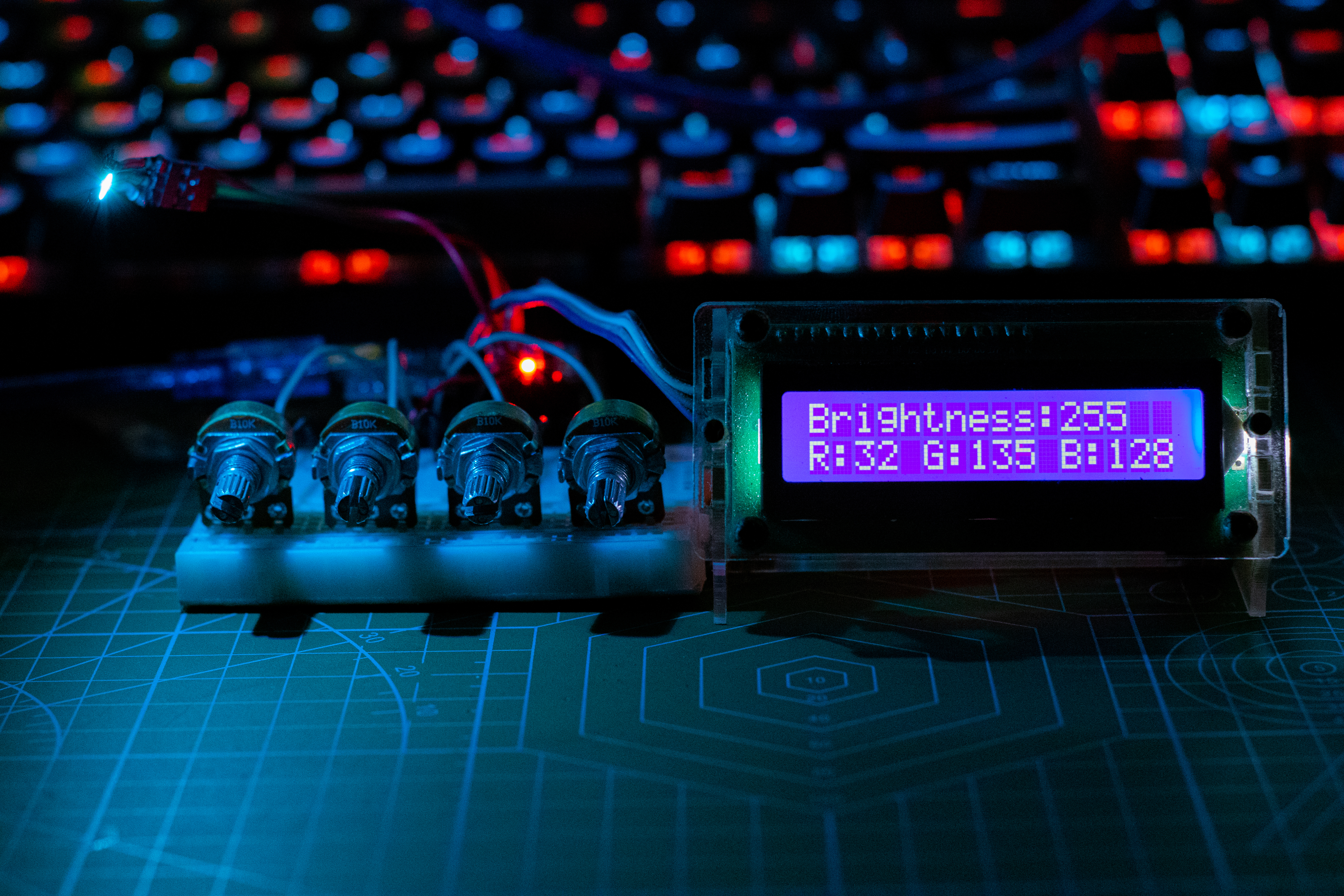
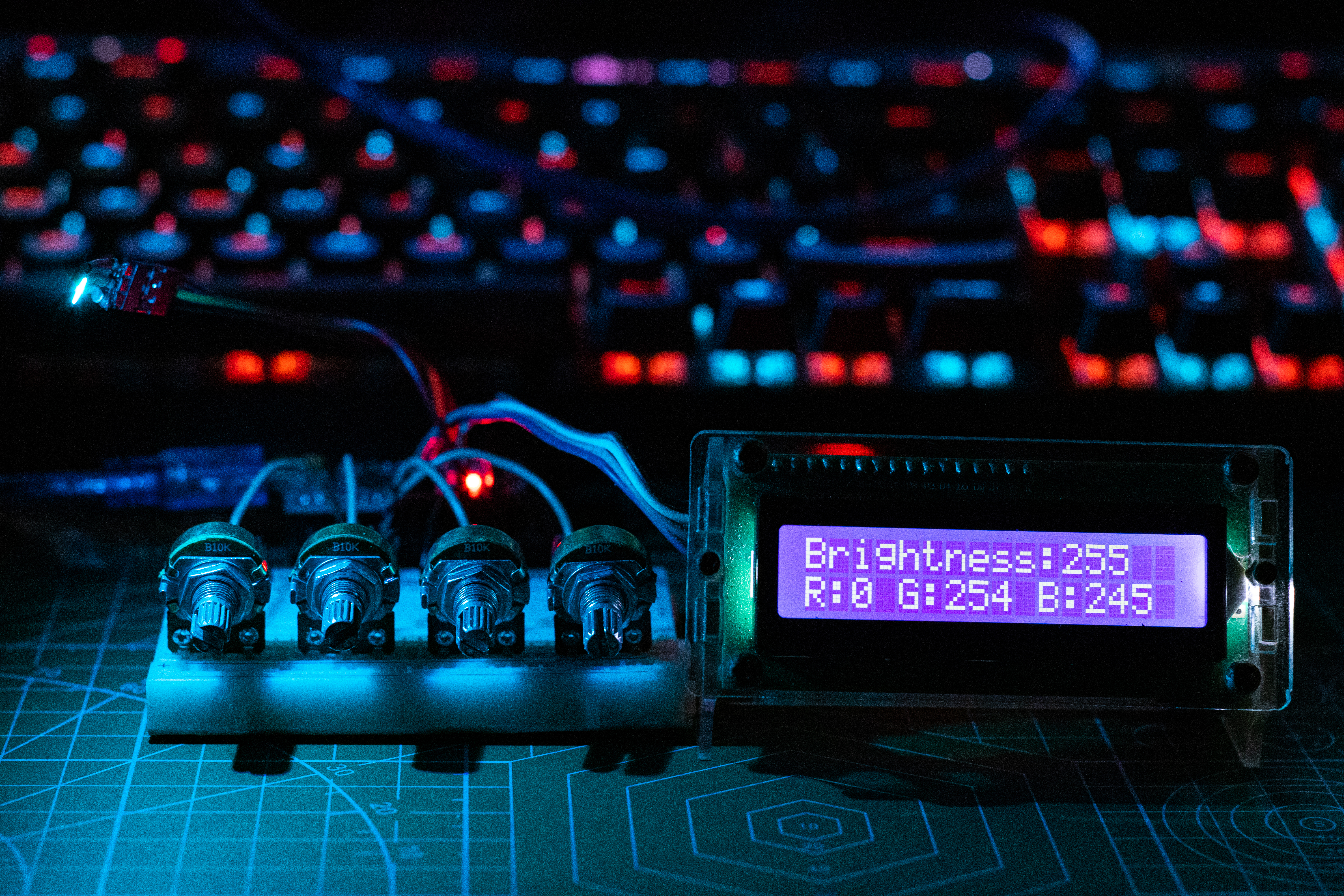
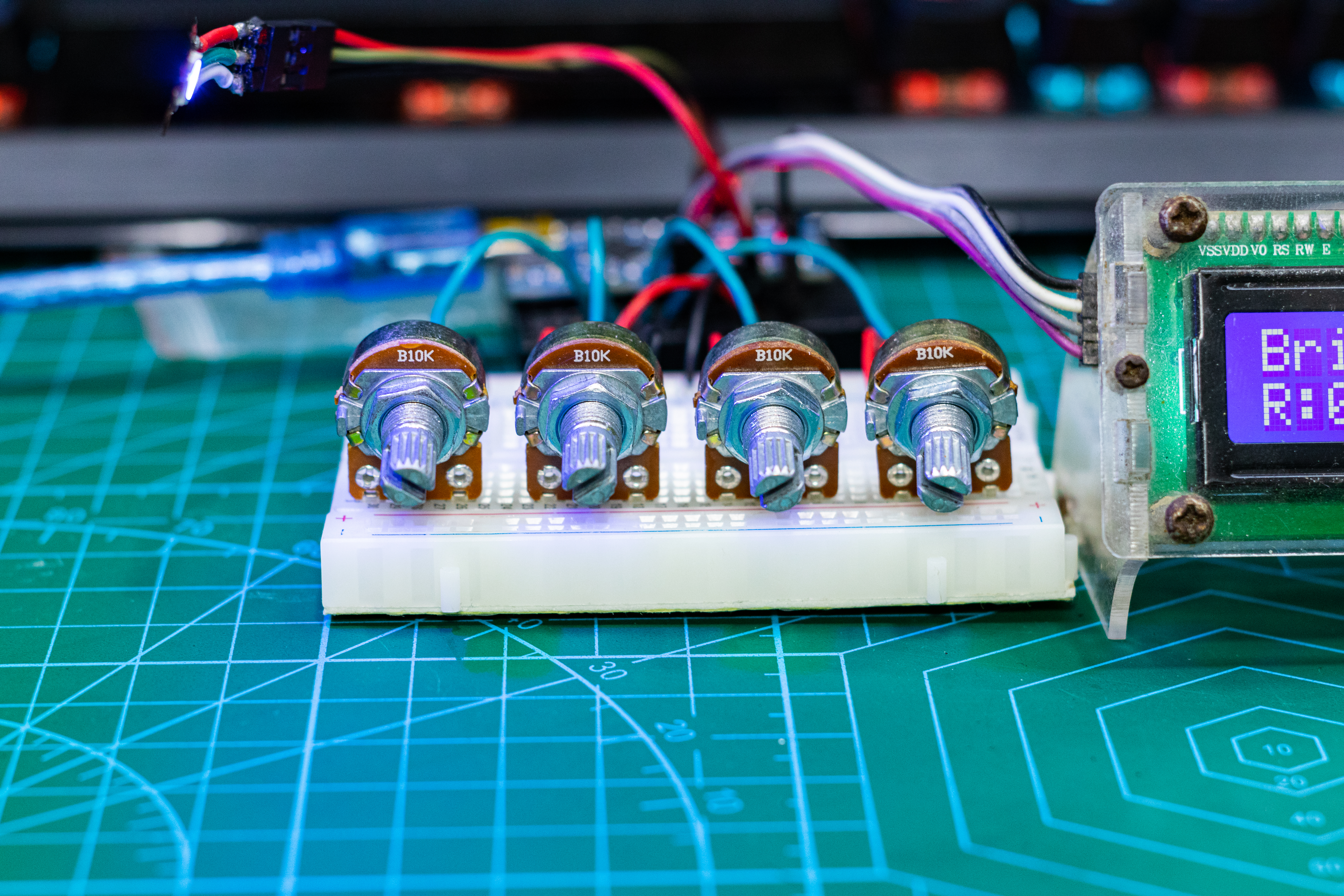
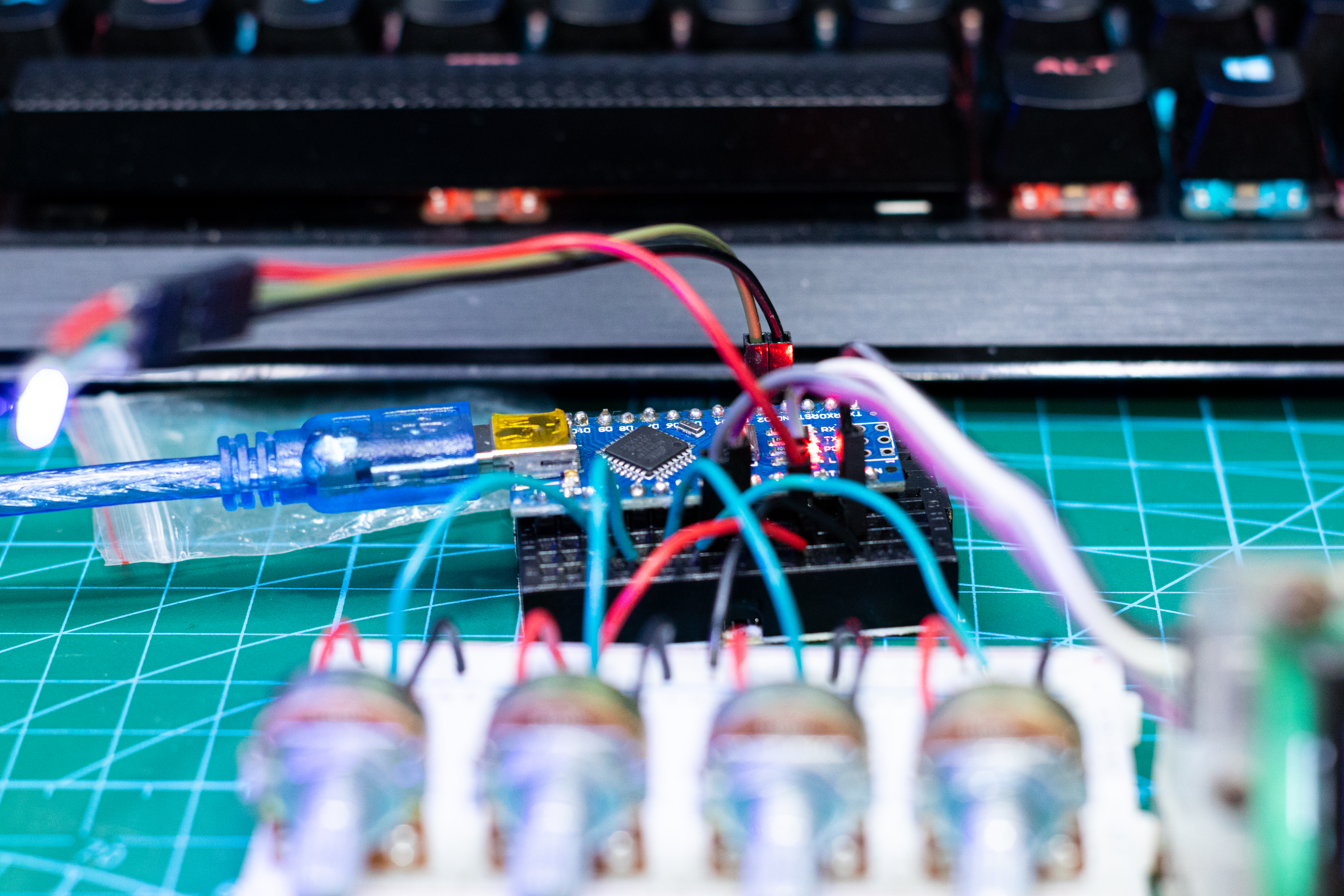
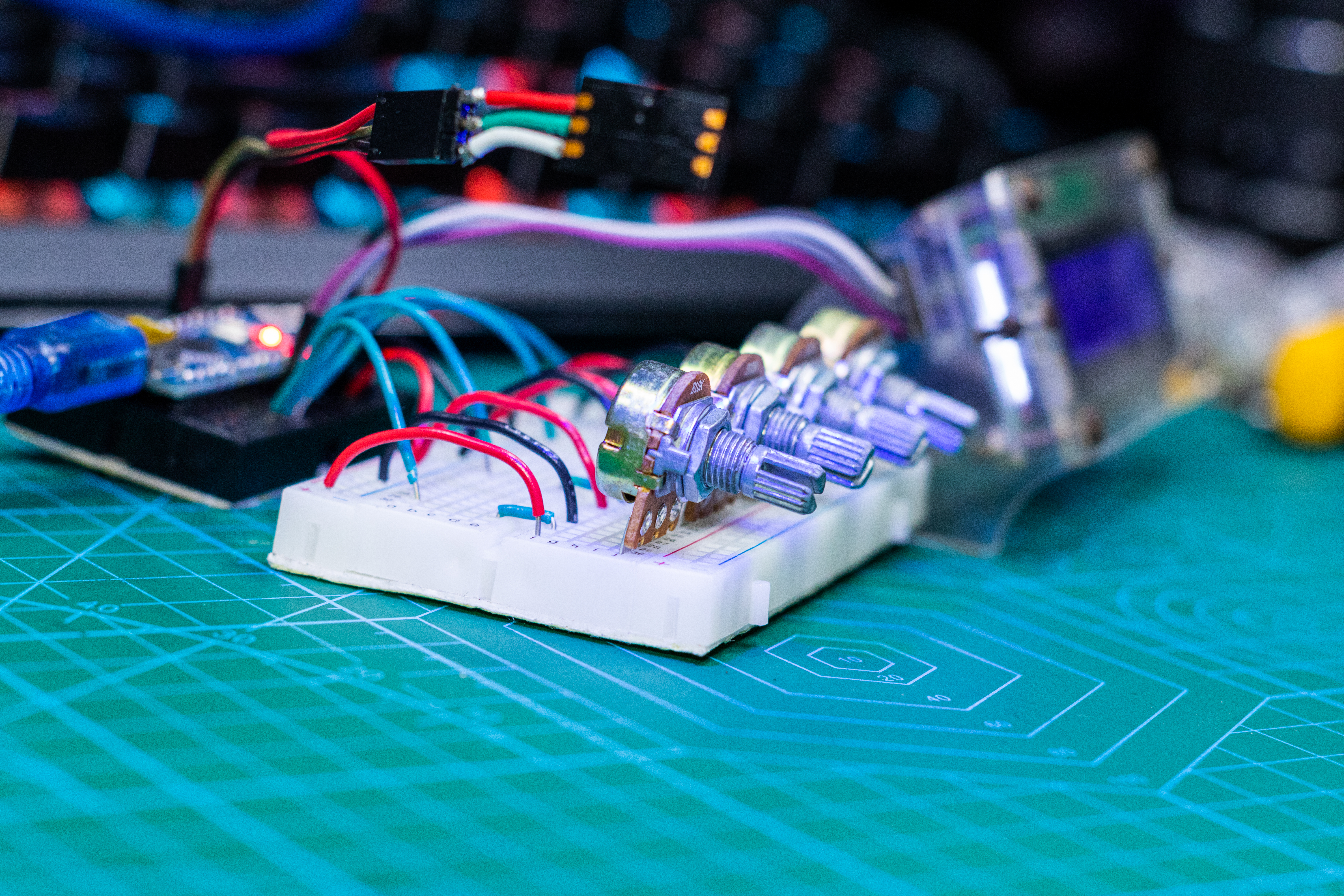
Optical Mathematics: Color Mixing WS2812B
Using the standard <FastLED.h> library to light up a strip red is easy: led[0] = CRGB::Red;. But professional lighting designers do not use flat colors. The Color Mixing & Brightness project forces you to master the HSV (Hue, Saturation, Value) color model to create smooth, shifting sunset and ocean gradients.
Why HSV is Superior to RGB
If you try to fade from Red (255, 0, 0) to Green (0, 255, 0) using raw RGB, the middle colors turn into a muddy, gross brown. This is mathematically ugly.
- The HSV Model turns the color spectrum into a 360-degree wheel (Hue). Red is 0. Green is 120.
- If you fade using HSV, the gradient sweeps beautifully around the edge of the color wheel. Red mathematically shifts through bright Orange, into Yellow, and perfectly into Green.
- FastLED implements this natively:
fill_solid(leds, NUM_LEDS, CHSV(hue, saturation, brightness));
The Hardware Controller Variables
You wire three 10K Potentiometers to the Arduino analog pins (A0, A1, A2).
- Knob 1 (Hue):
A0is mapped from 0-1023 down to0-255. As you twist it, the LED strip smoothly glides across every color of the rainbow flawlessly. - Knob 2 (Saturation):
A1maps0-255. Turn it down to0and the lights turn pure white (all color is drained). Turn it up to255and the color becomes neon intense! - Knob 3 (Value/Brightness):
A2controls the global output power. - The
loop()continuously runsFastLED.show(), creating a highly responsive, physical mixing deck for lighting scenes.
The Assembly
- Arduino Uno/Nano: The ADC matrix processor.
- WS2812B Custom Length Strip (e.g., 30 LEDs).
- Three 10K or 5K Rotary Potentiometers.
- External 5V Power Supply: (Crucial! A strip on full white will instantly melt the Arduino's voltage regulator if powered directly).
Full Project Tutorial: