รายละเอียด:
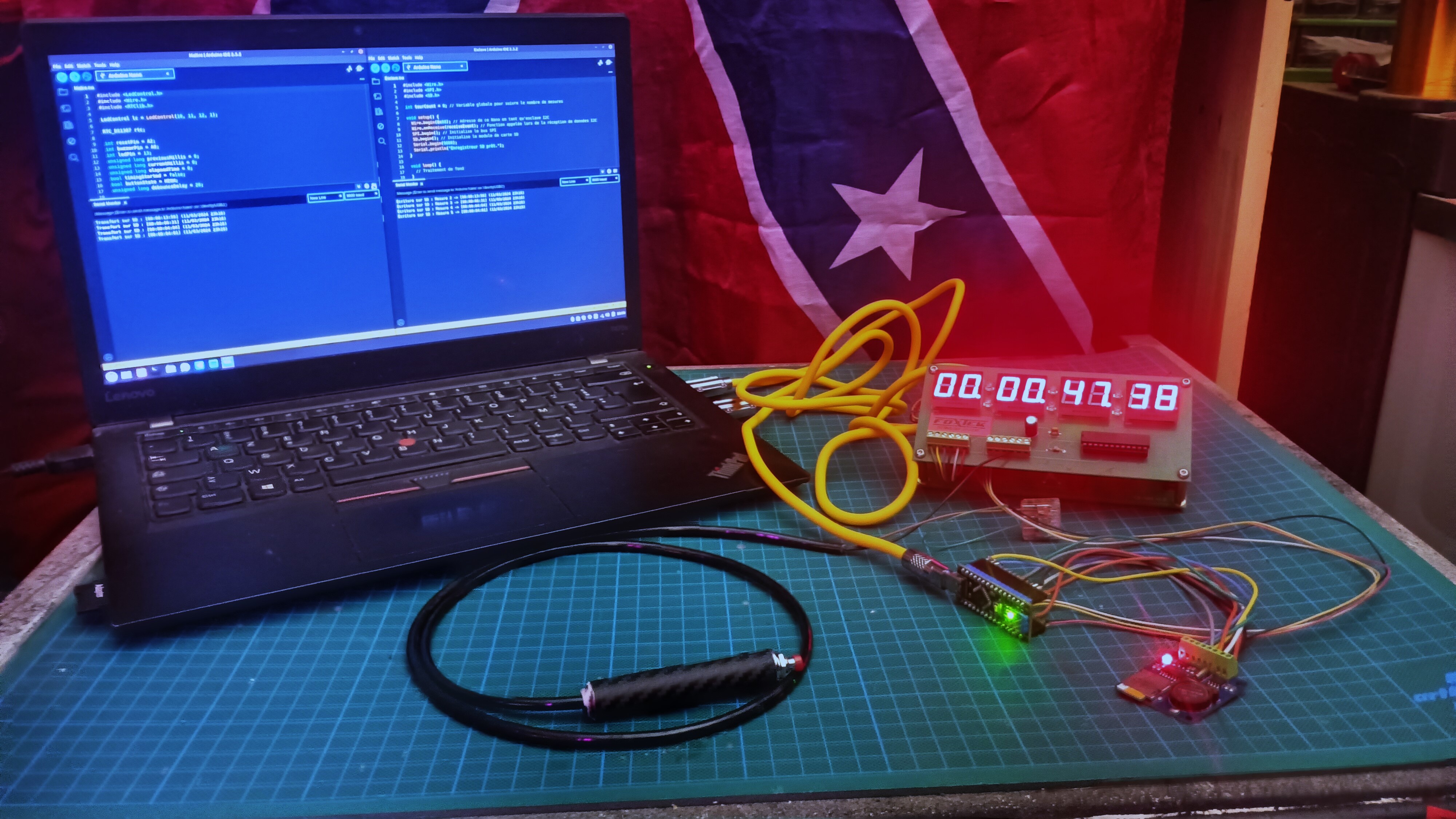
โปรเจคนี้โชว์ระบบจับเวลาระดับเทพ ที่ใช้ Arduino Nano สองตัวทำงานร่วมกันเพื่อวัดและบันทึกเวลา ออกแบบมาสำหรับงานที่ต้องการบันทึกช่วงเวลาที่แม่นยำ ระบบนี้เด่นตรงที่ใช้การสื่อสารแบบ I2C และ SPI แบบสุดล้ำ
การทำงานและการตั้งค่า:
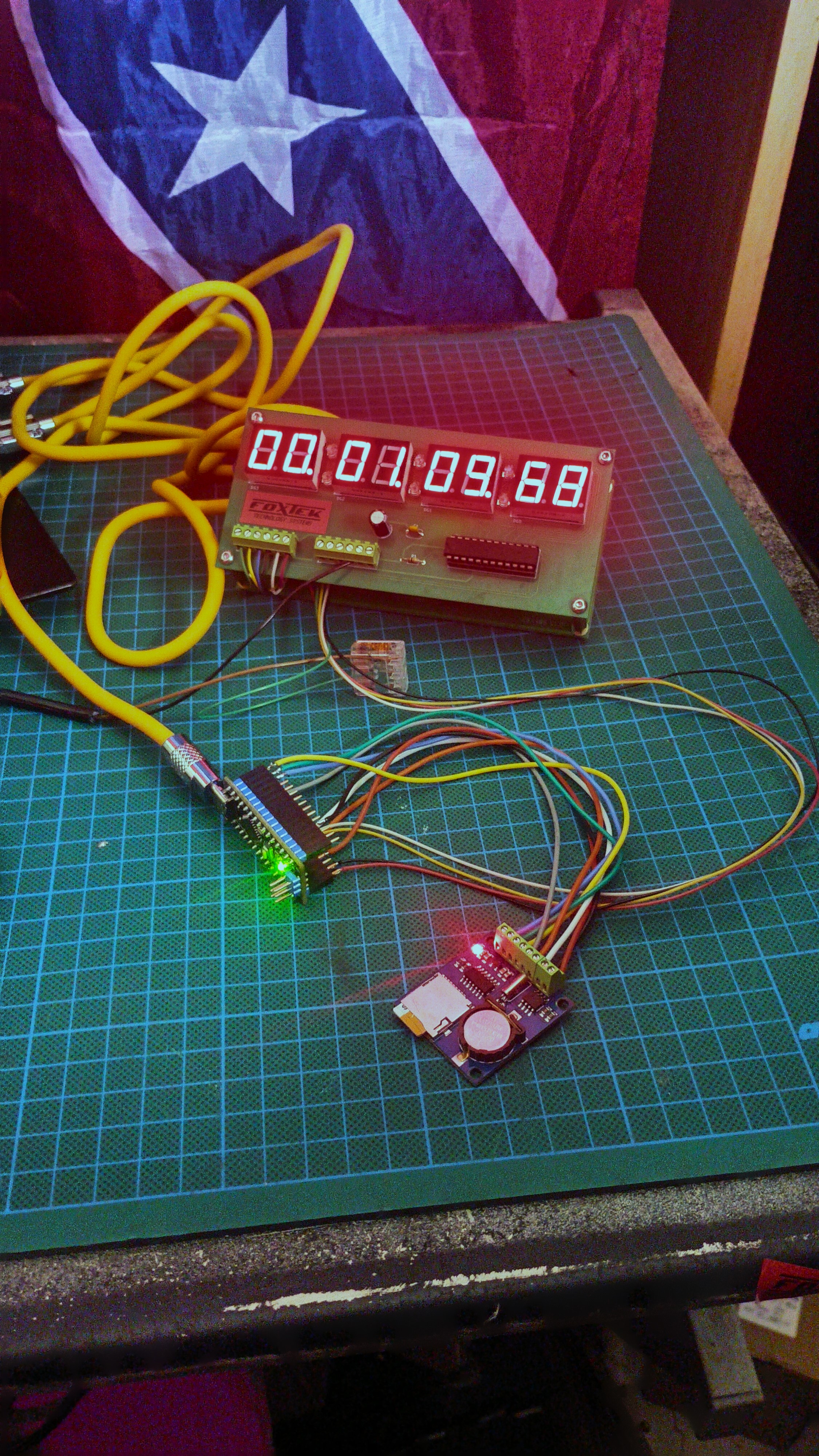
Master Unit: Arduino Nano ตัวแรกทำหน้าที่เป็นหัวหอกหลักในการจับเวลา ใช้ MAX7219 LED Display แสดงผลเวลาให้เห็นชัดเจนแบบเรียลไทม์
รายละเอียดเทคนิคเพิ่มเติม: หัวใจของระบบจับเวลาบน Master Unit คือฟังก์ชัน millis() เราไม่ใช้ delay() เพราะมันจะบล็อกการทำงานของโปรเซสเซอร์ แทนที่จะทำแบบนั้น โค้ดจะจับ "ตราประทับเวลา" (timestamp): เมื่อกดปุ่มเริ่ม มันจะบันทึก startTime = millis(); ทุกรอบลูป มันจะคำนวณ elapsedTime = millis() - startTime; ส่วนที่ต้องใช้สมองคือการแปลงค่านี้ (เช่น 125430 มิลลิวินาที) ให้เป็นรูปแบบที่มนุษย์อ่านง่าย เช่น 02:05.43 (นาที:วินาที.ร้อยละวินาที) บนจอ MAX7219 ซึ่งต้องใช้การคำนวณแบบ modulo และ division
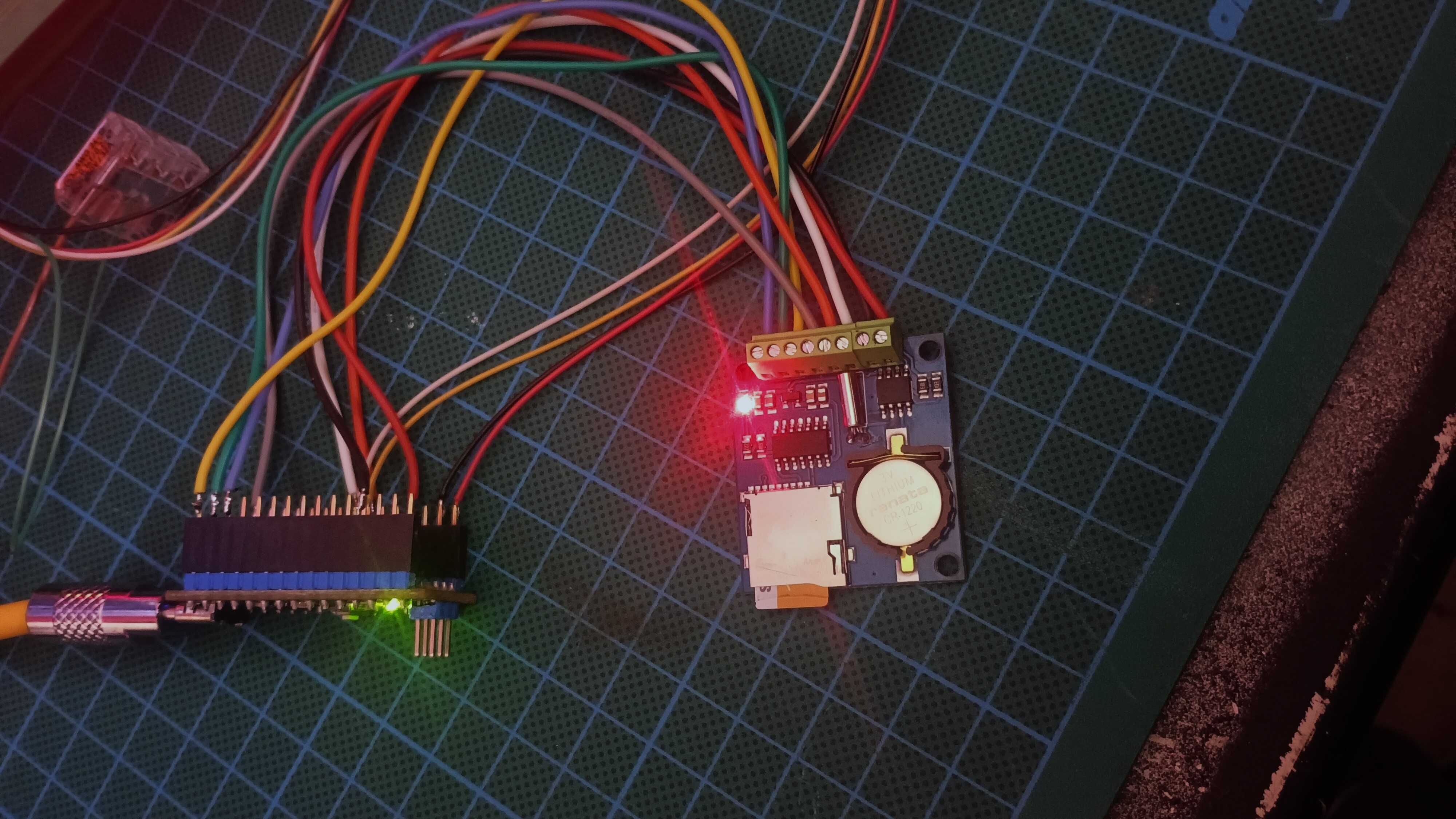
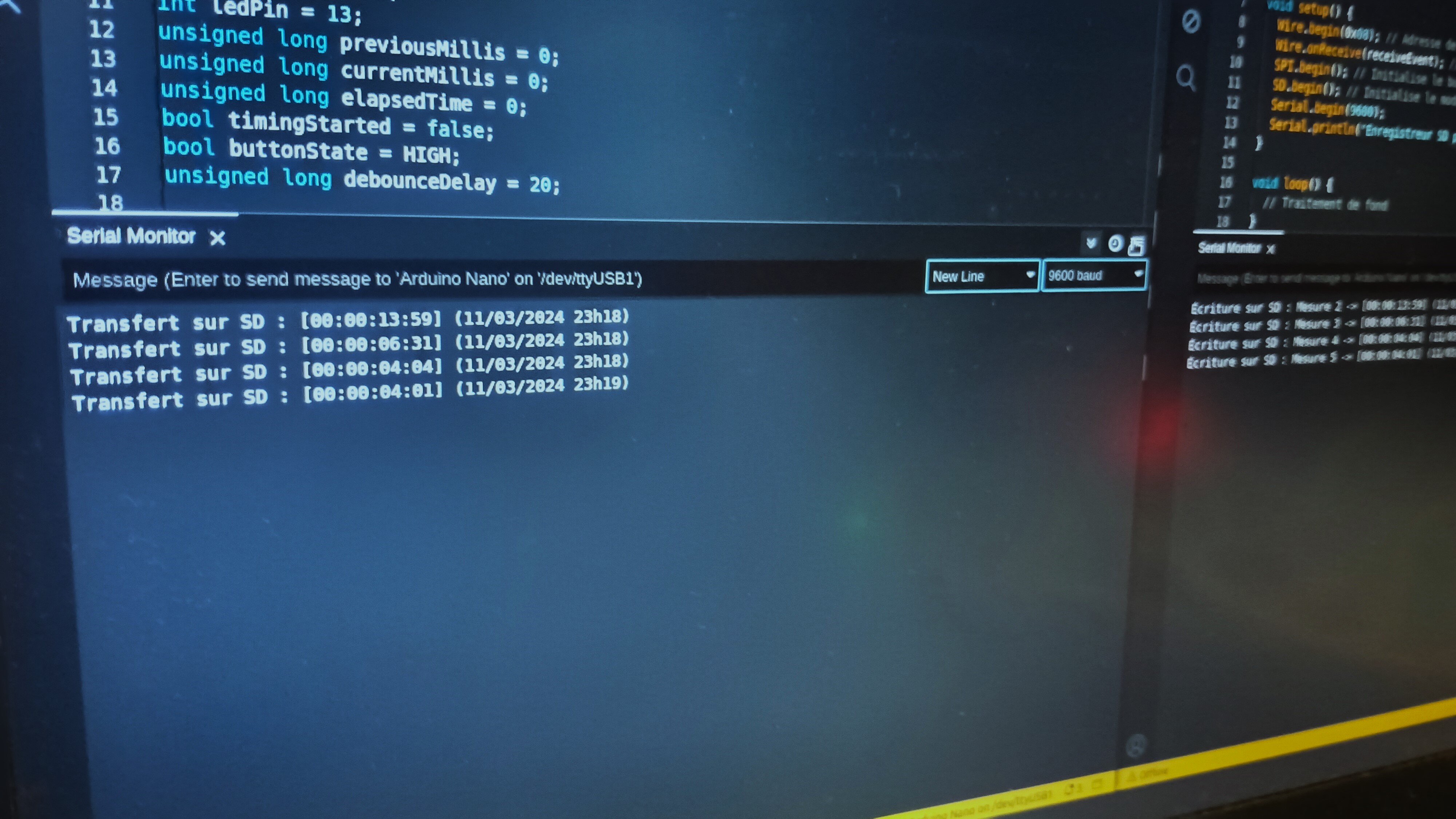
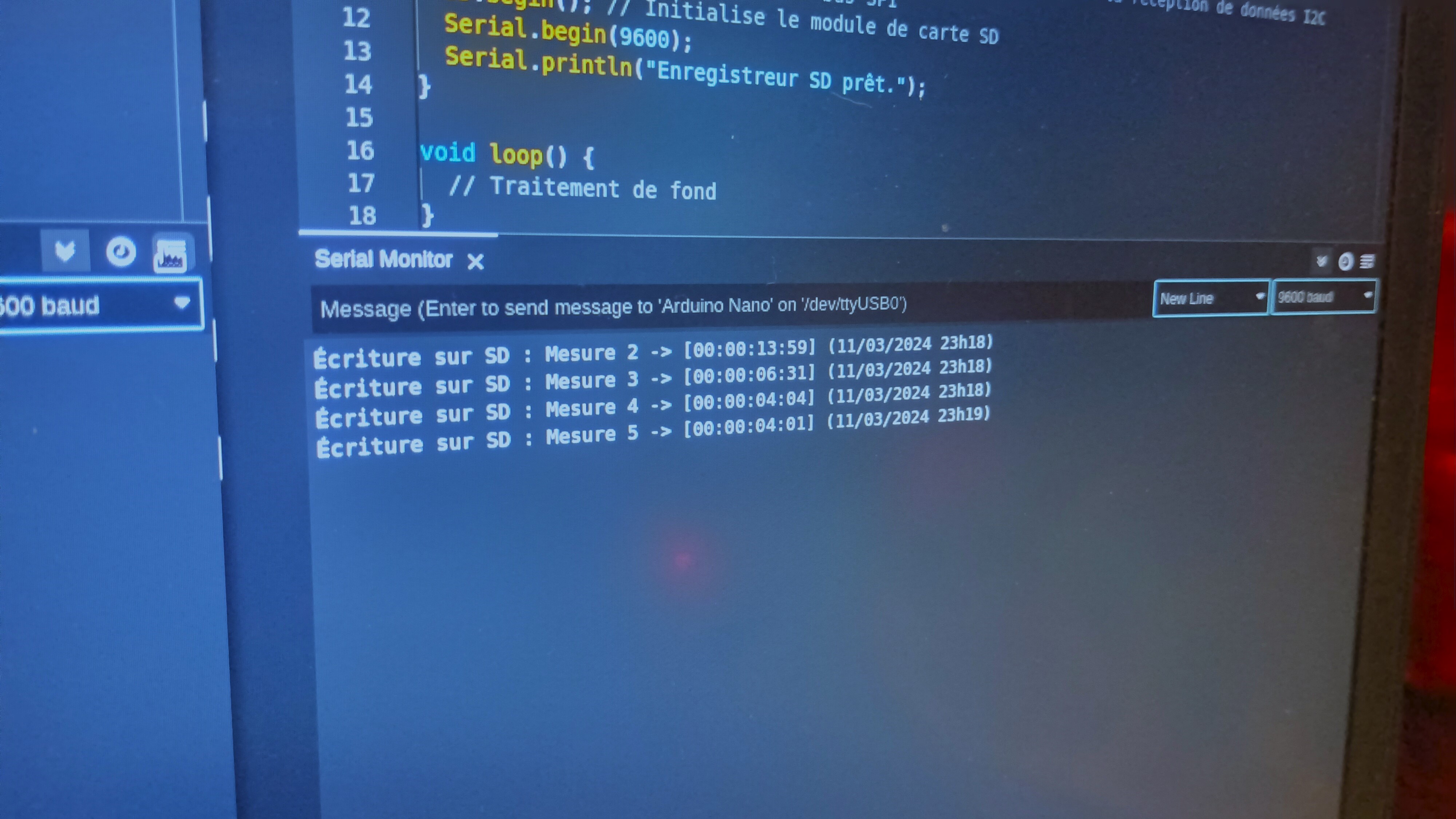
Slave Unit: Arduino Nano ตัวที่สองทำหน้าที่เป็นผู้ช่วยบันทึกข้อมูล ทุกครั้งที่ Master Unit รีเซ็ตสต็อปวอตช์ มันจะรับข้อมูลเวลาผ่านการสื่อสารแบบ I2C
การบันทึกข้อมูล: Slave Unit จะบันทึกผลการวัดเวลาแต่ละครั้ง พร้อมกับวันที่และเวลาจากโมดูล DS1307 RTC ลงบน micro SD Card ผ่าน SPI ข้อมูลจะถูกเก็บในไฟล์ .txt ที่สามารถเปิดอ่านได้ในคอมพิวเตอร์ทั่วไป
รายละเอียดเทคนิคเพิ่มเติม: การเพิ่มฟังก์ชัน Lap
ฟีเจอร์สำคัญที่สามารถเพิ่มได้คือการจับเวลารอบ (Lap Timing) เมื่อกดปุ่ม "Lap" บน Master Unit ค่า elapsedTime ปัจจุบันสามารถถูกบันทึกลงในอาร์เรย์ (เช่น laps[lap_count] = elapsedTime) และส่งผ่าน I2C ไปยัง Slave Unit ได้ จากนั้น Slave Unit ก็จะบันทึกเวลารอบนี้พร้อมกับเวลาสุดท้าย ทำให้เราได้ข้อมูลรายละเอียดของแต่ละรอบที่บันทึก
เทคโนโลยีที่เกี่ยวข้อง:
การสื่อสาร I2C: ใช้สำหรับส่งข้อมูลเวลาระหว่าง Arduino Nano สองตัว
การสื่อสาร SPI: ใช้สำหรับเขียนข้อมูลลง micro SD Card
RTC DS1307: ให้ข้อมูลอ้างอิงเวลาที่แม่นยำสำหรับการบันทึก
ส่วนประกอบฮาร์ดแวร์:
- Arduino Nano (2 ตัว): ตัวหลักจับเวลา และตัวบันทึกข้อมูล
- โมดูล MAX7219 LED Display: สำหรับแสดงผลเวลาบน Master Unit ให้ชัดเจน
- จอ LCD 16x2 พร้อม I2C (ทางเลือก): สามารถใช้เป็นจอแสดงผลในเวอร์ชันที่ง่ายกว่าได้
- ปุ่มกด (Push Buttons): สำหรับควบคุม Start/Stop, Lap และ Reset
- ตัวต้านทาน Pull-down (10k-ohm): เพื่อให้สัญญาณจากปุ่มกดเสถียร
- โมดูล Micro SD Card: สำหรับบันทึกข้อมูลบน Slave Unit
- โมดูล DS1307 RTC: สำหรับการประทับเวลาที่แม่นยำ
การนำไปใช้:
ระบบนี้เหมาะมากสำหรับใช้ในห้องเรียน โปรเจค DIY และงานที่ต้องการบันทึกเวลาอย่างแม่นยำ เช่น การทดลองทางวิทยาศาสตร์ การทดสอบประสิทธิภาพ หรือการติดตามกิจกรรม โค้ดพื้นฐานจากโปรเจคนี้แหละที่ต้องใช้ ถ้าน้องอยากสร้างเครื่องจับเวลาสำหรับรถบังคับ RC หรือนักกีฬาโดยใช้เลเซอร์วัดความเร็วแบบเป๊ะๆ
โปรเจคนี้แสดงให้เห็นอย่างชัดเจนว่าเราจะรวมความสามารถของอุปกรณ์ Arduino ต่างชนิดกันให้กลายเป็นเครื่องมือที่ซับซ้อนและใช้งานได้จริงยังไง มันยังเป็นพื้นฐานชั้นยอดสำหรับคนที่อยากเจาะลึกเรื่องการสื่อสารระหว่าง Arduino และการจัดการข้อมูลอีกด้วย