Before starting the story, thank you for checking out our project. And here is the story of how we made it.
Background
In this day and age, many mundane things have become more and more automated from our light to even our toaster. One appliances that we commonly found is a trash can. Before we must choose between always opening the lid and won't need to open it every time to throw the trash out but have to deal with the smell or always closing the lid and will have to open it every time. The problem with closing the lid is people sometimes forget that it is still closed and unconsciously throw the trash to the lid making a mess around the trash can.
The other problem that people encounter with the trash can is that sometimes they just forgot to empty it out and just left the full trash can in the room, creating sometimes an unpleasant smell. And because of that, we decided to make an automatic trash can that can open itself and also can notify when the inside is full.
Blynk
The hardware and with their mobile apps, we didn't need to create an interface from scratch and can simply connect the Arduino to the app via the Blynk API
Opening Mechanism
The first mechanism is the automatic opening and closing system. In this mechanism we uses PIR Motion Sensor attached to the front of the trash can to detect an incoming motion. The sensor itself we configured manually to limit the range that it can detect only to about 50 cm in front of it.
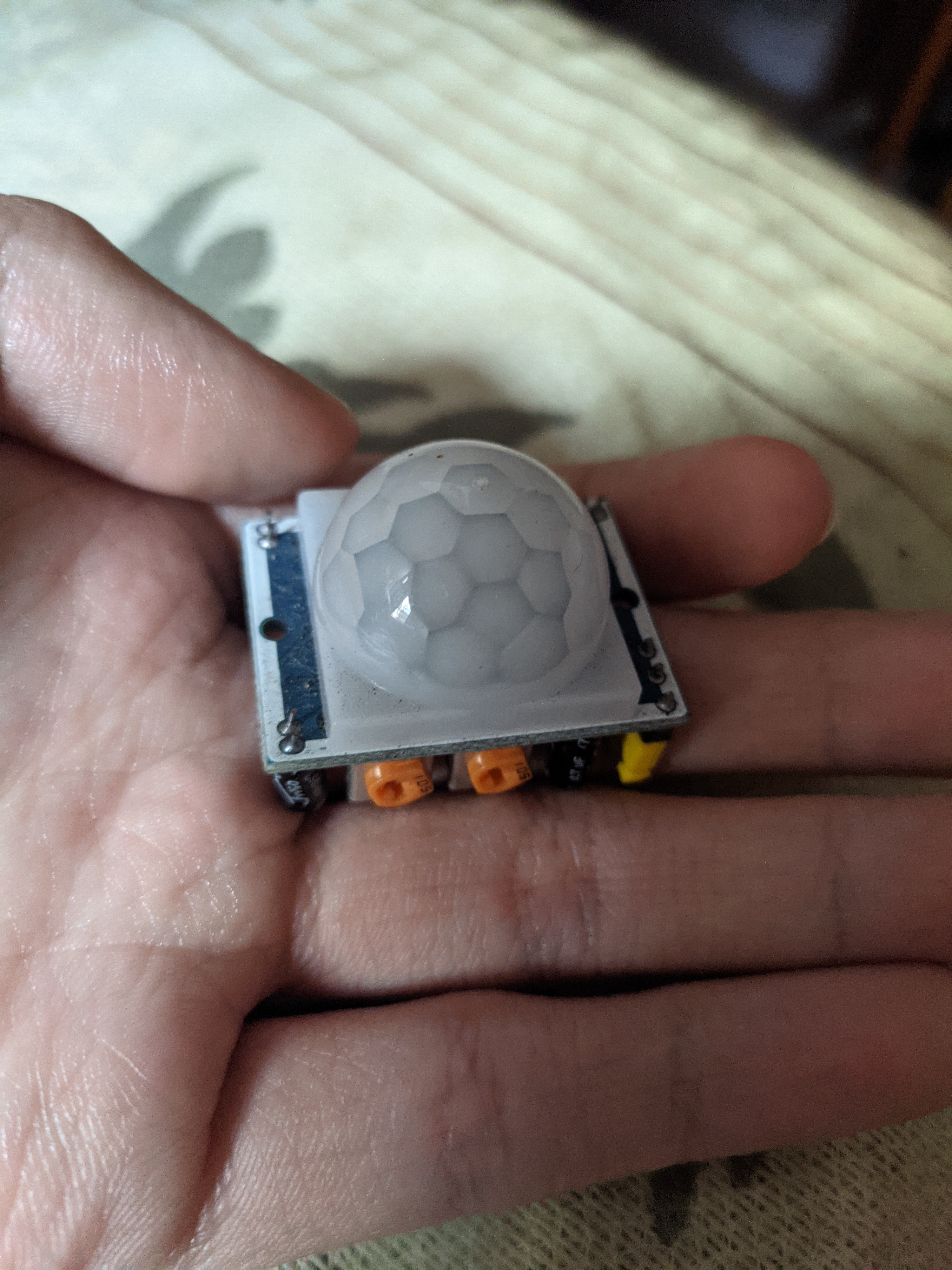
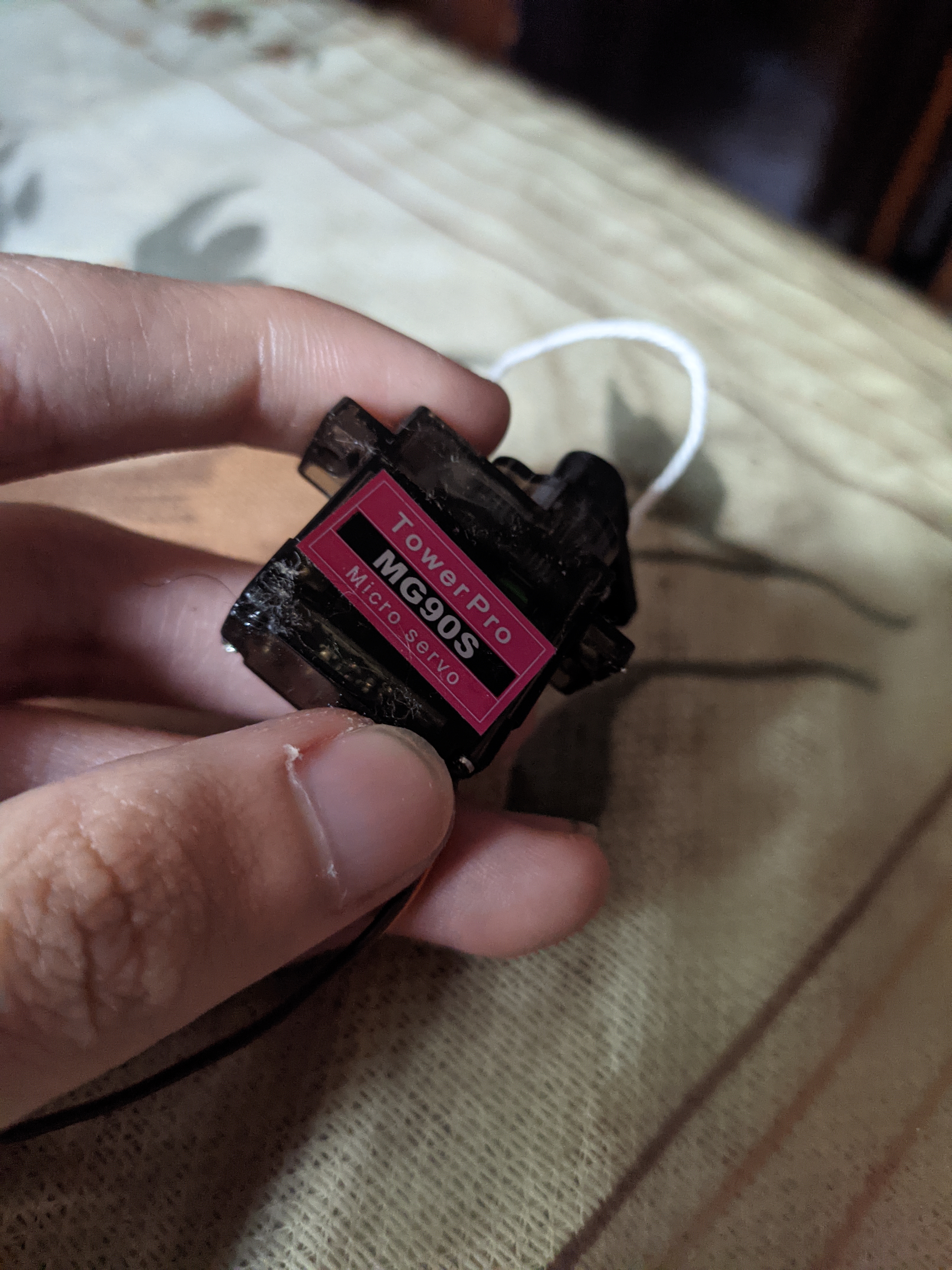
When the sensor detect a motion, it will send the data to the Arduino and it will send the sensor status to the app and also most importantly trigger the trash can to open which in this case, we use a Servo Motor to open the trash can. After the PIR Motion Sensor no longer detect a motion in front of it, the trash can will close.
Trash Level Detection
The next mechanism is to detect the level of the trash inside. In this one we uses an Ultrasonic Distancing sensor attached to the lid inside the trash can facing downward. When it detect that the distance is short which mean that the trash is full, it will sends a notification to the app notifying the user.
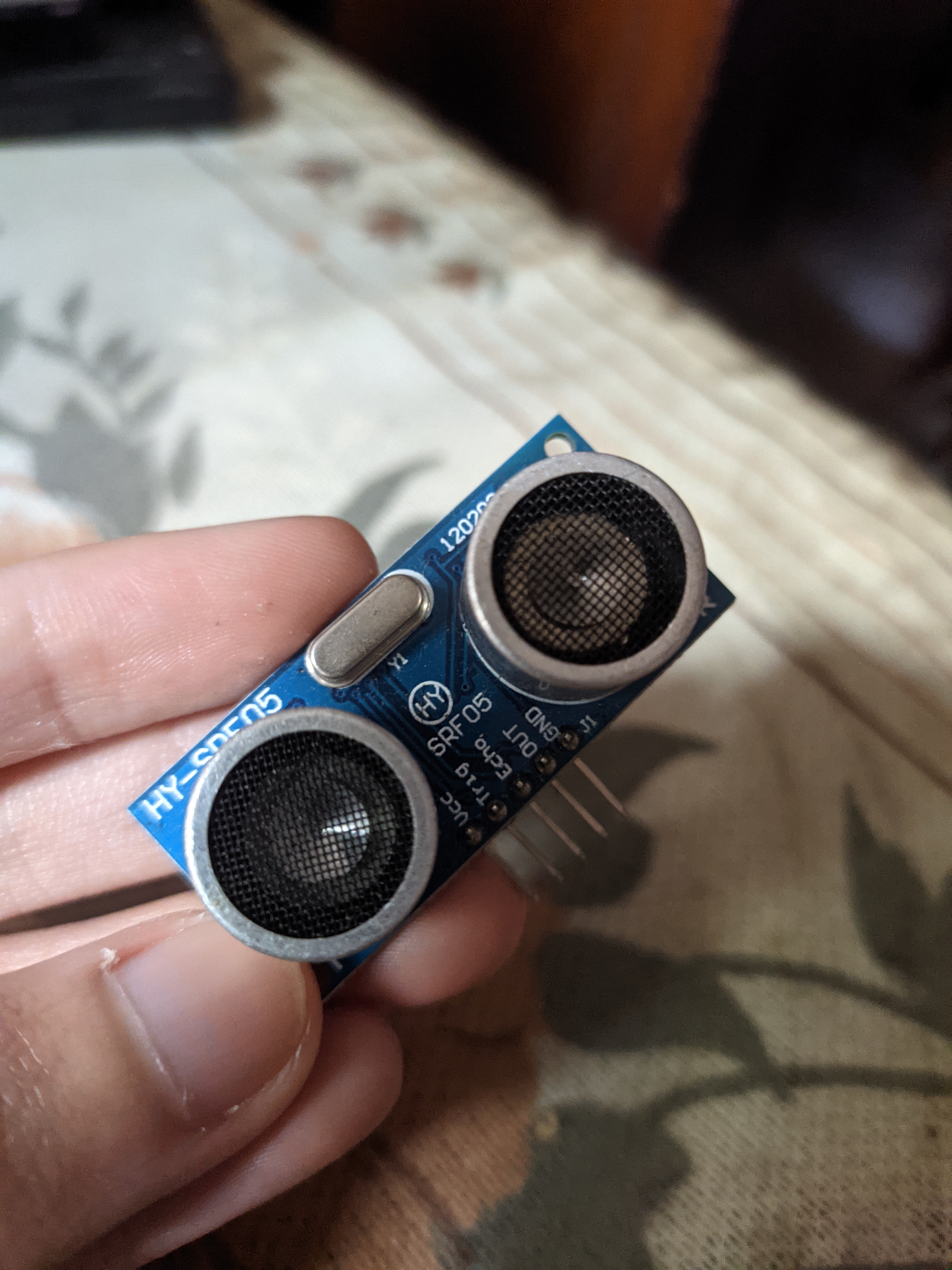
To make sure that the system will check the level every 5 seconds, we took advantage of millis feature on the Arduino. Millis essentially provides us a way to run repeated action without interrupting the other function. Beside that, when the trash can is opened, it will pause the level detection to prevent unnecessary notification.
Communication
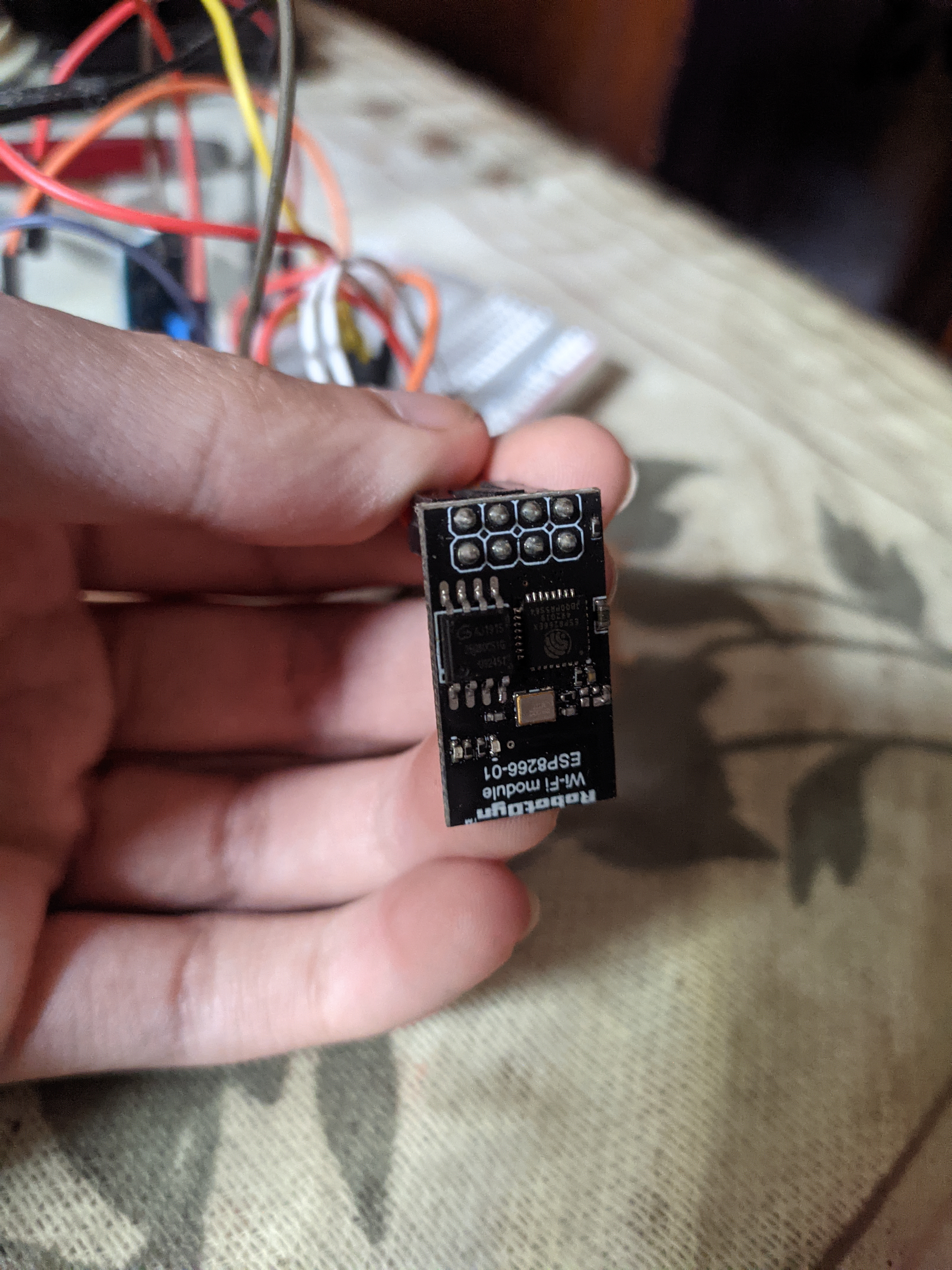
For the communication, we used an ESP-01 which can be used independently but in this case we only using it as a Wi-Fi module for communicating with the Blynk. The ESP-01 itself requires a 3.3V to its pin which the Arduino only provides on the power pin. To prevent damage to the ESP-01 itself, we used 1k ohm and 2.2k ohm resistor to step down the output from the Arduino digital sends pin from 5V to 3.3V.
Interface
The interface itself as mentioned before, was created with a helped from Blynk. Here we just need to create new project and it will give out an API code that we used to communicate with the Arduino.
Here is the main layout:
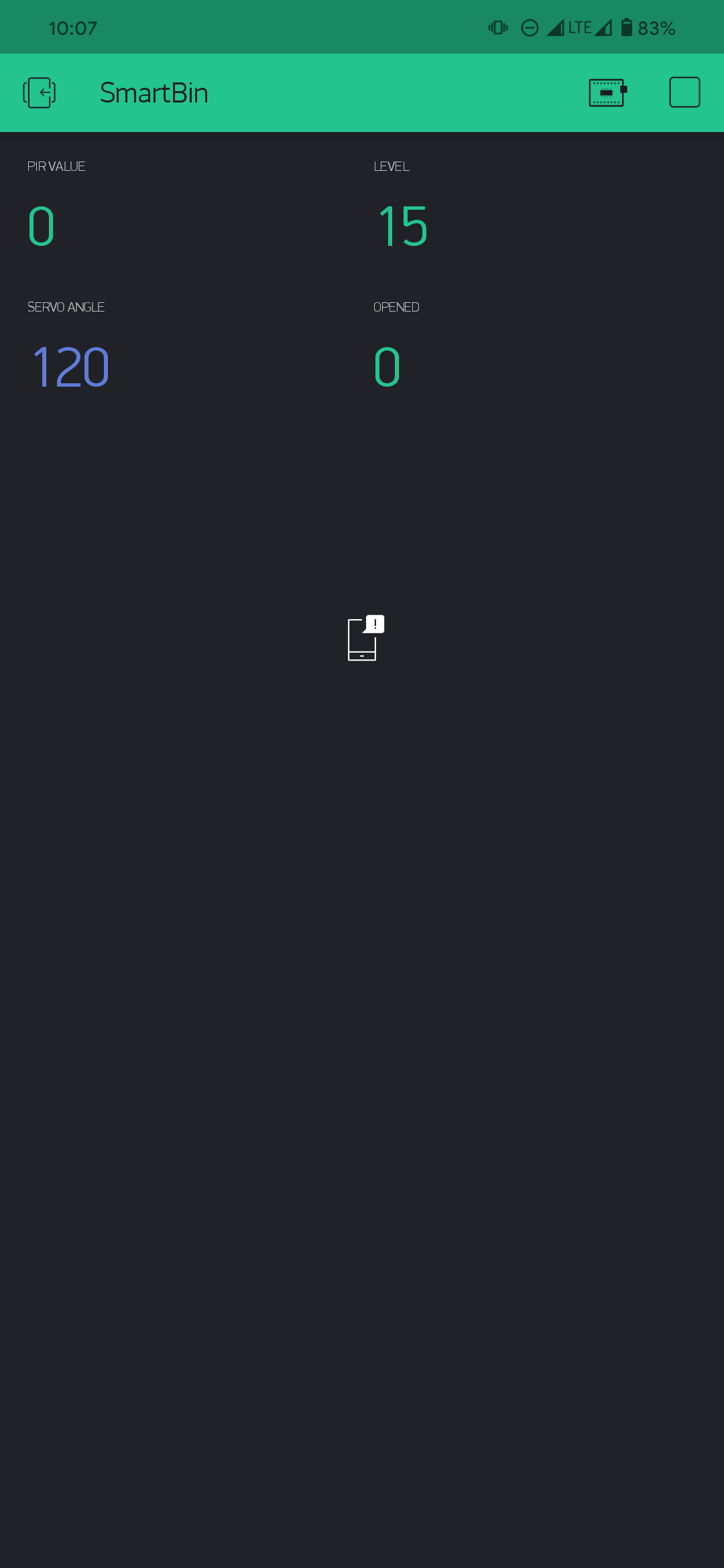
The layout itself is fairly simple, consisting of four part which are the PIR Sensor status for the automatic sensor, the level of the trash from the Ultrasonic sensor in cm, open status, and the angle of the servo which we used only for testing purposes.
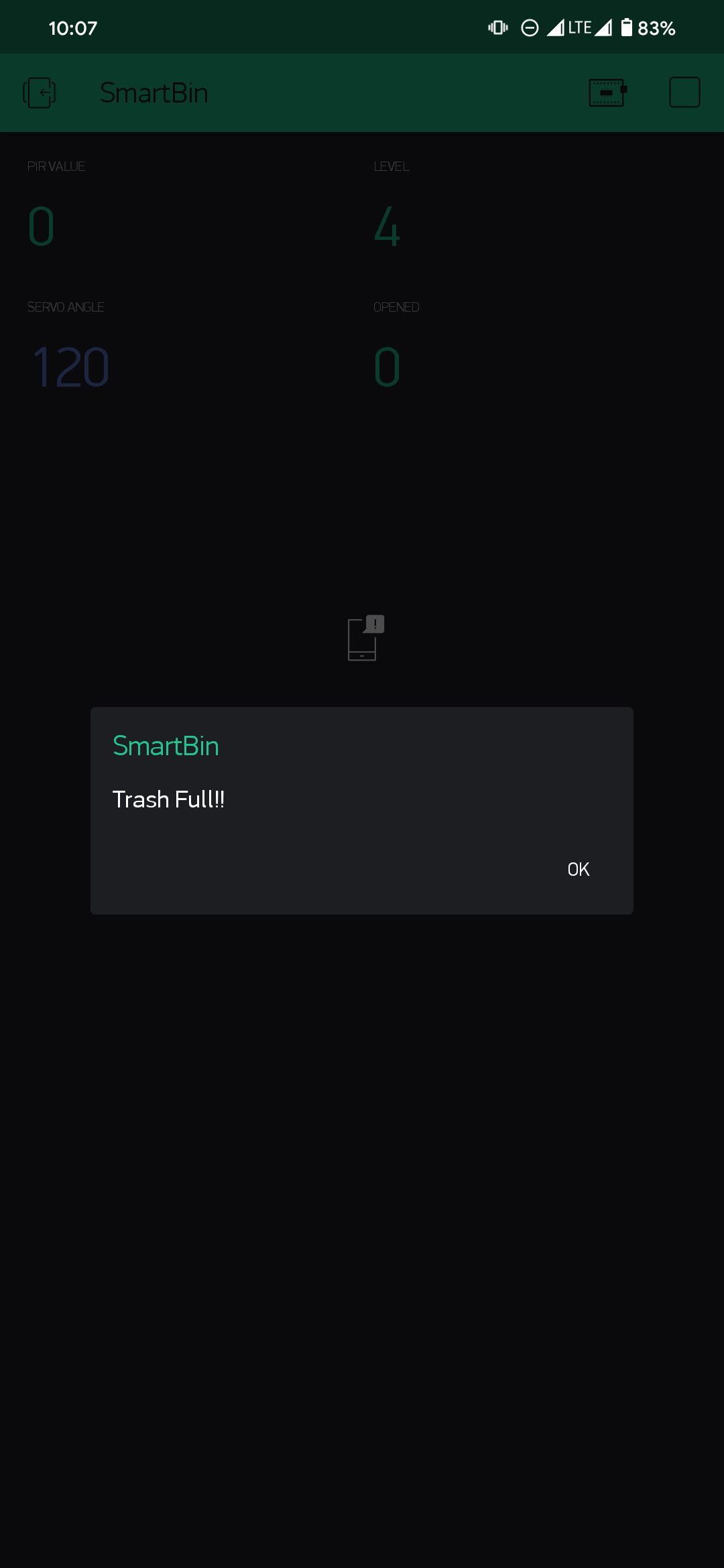
The other part of the application is the notification. If the distance between the trash and the Ultrasonic sensor is below 10 cm, the Arduino will send a notification to the application. The notification is sends both to the application and to the notification panel of the user phone.
Conclusion
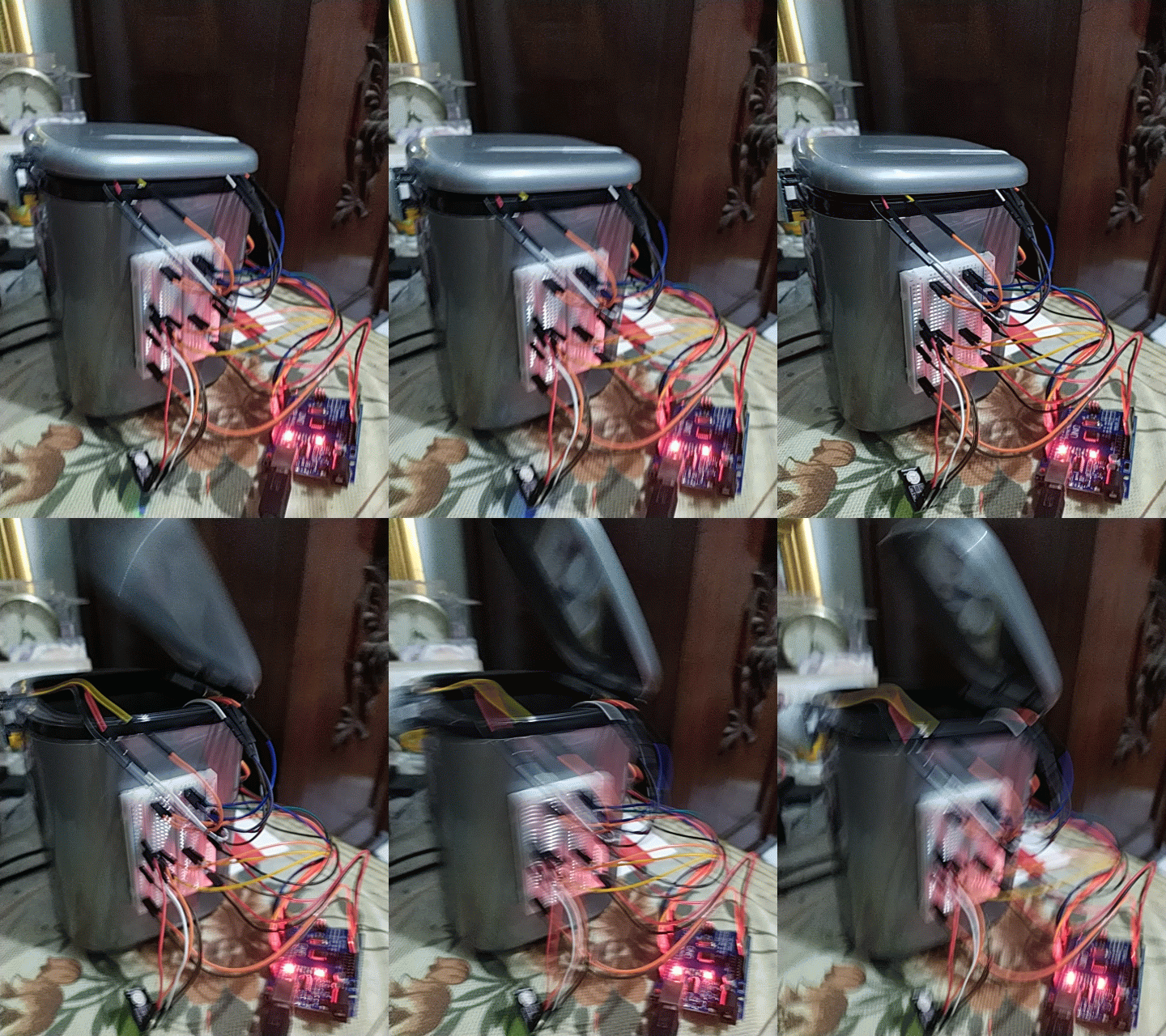
And that is all about the project which in our testing is quite accurate on detecting when to open although sometimes it stills open on slight of movement in front of it. The trash level also makes throwing the trash out quite convenient because we will be reminded when to do it. But, some tweaks to the design still needs to be made because we still using a long cable and also the mechanism to open the trash can still rely on a flimsy string attached to the servo. Anyway, thank you for checking out our little project here!
🛠️ เจาะลึกเบื้องหลังการทำงาน (Deep Dive / Technical Analysis)
The EasyTrash 1.0 (often called the Smart Dustbin) is the undisputed king of beginner Arduino robotics. It marries the mathematical distance-checking of an HC-SR04 sonar module with the physical push-and-pull mechanics of a Micro Servo, preventing users from ever having to touch a disgusting garbage can lid in their kitchen.
The Sonar Cone of Detection
The HC-SR04 Ultrasonic Sensor is mounted on the front lip of the garbage can, facing straight forward horizontally.
- The Arduino
loop()fires a 40kHz ping every 100 milliseconds. - The user walks up holding a huge pile of trash. The sound waves hit their body and bounce back!
- The State Threshold:
if(distance < 30cm) { OpenLid(); } - By keeping the distance small (30cm), the can won't open accidentally if a dog walks past the kitchen 5 feet away.
The Servo Kinematic Fulcrum
A massive garbage can lid is incredibly heavy. A cheap SG90 servo has almost zero torque. Understanding the mechanical fulcrum is mandatory!
- The Wrong Way: Glueing the servo directly to the hinge. The lid acts like a massive lever arm, and the servo's plastic gears will instantly strip off and shatter.
- The Right Way:
- Mount the servo to the back wall of the can.
- Drill a hole in the lid edge. Attach a stiff metal paperclip wire from the servo horn to the lid hole.
- When the Arduino executes
servo.write(90);, the servo arm simply pulls straight down on the wire rod, utilizing leverage to effortlessly fling the heavy lid 90-degrees upward! delay(5000); servo.write(0);The system gracefully drops the lid closed.
Core Robotic Mechanics
- Arduino Nano (Hot glued inside a small tupperware box to protect it from juice spills).
- HC-SR04 Ultrasonic Distance Sensor.
- MG996R Metal Gear Servo (Highly recommended over the tiny blue SG90 for longevity).
- A 9V Battery or USB Power Bank for long-term kitchen deployment.