ชื่อโปรเจกต์: Smart Hen Coop #ArduinoCloudGames2022
พี่มีแก๊งน้องไก่ที่เลี้ยงไว้คนละที่กับบ้านที่พี่อยู่ ปัญหามีอยู่ว่า ประตูอัตโนมัติที่เคยใช้มันเปิดปิดตามเวลาเป๊ะๆ เกินไป แต่น้องไก่เรามันเป็นสิ่งมีชีวิตนะเว้ยไม่ใช่หุ่นยนต์ บางทีมันก็อินดี้เข้าคอกไม่ทันเวลา พอเป็นงี้พี่ก็ต้องขับรถไป-กลับ 15 นาทีเพื่อไปเปิดประตูให้มันเอง โคตรเสียเวลา! พี่เลยคิดว่ามันต้องมีวิธีที่เจ๋งกว่านี้ดิ แบบที่สั่งเปิดปิดเองได้ตามใจสั่งด้วย ไม่ใช่แค่ตามเวลา... และนี่คือคำตอบ: Smart Hen Coop สุดหล่อ! ตัวนี้ไม่ได้แค่เปิดปิดประตูนะน้อง แต่มันสั่งเปิด/ปิด Heater ตามอุณหภูมิข้างในได้ แจ้งเตือนเวลาไก่โดนขังข้างนอกได้ แถมยังเช็คได้ด้วยว่าที่ให้น้ำอัตโนมัติมันเจ๊งจนน้ำล้นหรือเปล่า! จัดไปวัยรุ่น!
SENORS
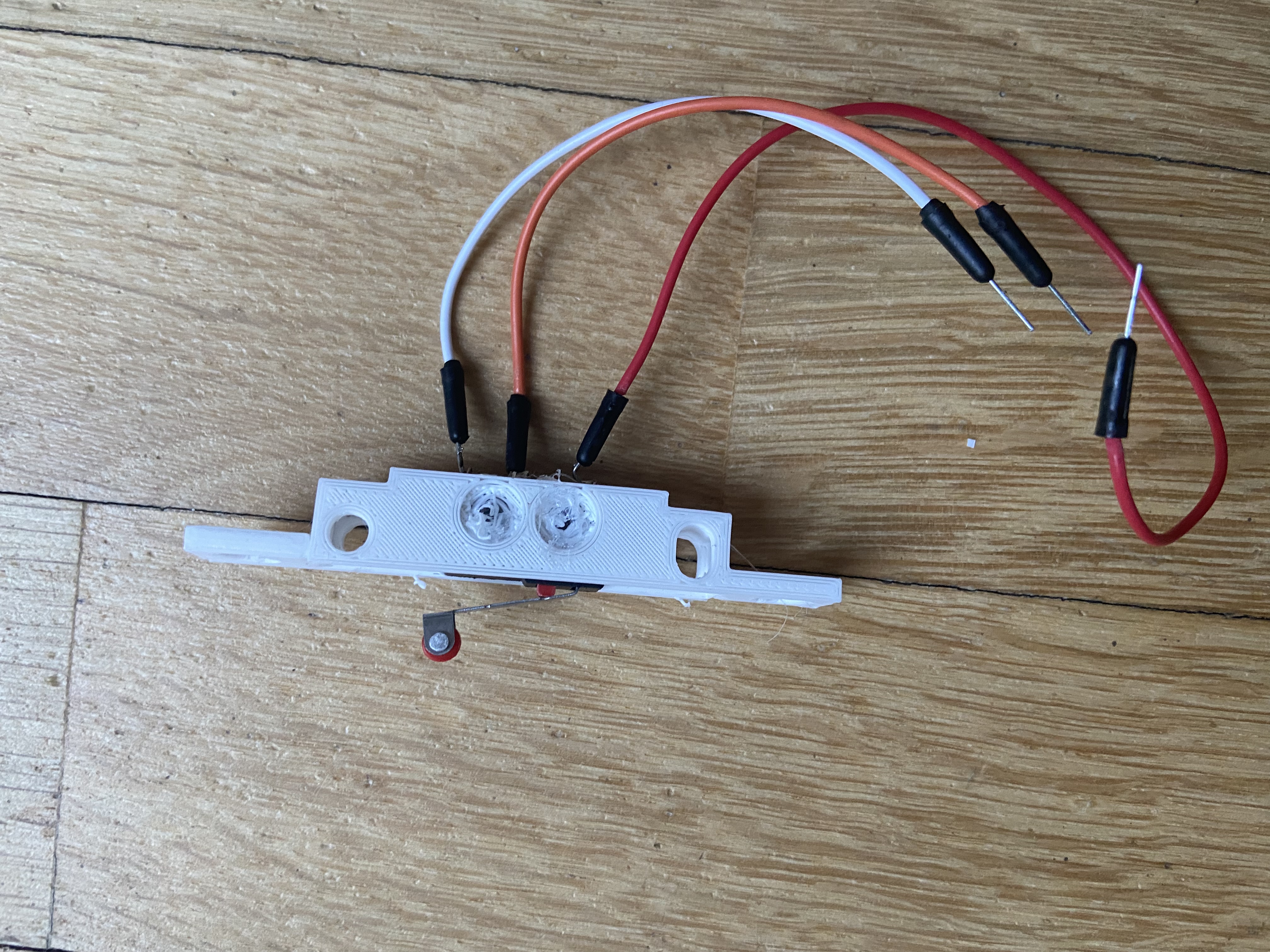
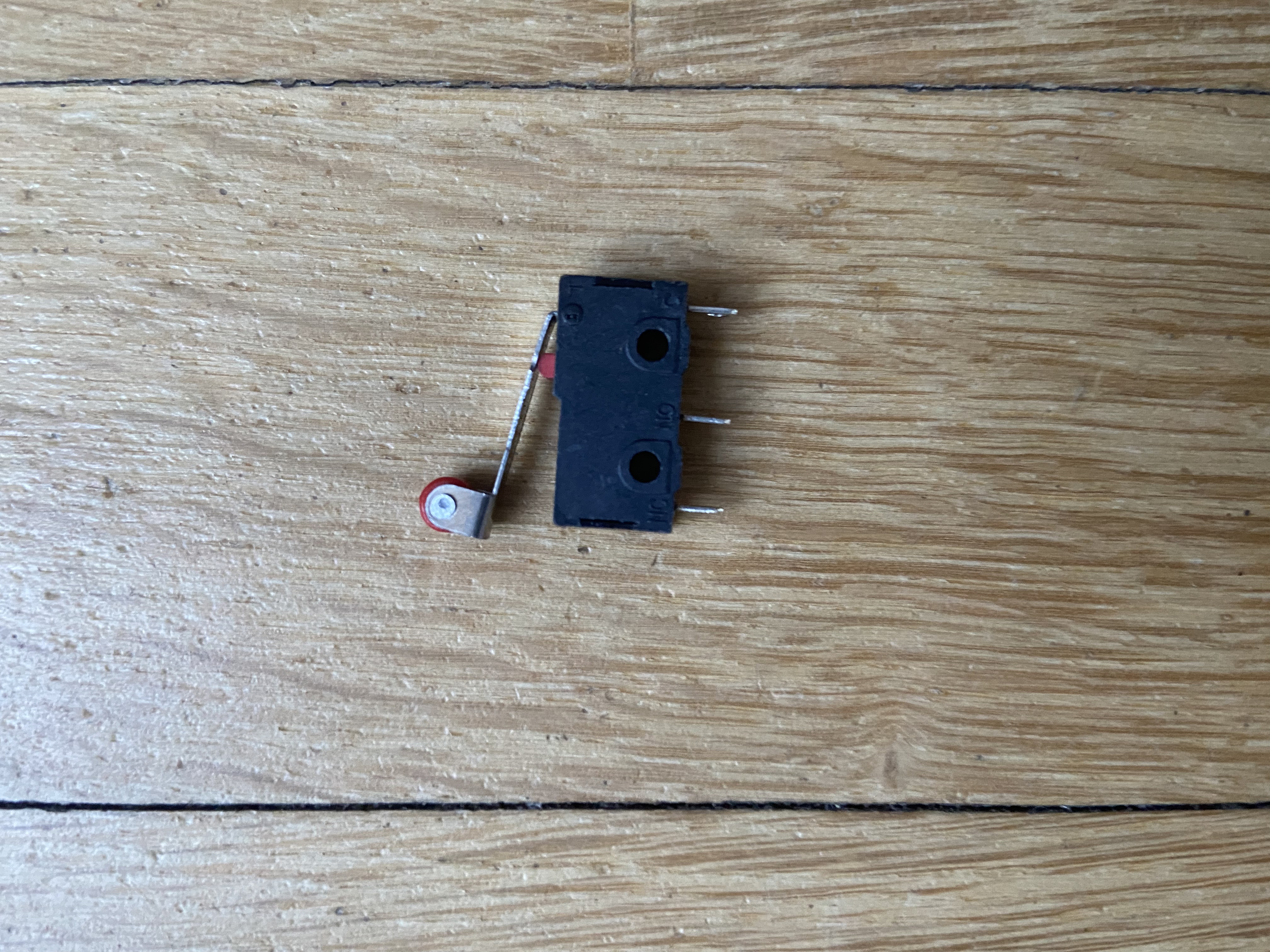
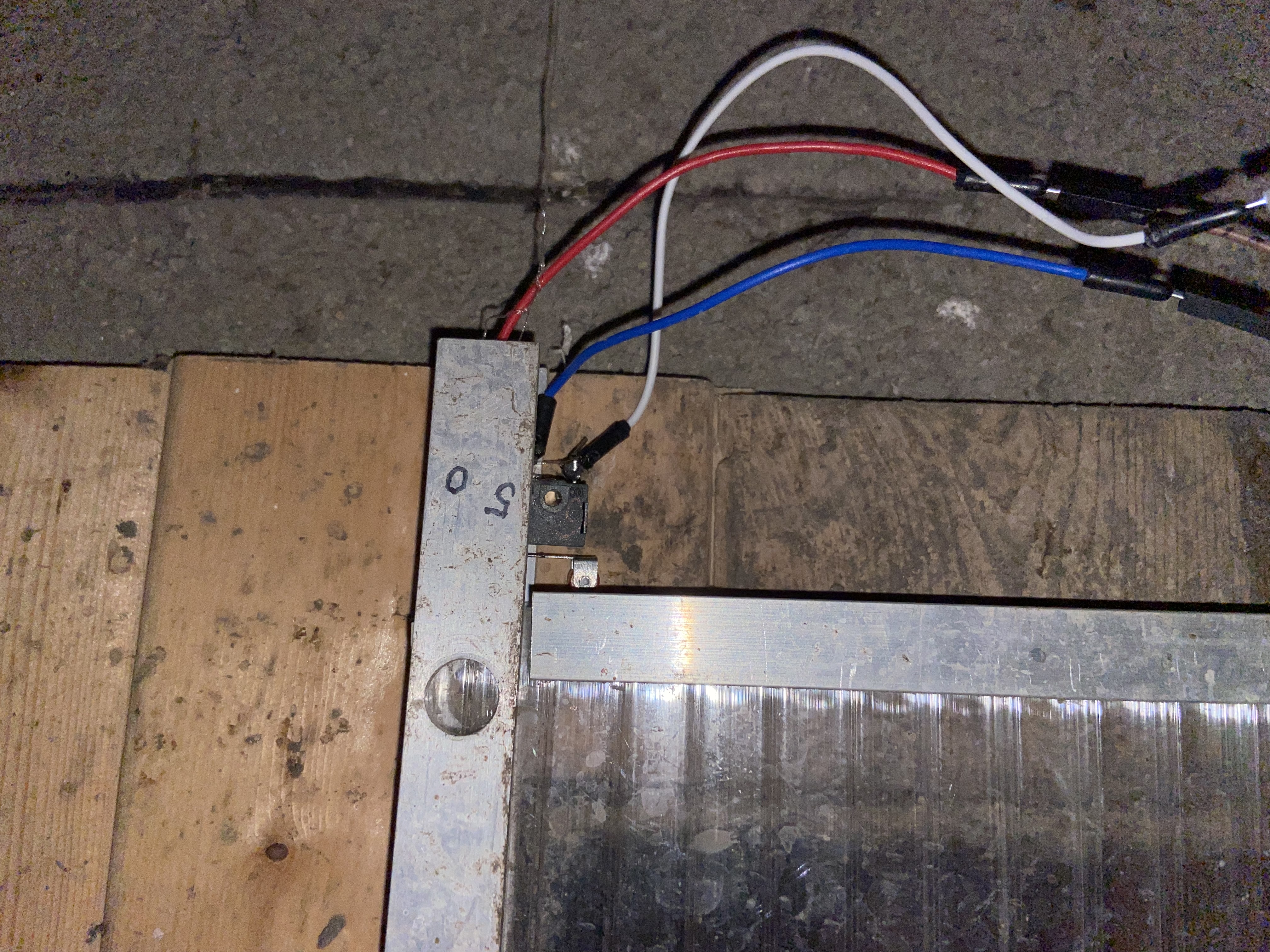
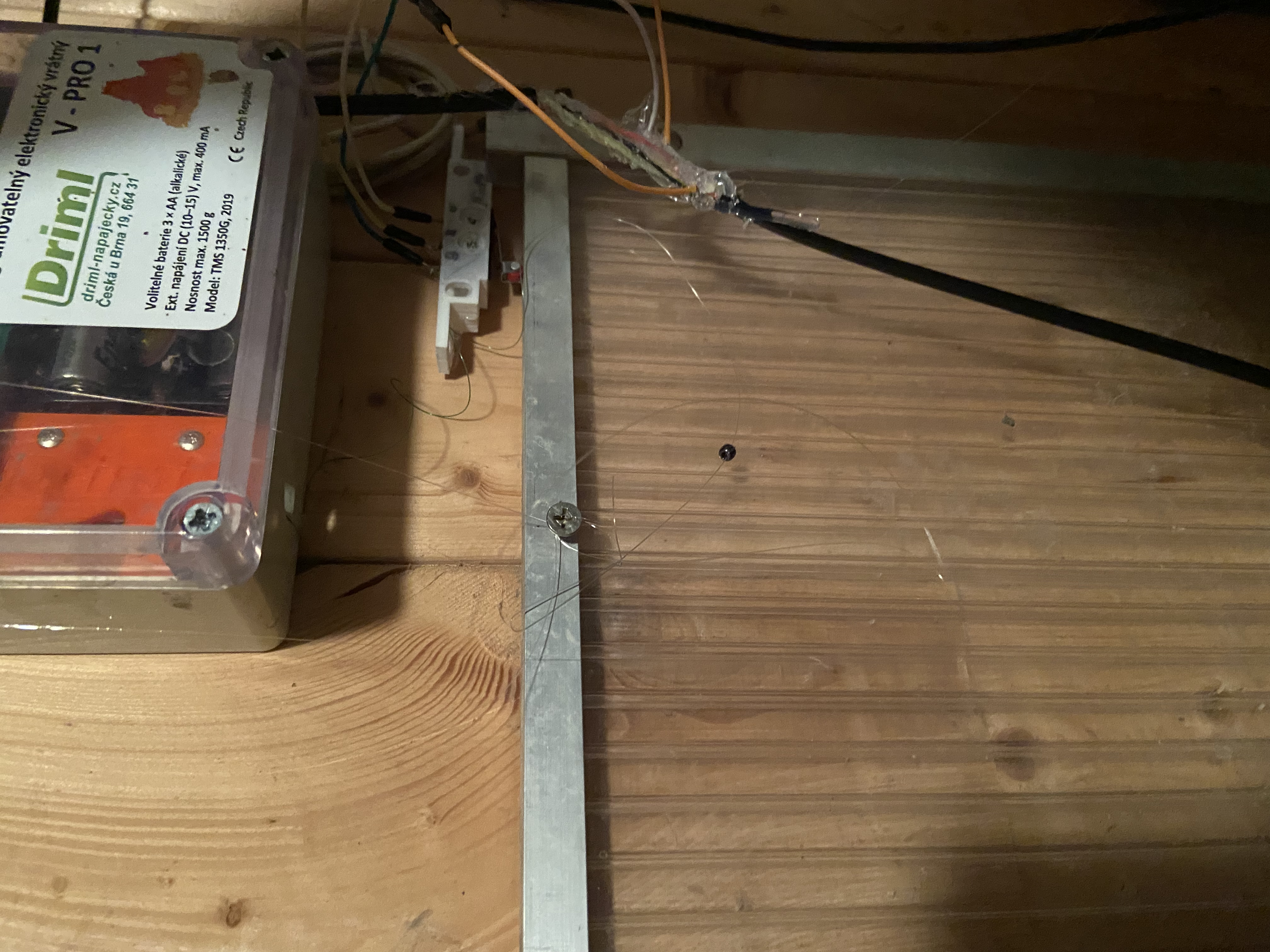
สวิตช์เช็คสถานะประตู (Open/close door switch)
พี่ใช้ Micro switches เช็คเอาว่าตอนนี้ประตูเปิดหรือปิดสนิทหรือยัง
เซนเซอร์ตรวจจับความเคลื่อนไหว ([PIR](https://s.shopee.co.th/7VBG2YelxK) SENSOR)
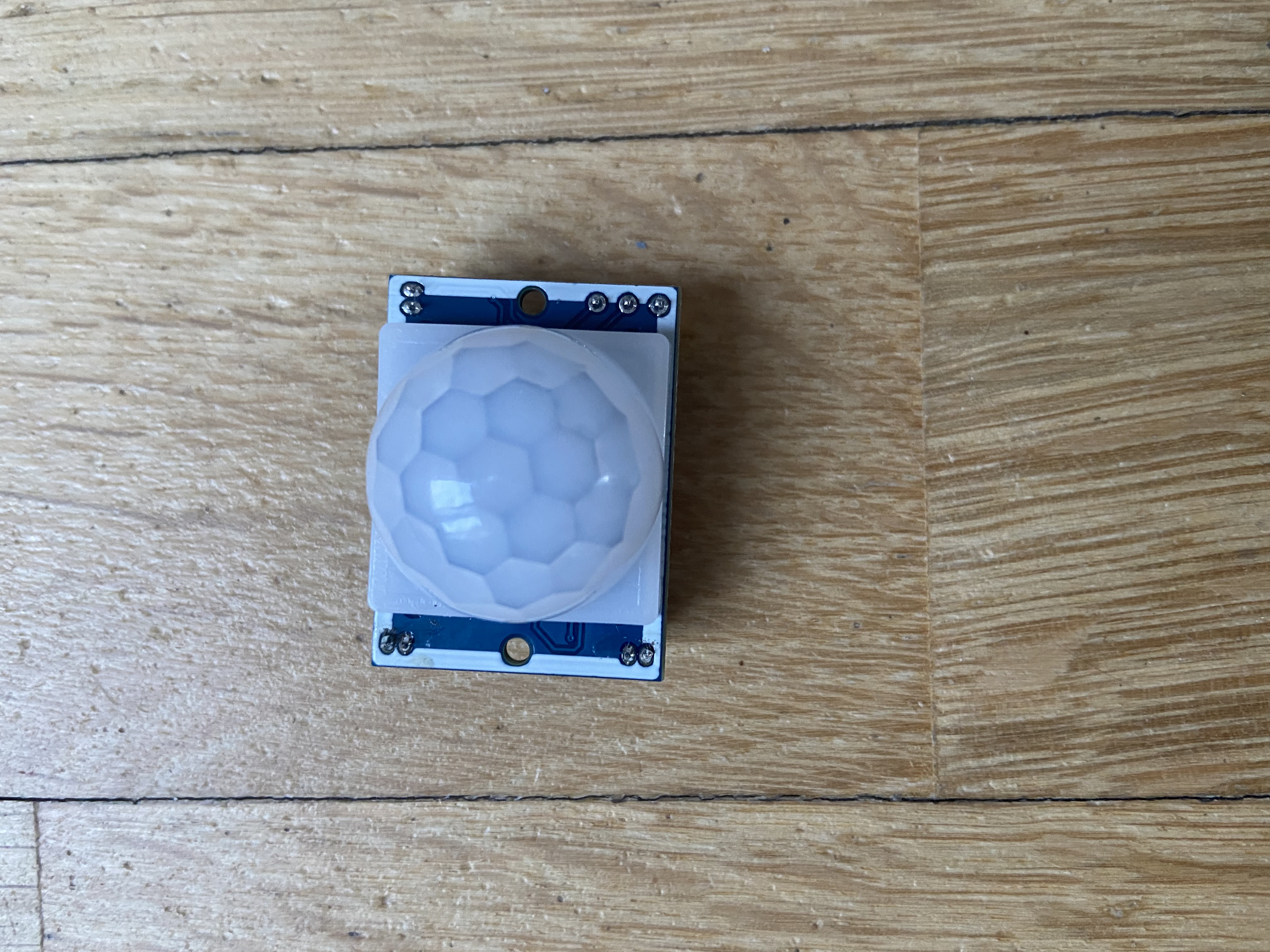
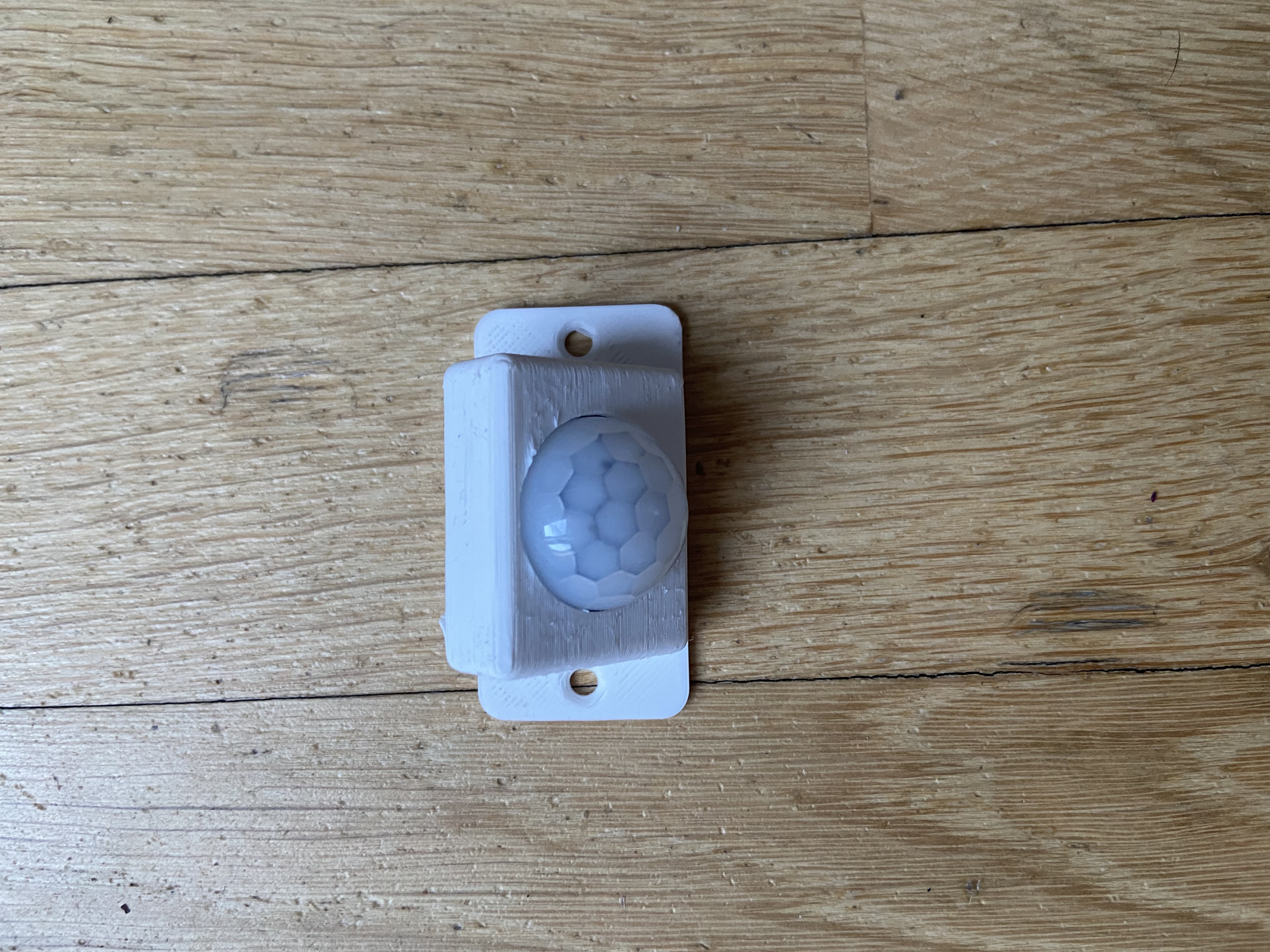
เซนเซอร์วัดระดับน้ำ (Waterlevelsensor)
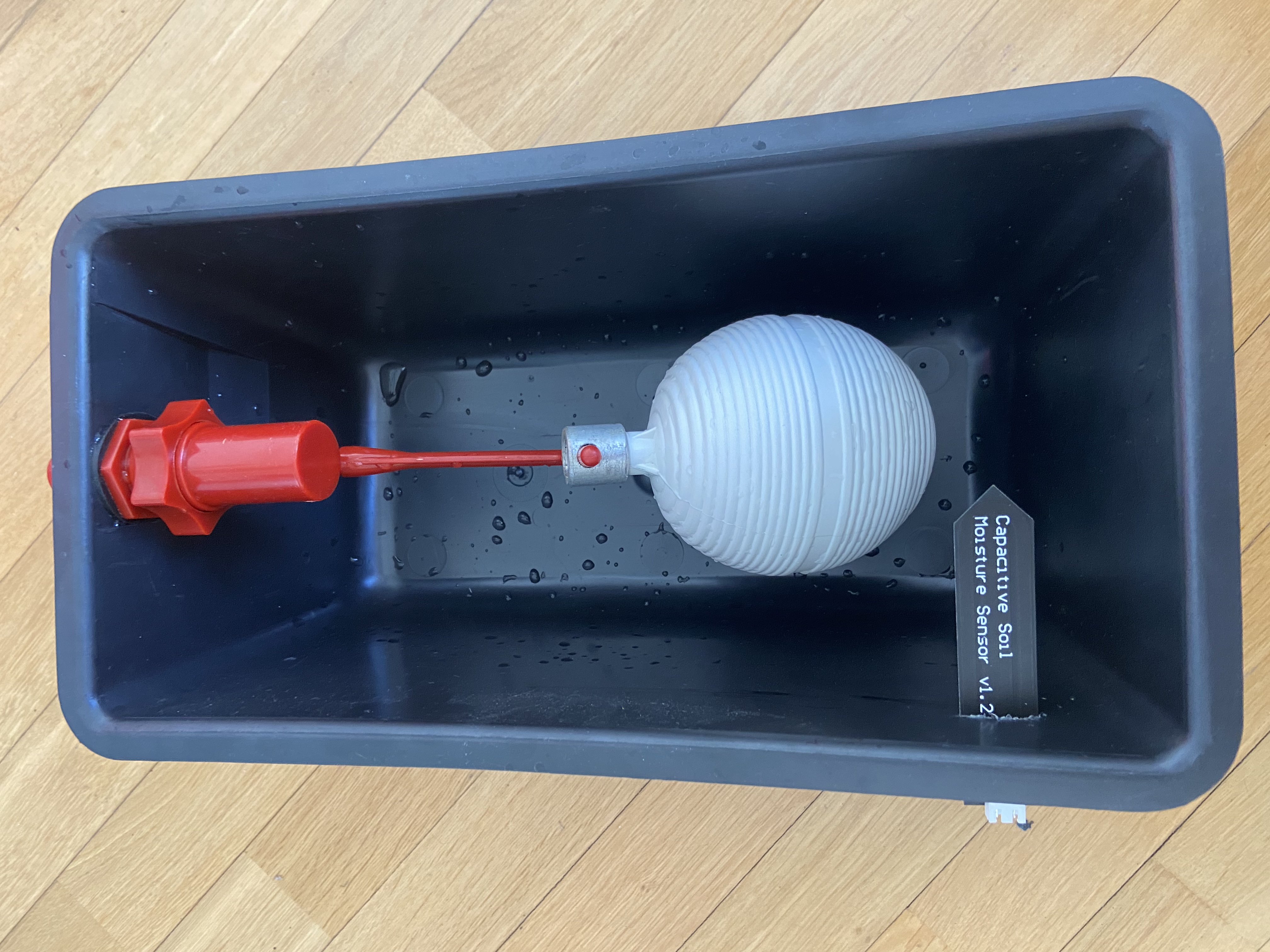
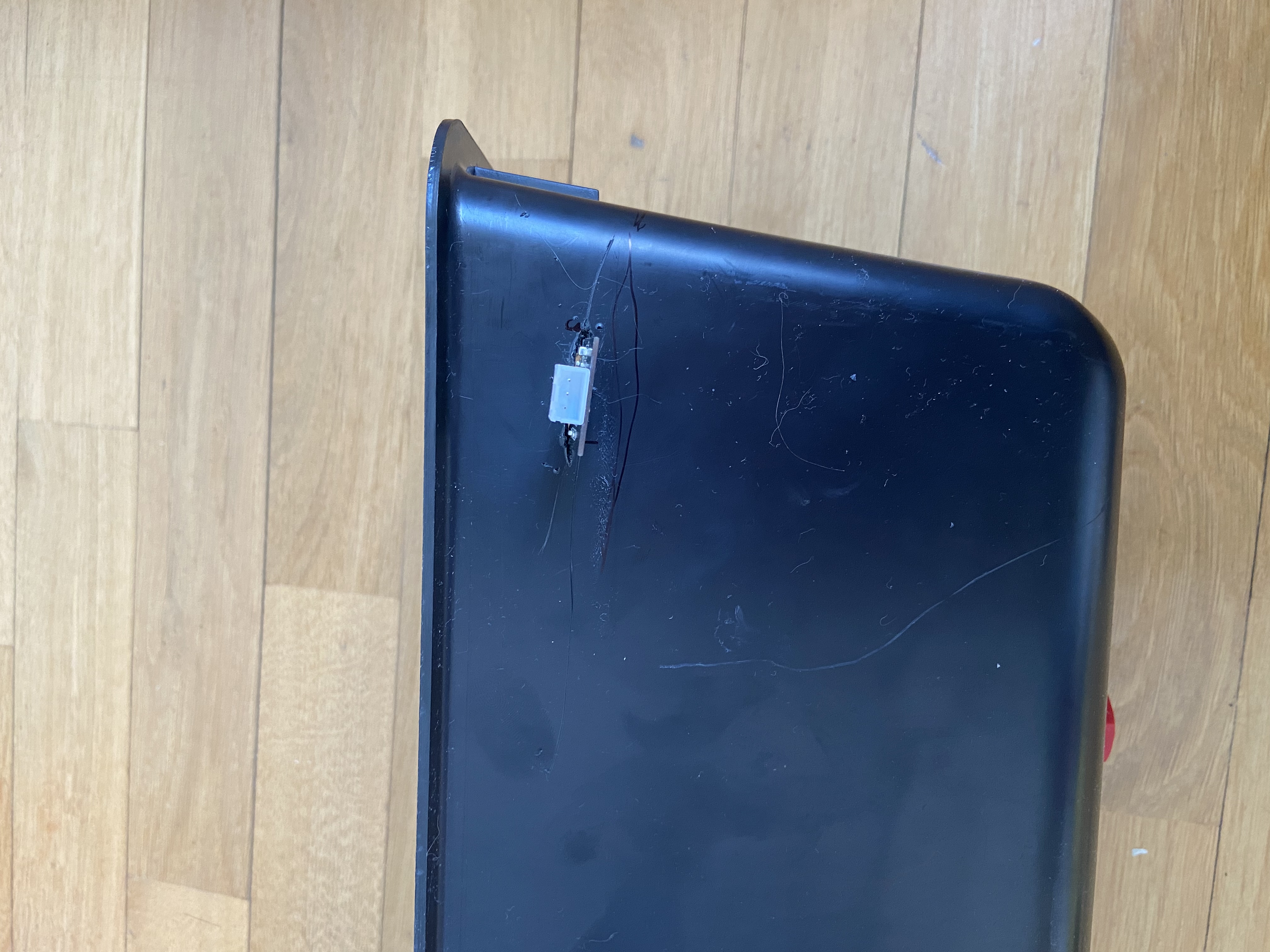
ในเคสพี่ ปัญหาคือระบบเติมน้ำอัตโนมัติมันชอบเอ๋อ พี่เลยเจาะถังแล้วเอา Soil Moisture Sensor ของชุด Oplá kit มาเสียบซะเลย พอระดับน้ำมันท่วมถึงตัว Sensor ปุ๊บ มันก็จะ Trigger แจ้งเตือนทันที
เซอร์โวควบคุมประตู (Door [servo](https://s.shopee.co.th/7fUgFAWSki))
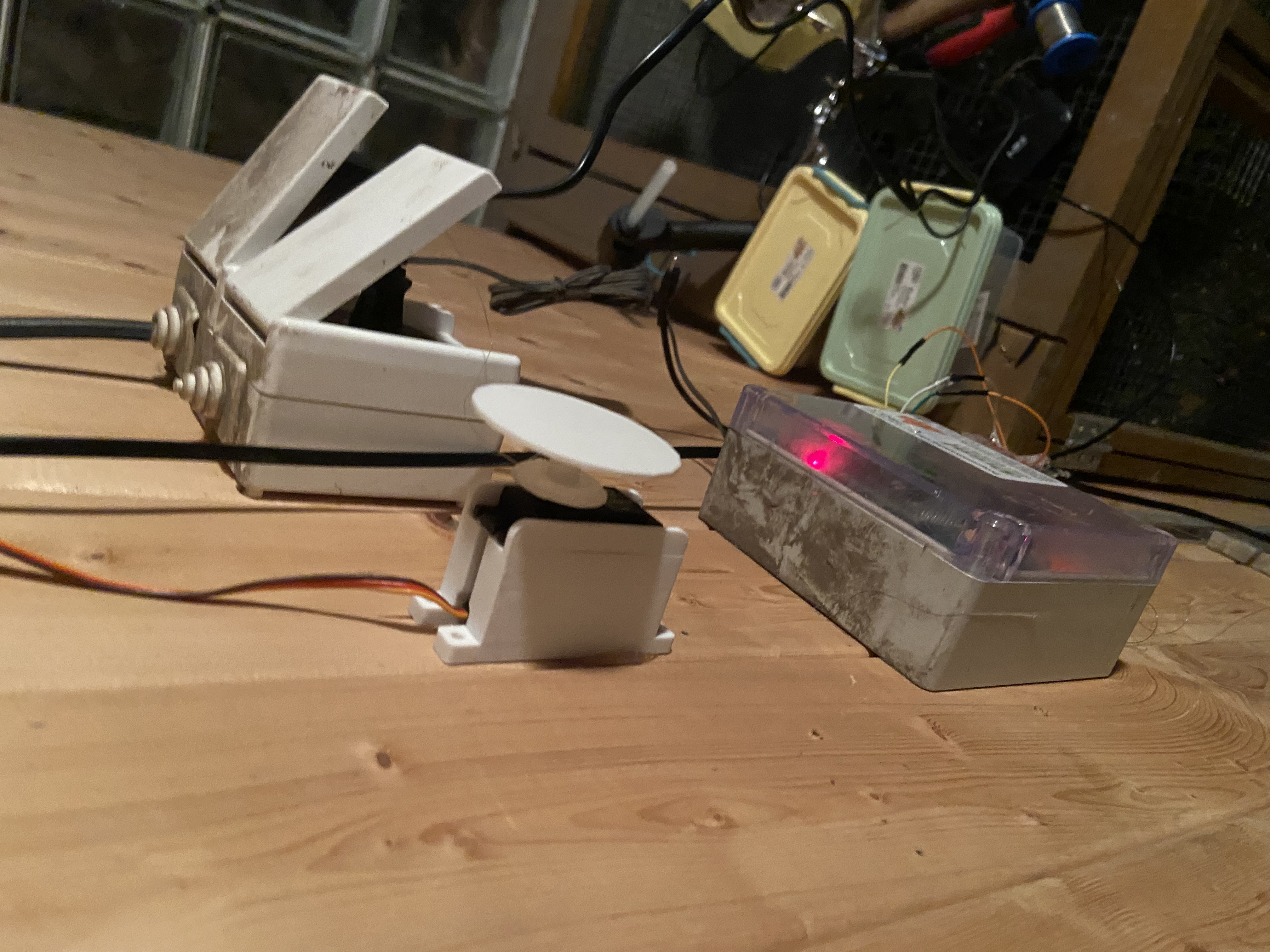
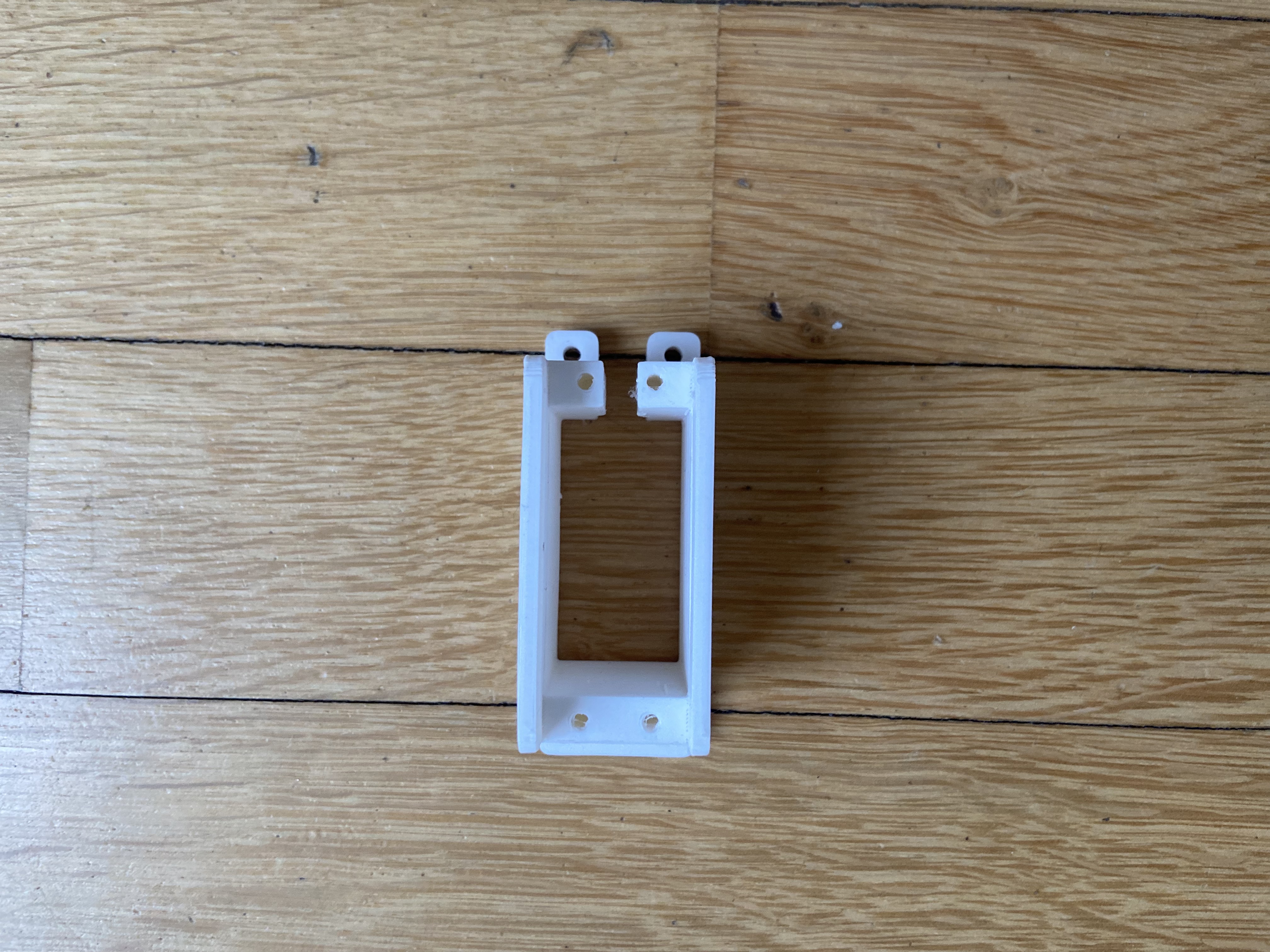
Temperature sensor
ขออภัยน้องๆ พี่หาไฟล์รูปเซนเซอร์วัดอุณหภูมิที่ใช้ไม่เจอว่ะ
[Relay](https://s.shopee.co.th/3fyXTmWPbL)
คราวนี้ เราก็มาต่อ ทุกอย่างตาม Schematic เลยนะ
PCB
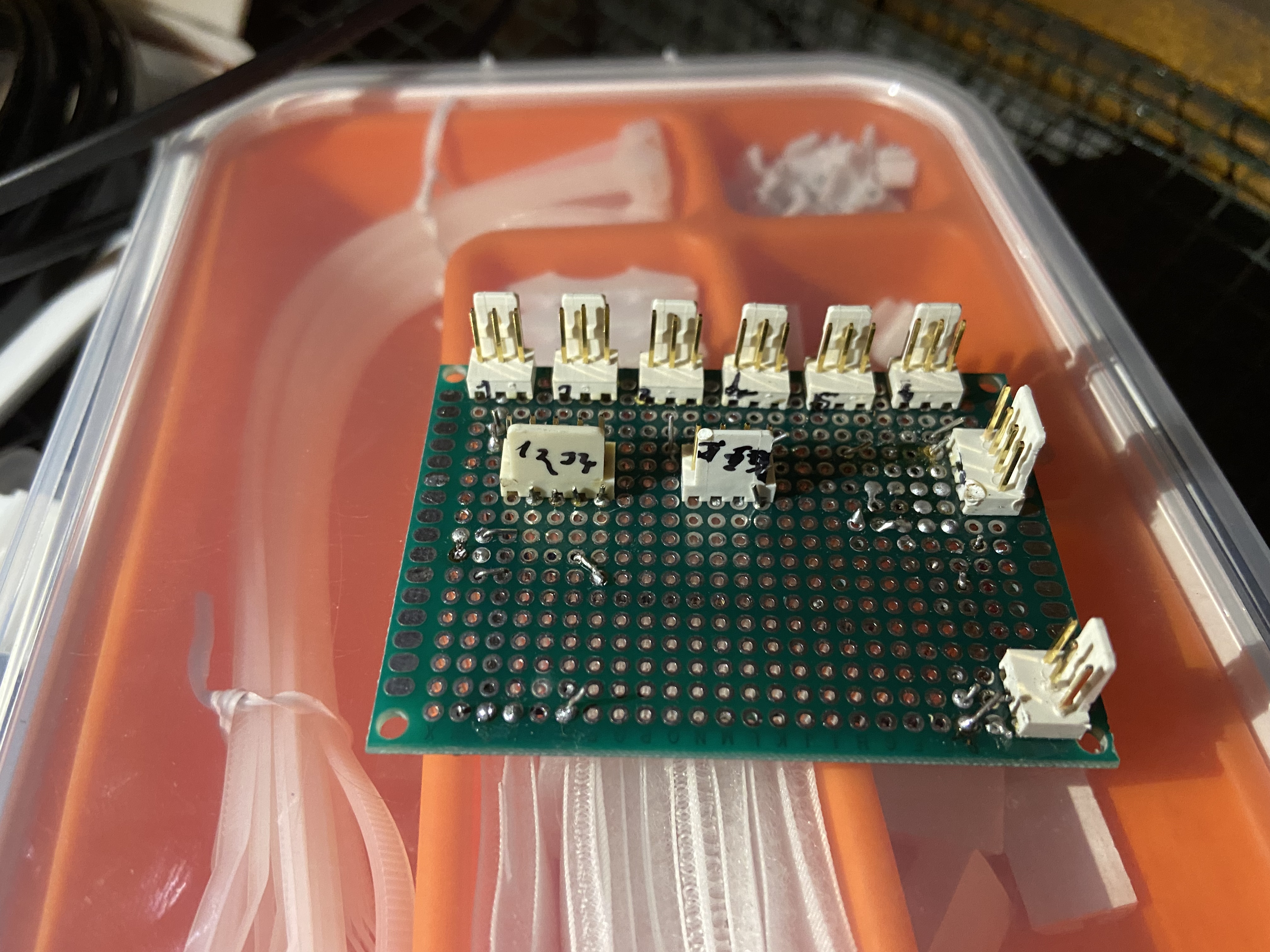
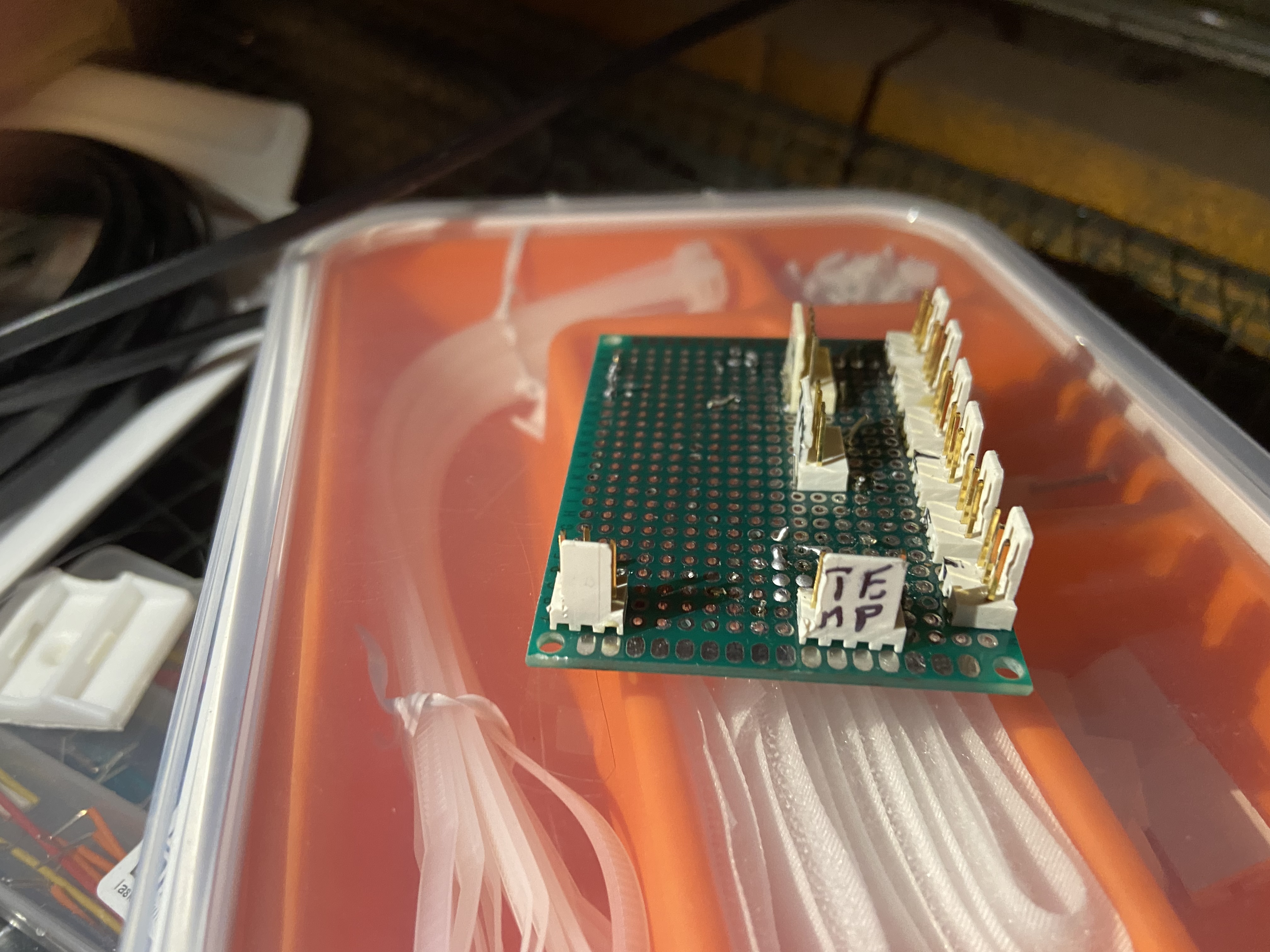
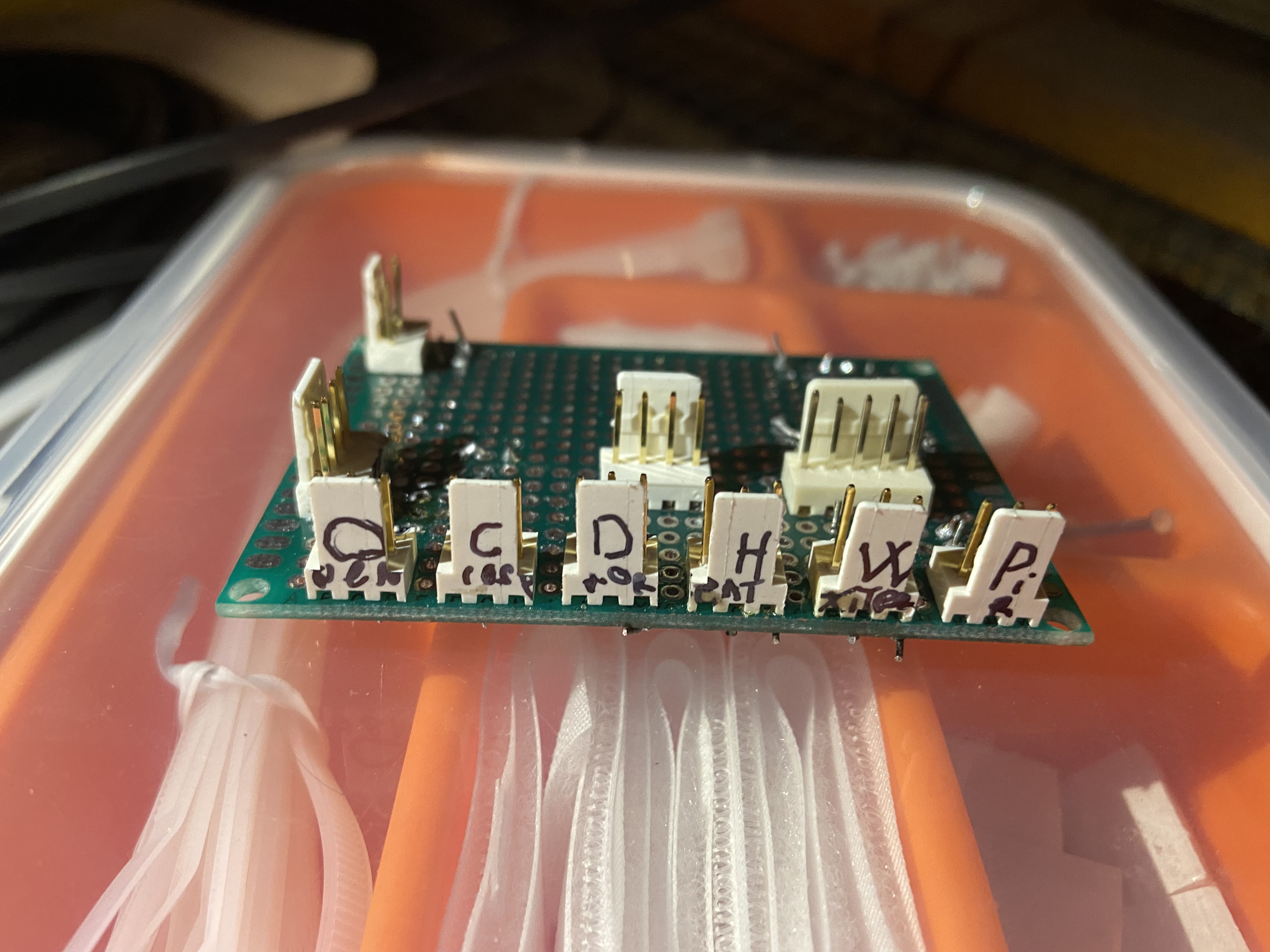
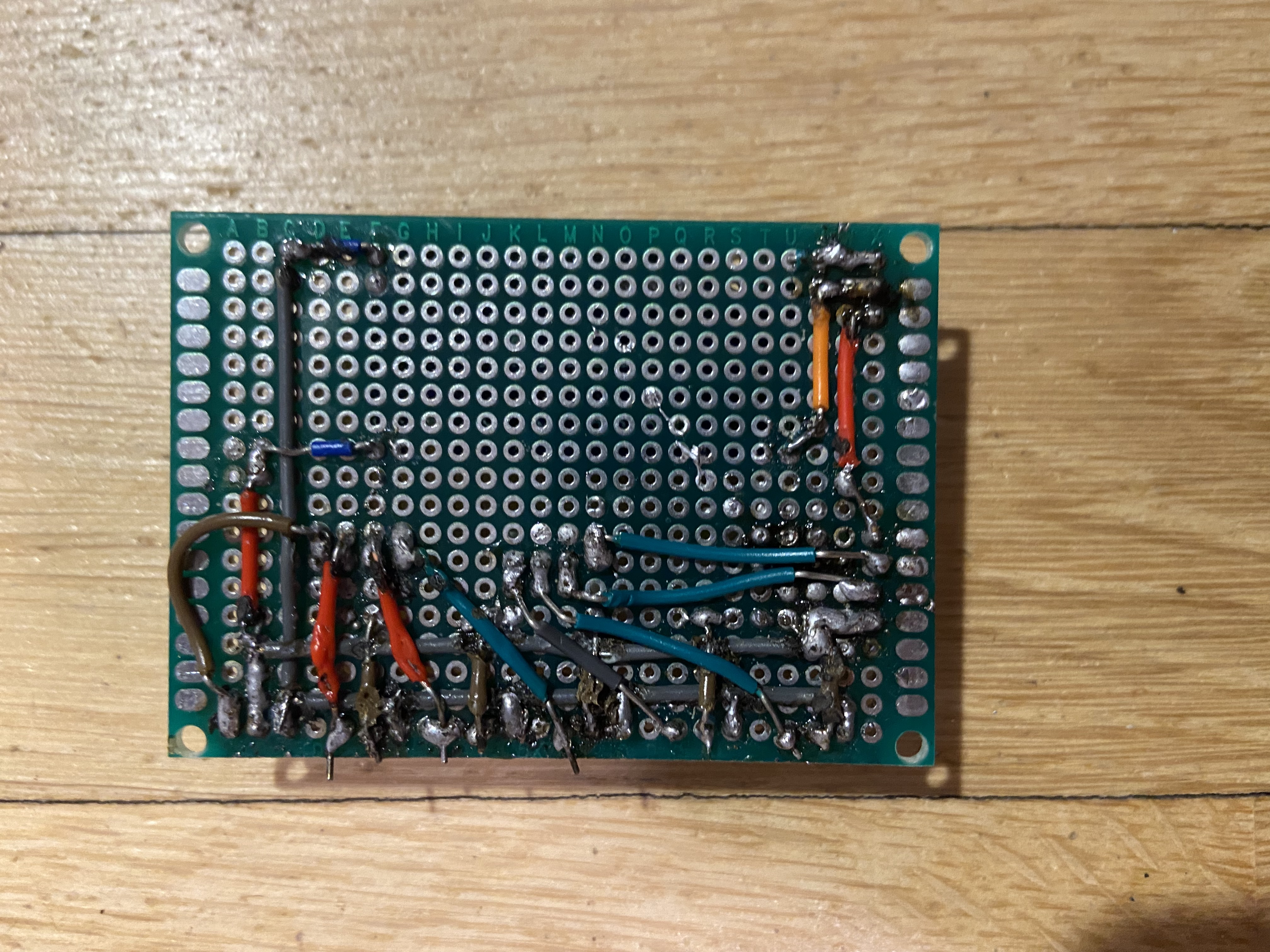
การตั้งค่า IoT Cloud
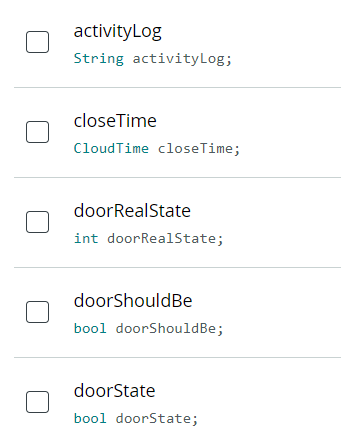
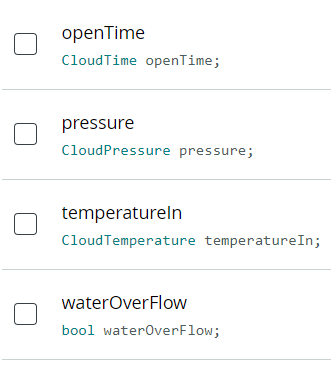
activityLog - Character String, Read Only, On change
closeTime - Time, Read & Write, On change
doorRealState - Integer Number, Read Only, On change
doorShouldBe - Boolean, Read & Write, On change
doorState - Boolean, Read Only, On change
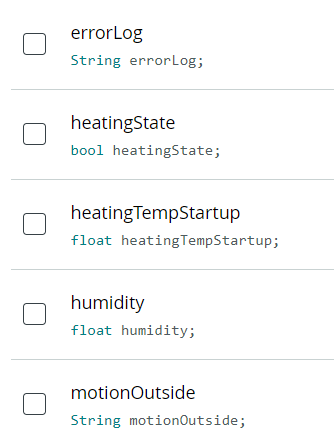
errorLog - Character String, Read Only, On change
heatingState - Boolean, Read & Write, On change
heatingTempStartup - Floating Point Number, Read & Write, On change
humidity - Floating Point Number, Read Only, Periodically (30s)
motionOutside - Character String, Read Only, On change
doorState - Boolean, Read Only, On change
openTime - Time, Read & Write, On change
pressure - Pressure, Read Only, Periodically (30s)
temperatureIn - Temperature, Read Only, Periodically (10s)
waterOverFlow - Boolean, Read Only, On change
การแจ้งเตือนด้วย IFTTT (ต้องมี IFTTT Pro+ นะจ๊ะ)
ขั้นแรก สร้าง Applet ใหม่แล้วเพิ่ม Webhook trigger แบบ JSON payload เข้าไป
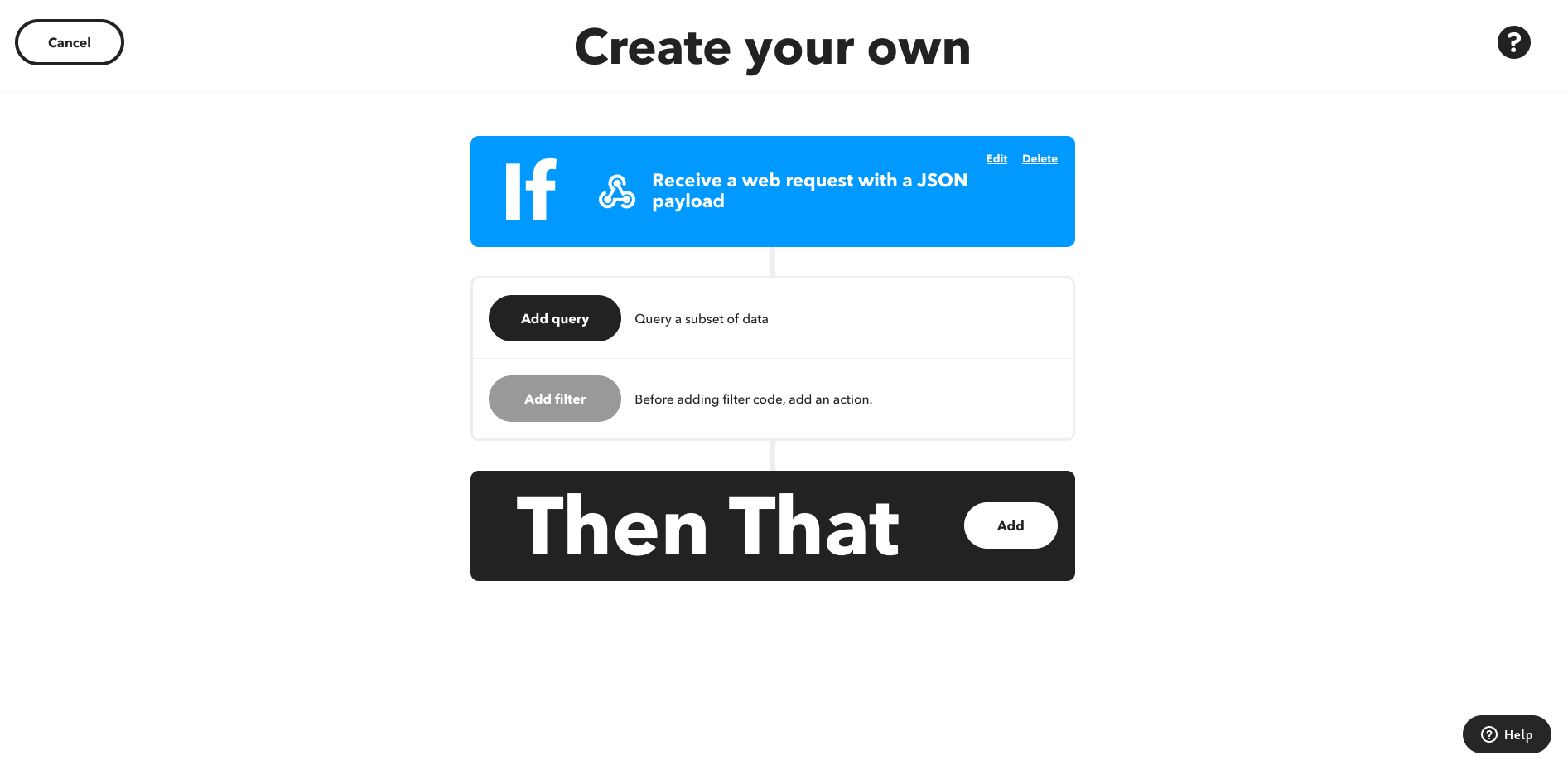
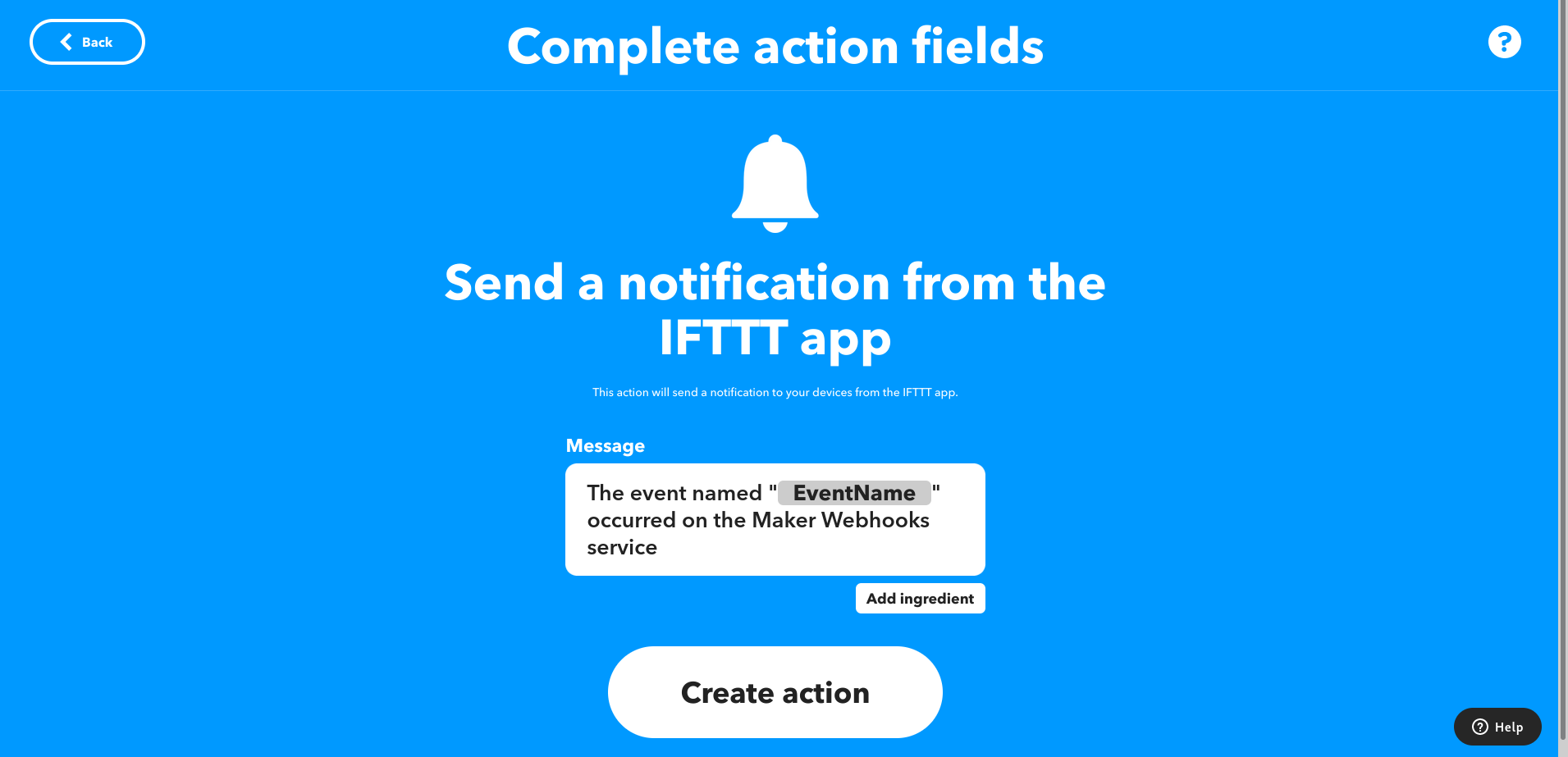
จากนั้นเลือกว่าจะให้มันทำอะไร พี่เลือกส่ง Notification เข้ามือถือ แต่น้องจะเลือกส่ง Email หรืออย่างอื่นก็ตามสะดวก
เสร็จแล้วก็ใส่ Filter
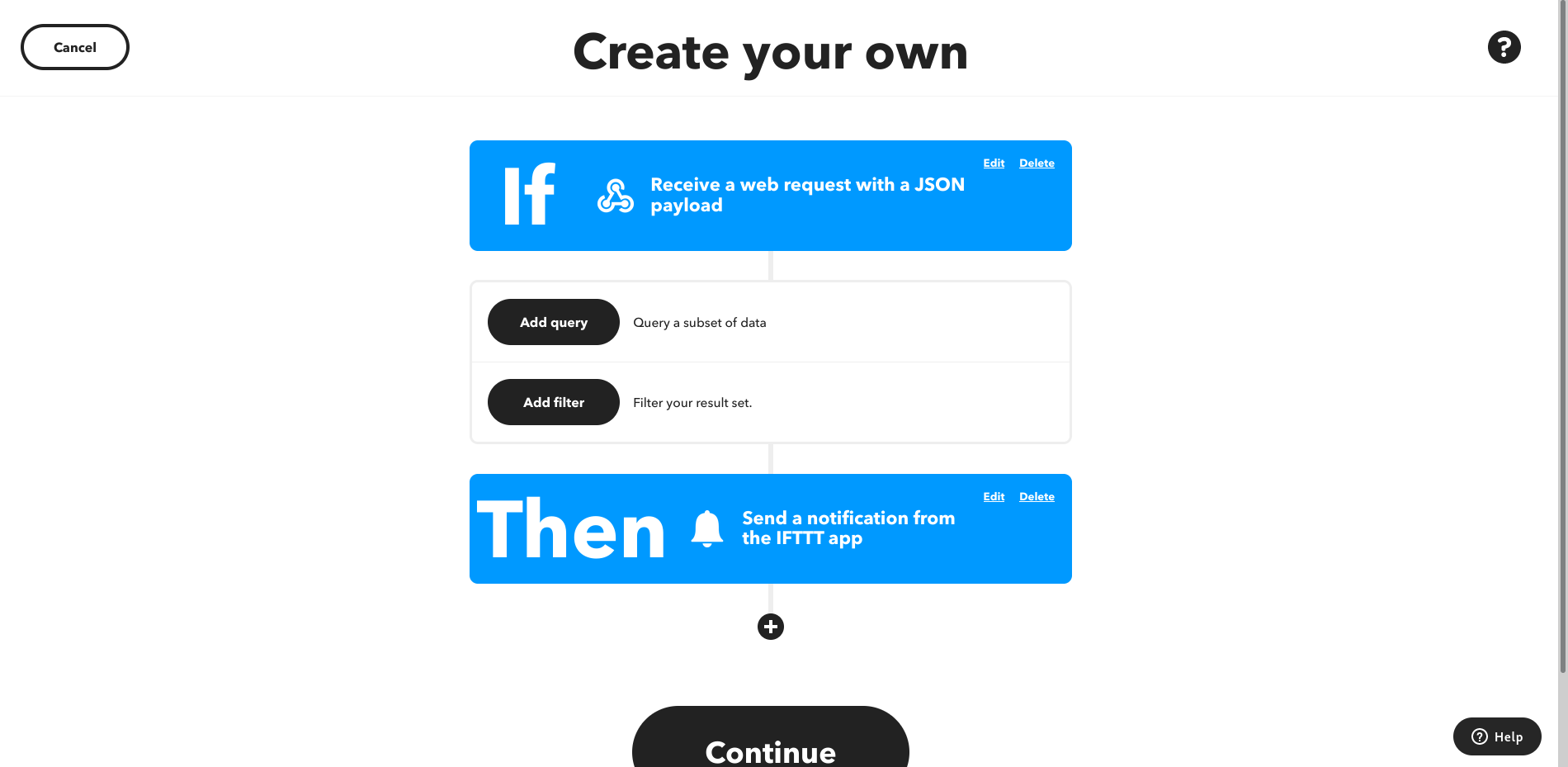
แล้วก๊อปปี้ Code นี้ไปวางในส่วน Filter ได้เลย
var payLoad = JSON.parse(MakerWebhooks.jsonEvent.JsonPayload);
if (payLoad.value1 == "motionOutside"){
 if (payLoad.value2 == "Motion outside detected!"){
   IfNotifications.sendNotification.setMessage("ตรวจพบความเคลื่อนไหวข้างนอกคอก!")
 }else{
   IfNotifications.sendNotification.skip();
 }
}else if (payLoad.value1 == "waterOverFlow"){
 if (payLoad.value2 == "true" || payLoad.value2 == "1" || payLoad.value2 == "True" ){
   IfNotifications.sendNotification.setMessage("ชิบหายแล้วน้ำล้น!")
 }else{
   IfNotifications.sendNotification.skip();
 }
}else if (payLoad.value1 == "errorLog"){
 IfNotifications.sendNotification.setMessage("Error! ไปเช็ค errorLog ด่วนน้อง!");
}else if (payLoad.value1 == "heatingState"){
 if (payLoad.value2 == "true" || payLoad.value2 == "1" || payLoad.value2 == "True" ){
   IfNotifications.sendNotification.setMessage("เริ่มทำความร้อนแล้วนะ...")
 }else{
   IfNotifications.sendNotification.skip();
 }
}
else{
 IfNotifications.sendNotification.skip();
}
เสร็จแล้วก็กด Continue แล้ว Finish ซะ
คราวนี้ไปที่ไอคอน Profile คลิก My services แล้วหา Webhooks
เปิดดูที่ Documentation
เปลี่ยน {event} ในส่วน Trigger with JSON payload ให้เป็นชื่อ Trigger ของเรา แล้วก๊อปปี้ลิงก์ไว้

กลับไปที่ [Arduino](https://s.shopee.co.th/7fUgFAWSki) IoT Cloud แล้วคลิก Set Webhook
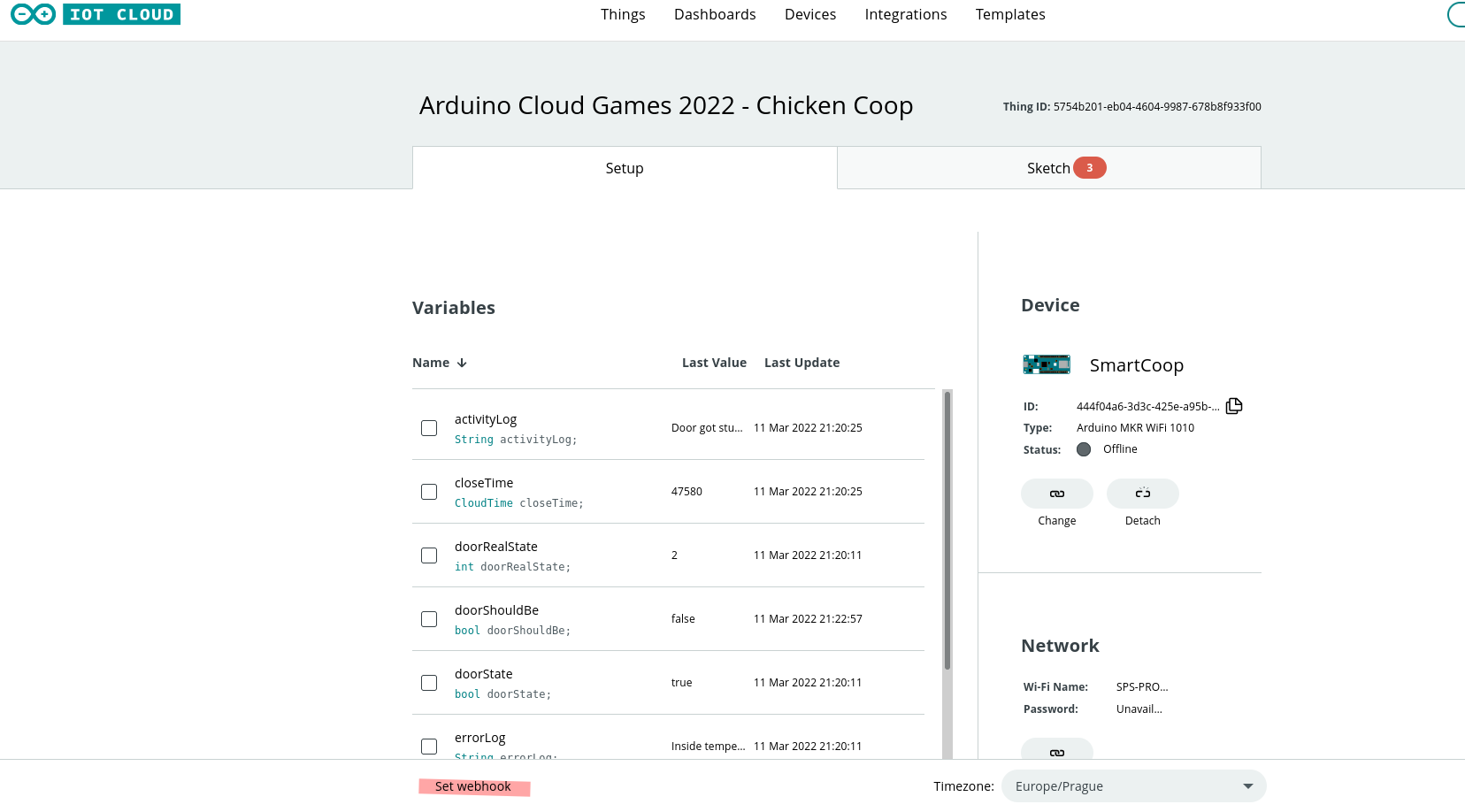
วางลิงก์ที่ก๊อปมาลงไป แล้วก็เรียบร้อย หล่อเท่เลยงานนี้!
ชิ้นส่วน 3D printed
น่าเสียดายที่พี่หาลิงก์ที่โหลดโมเดลส่วนใหญ่ไม่เจอ ถ้าจะเอามาลงโดยไม่ให้เครดิตเขามันก็ดูไม่ดี (Plagiarism) แต่พี่เชื่อว่าพวกเราหาโมเดลที่เหมาะกับงานตัวเองได้อยู่แล้ว สู้ๆ น้อง!
DASHBOARD
ในโปรเจกต์นี้เราแต่ง Dashboard ได้เยอะมาก เอาที่ตัวเองดูแล้วเข้าใจง่ายที่สุดนั่นแหละดีที่สุด!
รายละเอียดทางเทคนิคเพิ่มเติม
ระบบความปลอดภัยสำหรับสัตว์เลี้ยง (Livestock Safety Automation)
โปรเจกต์นี้สร้างขึ้นเพื่อ #ArduinoCloudGames2022 โดยเน้นความปลอดภัยของแก๊งไก่แบบ Full Automation
- Smart Door Actuation: ใช้ High-Torque Stepper Motor หรือ Linear Actuator ในการเปิด/ปิดประตู โดยอ้างอิงข้อมูลเวลาพระอาทิตย์ขึ้น-ตกที่ซิงค์มาจากเว็บ
- Internal Monitoring: มี PIR sensor ไว้คอยตรวจจับผู้บุกรุก (พวกนักล่า) และมีเซนเซอร์วัดน้ำหนัก (Load Cell) ไว้คอยนับจำนวนน้องไก่ว่าเข้าคอกครบหรือยัง
Cloud Dashboard
- Arduino IoT Cloud: ใช้ควบคุมและดูสถานะแบบ Real-time ถ้าประตูมันดันล็อคไม่ลงตอนกลางคืน ระบบจะส่ง "Critical Alert" เข้ามือถือเจ้าของทันที เพื่อให้เรากดสั่งงานระยะไกล (Remote Intervention) ได้ทันท่วงที ห้ามช็อตนะตัวนี้ สู้งานนะน้อง!