Summary
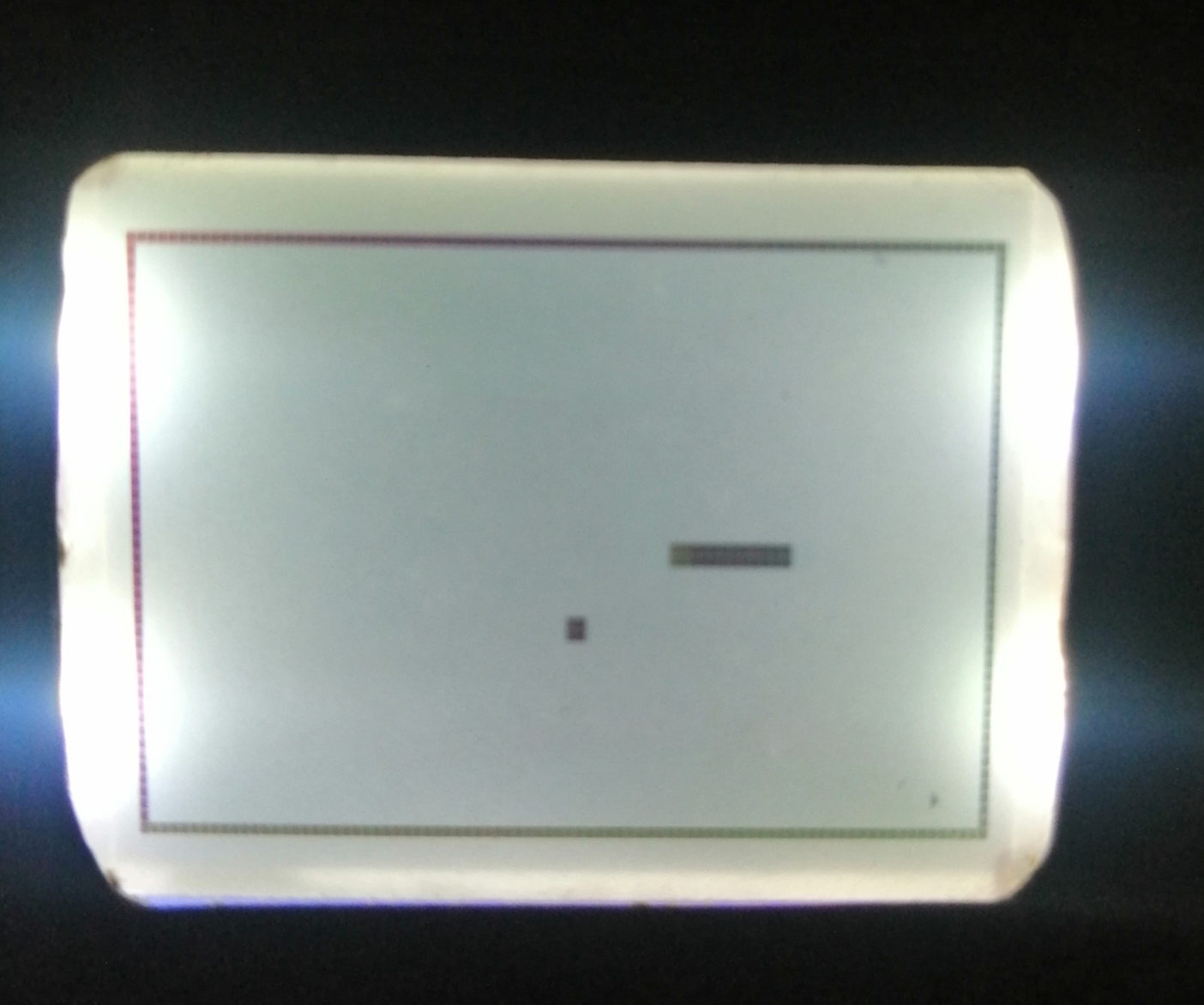
I had Nokia LCD screen for some time, and few days ago, I decided to create functionally legendary Snake game with Arduino Uno, few buttons and piezo speaker for sounds.
Functionalities:
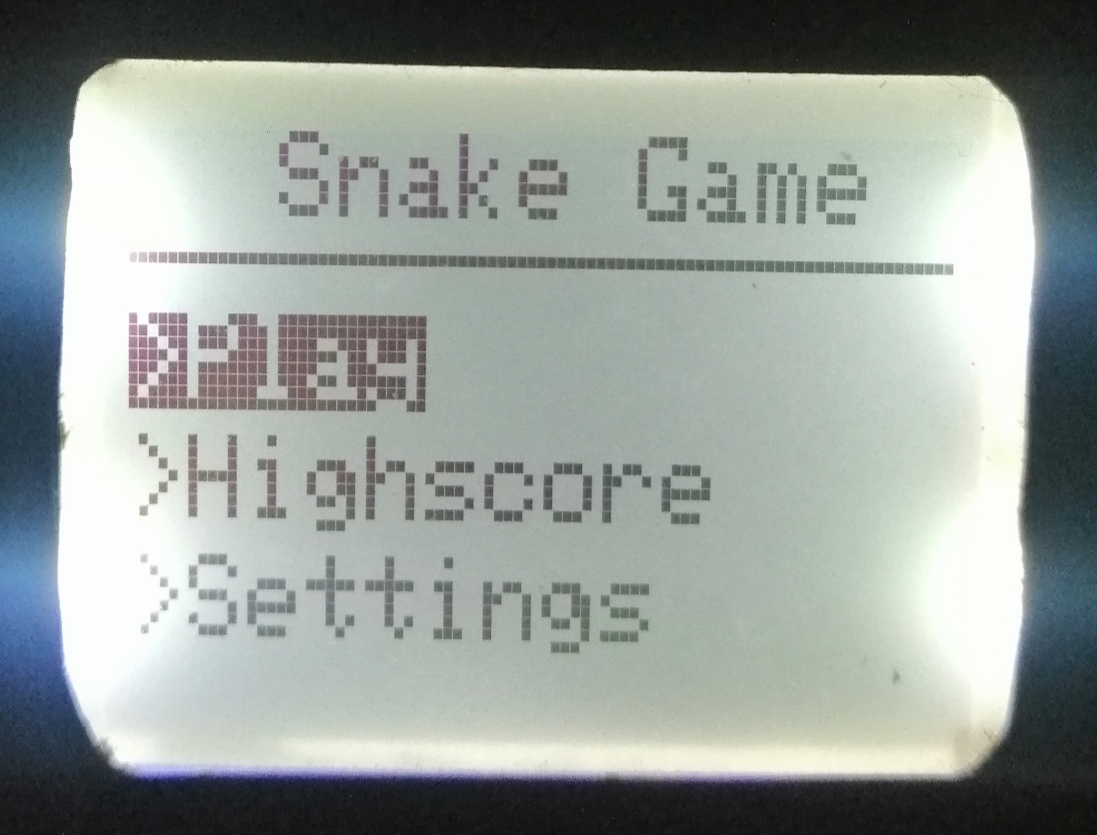
- Main menu with 3 options: Play, Settings and High score
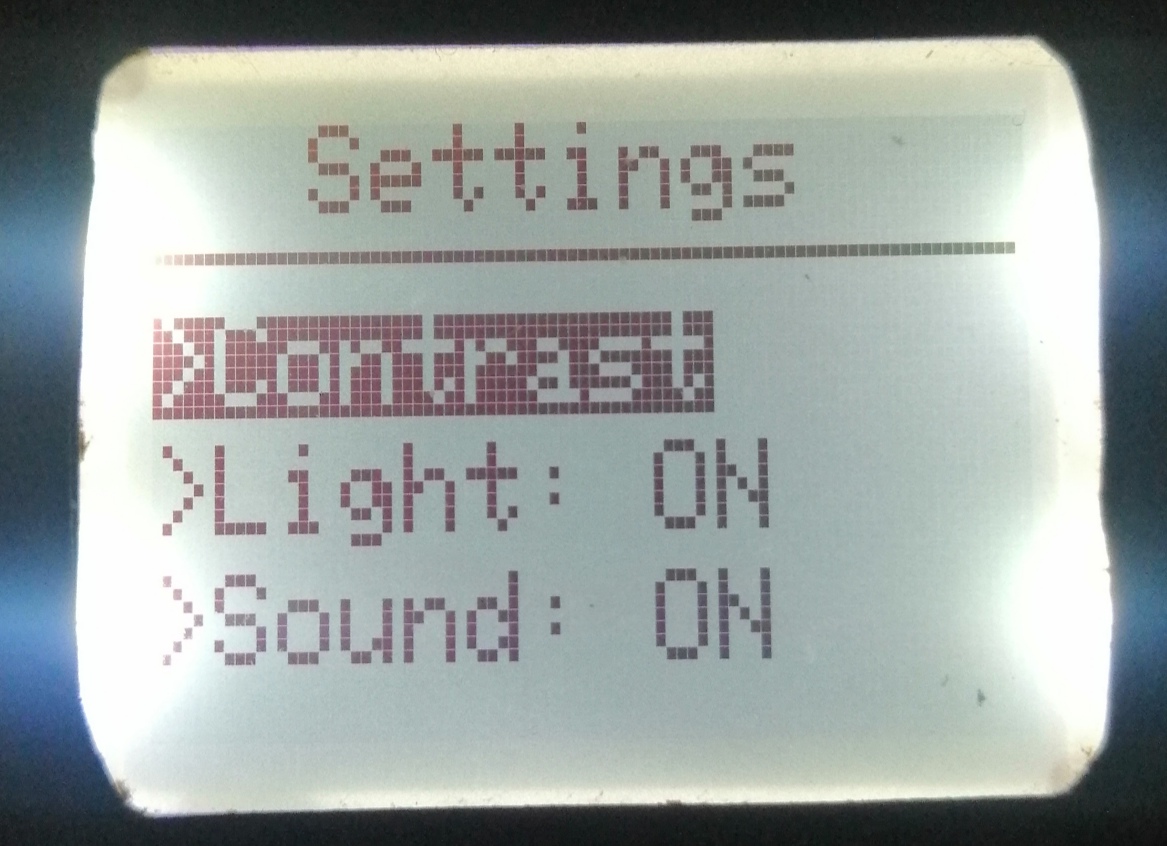
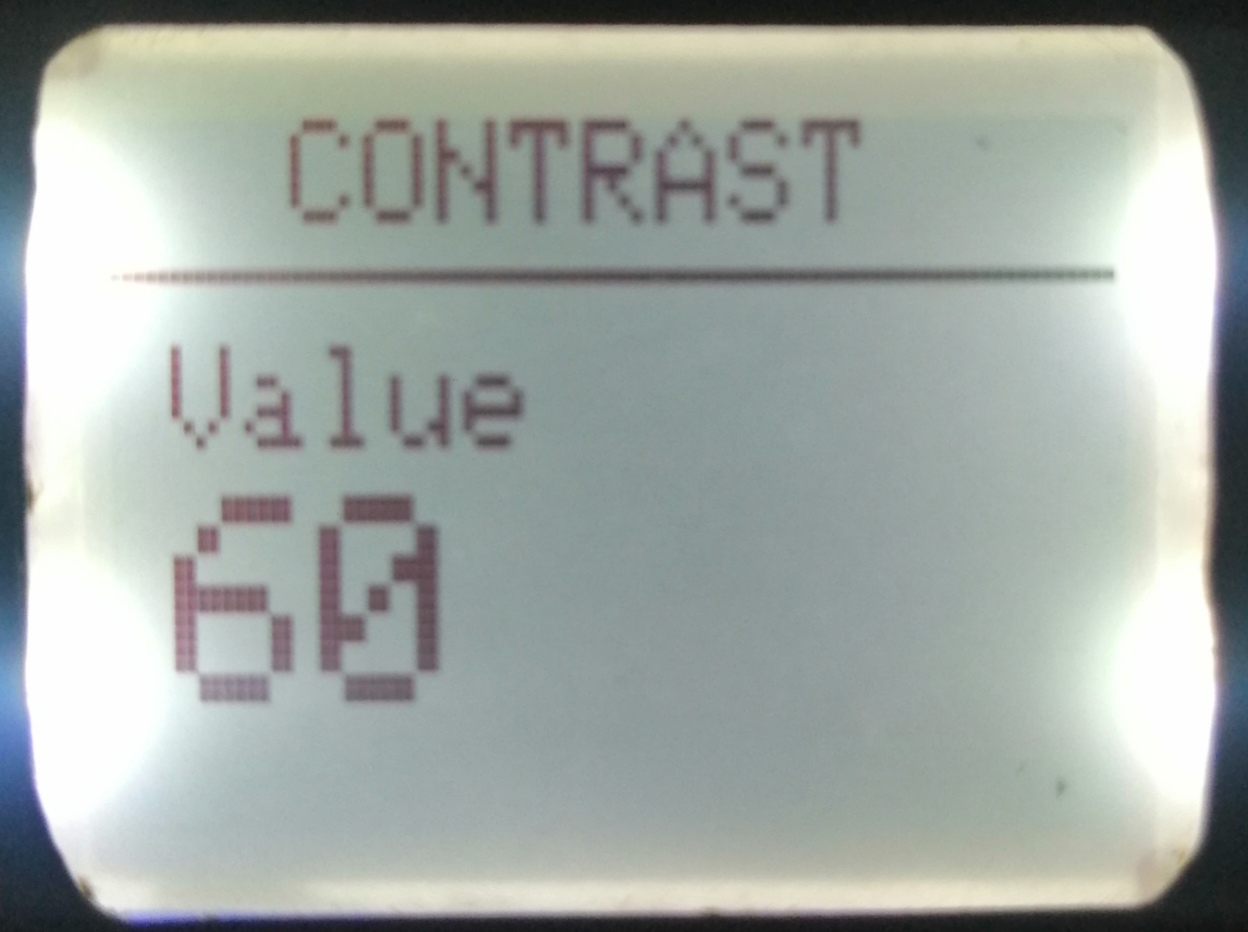
- Settingsmenu: control contrast, backlight and game sounds
- Sounds - play tones on Game over and eating
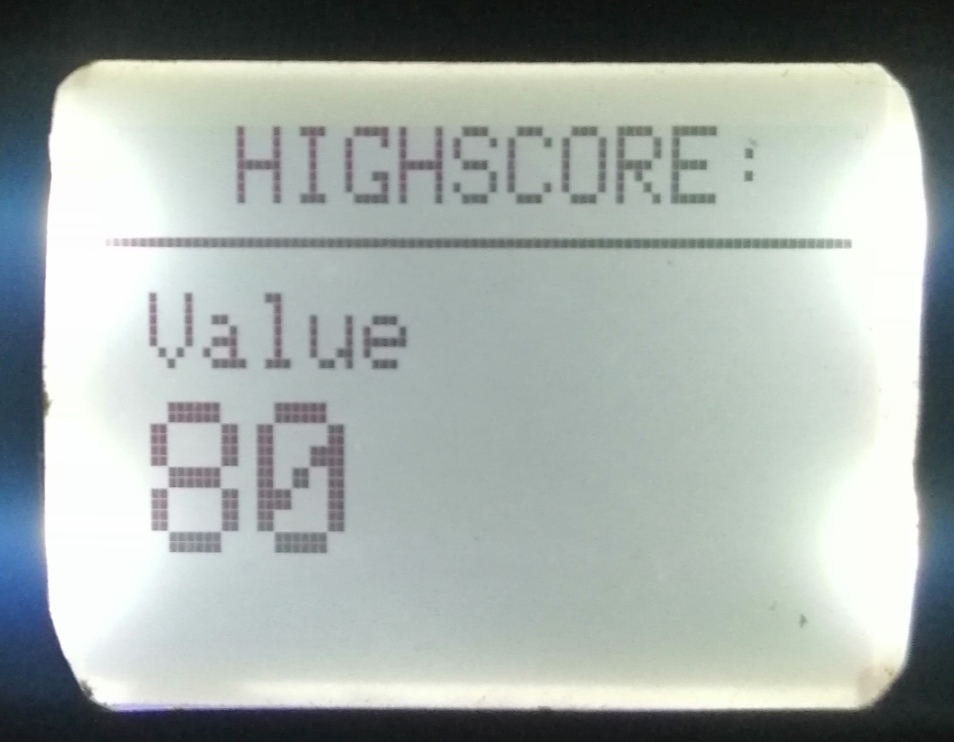
- High score - preserve high score
Parts
There are only few parts in this project, so hardware part is very easy to build.
- 4 push buttons (smaller would be better, but I already had those) for controling
- Nokia 5110 LCD (there are different versions of this module - backlight in different colors: Red, Green, Blue & White)
- Piezo speaker
- Arduino Uno
LCD
I used Adafruit’s PCD8544 Nokia 5110 LCD library. You can install it from Library Manager. Also, it needs to be paired with Adafruit GFX Library, so install this library as well.
Speaker
Simple piezo speaker would do the job. It doesn't need any library.
Function tone() is used for playing notes.
It uses 2 Arduino pins: Ground and one Digital pin.
tone(pin, frequency, duration)
Pin is digital pin that is used, frequency is frequency of the tone in hertz, and duration is optional. For more explanation and notes, go here, on official Arduino website.
In my project, tone is playing when snake eat food and on game over screen.
Buttons
- Left - move snake left and move back in game menu
- Right - move snake right and select in menu
- Right - move snake up, up in menu and control contrast
- Down- move snake down, down in menu and control contrast
High score
High score is preserved in Arduino's memory (EEPROM), so it will be there even if Arduino runs out of power.
It is very simple to read and write from it.
// R/W EEPROM
void writeIntIntoEEPROM(int address, int number){
\tEEPROM.write(address, number >> 8);
\tEEPROM.write(address + 1, number & 0xFF);
}
int readIntFromEEPROM(int address){
\tbyte byte1 = EEPROM.read(address);
\tbyte byte2 = EEPROM.read(address + 1);
\treturn (byte1 << 8) + byte2;
}
Game logic
Gameobjects:
- Block - represents part of snake
- Snake
- Food
- GameManager
I will explain here important parts of code from these classes. Rest of the code is in Code section.
The idea for moving a snake is to move the first element in the sequence (snake's tail) to the last (snake's head), and move all the others backwards. In other words, tail gets new coordinates and becomes a head of the snake.
Snake can be moved across the entire screen and will not die if it hits the edges. If this happens, the snake continues on the other side of the screen in the same direction.
 void Snake::execute(){
\tBlock* tail = _blocks[0];
\t//SWITCH CASE HAVE BUG!!!!
\tif(_direction == UP)
\t{
\t\tmoveUp(tail);
\t}
\telse if(_direction == DOWN)
\t{
\t\tmoveDown(tail);
\t}
\telse if(_direction == RIGHT)
\t{
\t\tmoveRight(tail);
\t}
\telse if(_direction == LEFT)
\t{
\t\tmoveLeft(tail);
\t}
\tfor(int j = 0;j<_size;j++)
\t{
\t\t_blocks[j]=_blocks[j+1];
\t}
\t_blocks[_size-1] = tail;
\t_headX = tail->_x;
\t_headY = tail->_y;
\tfor(int j = 0;j<_size-1;j++)
\t{
\t\tif(_blocks[j]->_x == _headX &&
\t\t\t\t_blocks[j]->_y == _headY)
\t\t{
\t\t\t_selfTouch=true;
\t\t}
\t}
\tdraw();
}
void Snake::moveRight(Block* tail){
\tif(_blocks[_size-1]->_x + WEIGHT != WIDTH)
\t{
\t\ttail->_x=_blocks[_size-1]->_x + WEIGHT;
\t\ttail->_y=_blocks[_size-1]->_y;
\t}
\telse
\t{
\t\ttail->_x=0;
\t\ttail->_y=_blocks[_size-1]->_y;
\t}
}
void Snake::moveUp(Block* tail){
\tif(_blocks[_size-1]->_y != 0)
\t{
\t\ttail->_y=_blocks[_size-1]->_y - WEIGHT;
\t\ttail->_x = _blocks[_size-1]->_x;
\t}
\telse
\t{
\t\ttail->_y = HEIGHT - WEIGHT;
\t\ttail->_x = _blocks[_size-1]->_x;
\t}
}
void Snake::moveDown(Block* tail){
\tif(_blocks[_size-1]->_y + WEIGHT != HEIGHT)
\t{
\t\ttail->_y = _blocks[_size-1]->_y + WEIGHT;
\t\ttail->_x = _blocks[_size-1]->_x;
\t}
\telse
\t{
\t\ttail->_y = 0;
\t\ttail->_x = _blocks[_size-1]->_x;
\t}
}
void Snake::moveLeft(Block* tail){
\tif(_blocks[_size-1]->_x != 0)
\t{
\t\ttail->_x=_blocks[_size-1]->_x - WEIGHT;
\t\ttail->_y=_blocks[_size-1]->_y;
\t}
\telse
\t{
\t\ttail->_x = WIDTH - WEIGHT;
\t\ttail->_y = _blocks[_size-1]->_y;
\t}
}
The snake is drawn in a loop, where one block is drawn in each iteration.
void Snake::draw(){
\tfor (byte i = 0; i < _size; i ++) {
\t\t_display->fillRect(_blocks[i]->_x, _blocks[i]->_y, _weight, _weight, BLACK);
\t}
}
Collision with food is checked in GameManager object. After the snake eats the food, a new block with food coordinates is added to blocks array of snake.
void GameManager::checkForCollision()
{
\t//check collision with food
\tif(_food->_x == _snake->_headX &&
\t_food->_y == _snake->_headY)
\t{
            if(_sound)
            {
                tone(SPEAKER, NOTE_A7, TONE_FOOD_DURATION);
            }
\t    score+=_food->points;
\t    _snake->addBlock(_food->_x, _food->_y);
\t    _food->randomize(WIDTH - WEIGHT, HEIGHT - WEIGHT, WEIGHT);
\t}
}
The coordinates of the food are determined as follows.
void Food::randomize(byte width, byte height, byte weight){
\t_x = random(weight,width - weight);
\tif(_x % weight != 0)
\t    _x+=1;
\t_y = random(2,height -weight);
\tif(_y % weight != 0)
\t    _y+=1;
}
Rest of the code is in Code section.
SnakeGame.h contains all public constants, so you can change snake's max length, initial contrast, width and height of screen etc..
Snake contains array of blocks. Every block have its own x and y coordinate.
Food also its own coordinates. For randomizing food coordinates, I used Arduino's function random(), with randomSeed(analogRead(0)) in setup. Here is explanation for randomSeed.
GameManager is responsible for game logic (drawing game objects, checking for collision...). It's declared in SnakeGame.ino file.
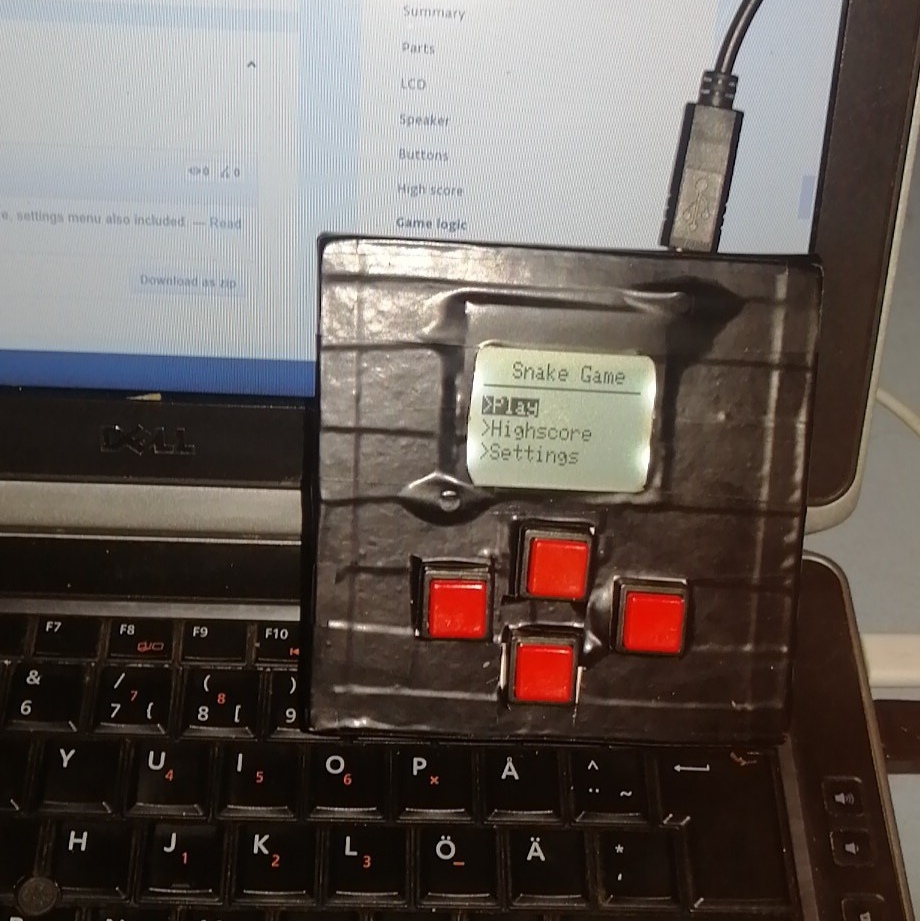
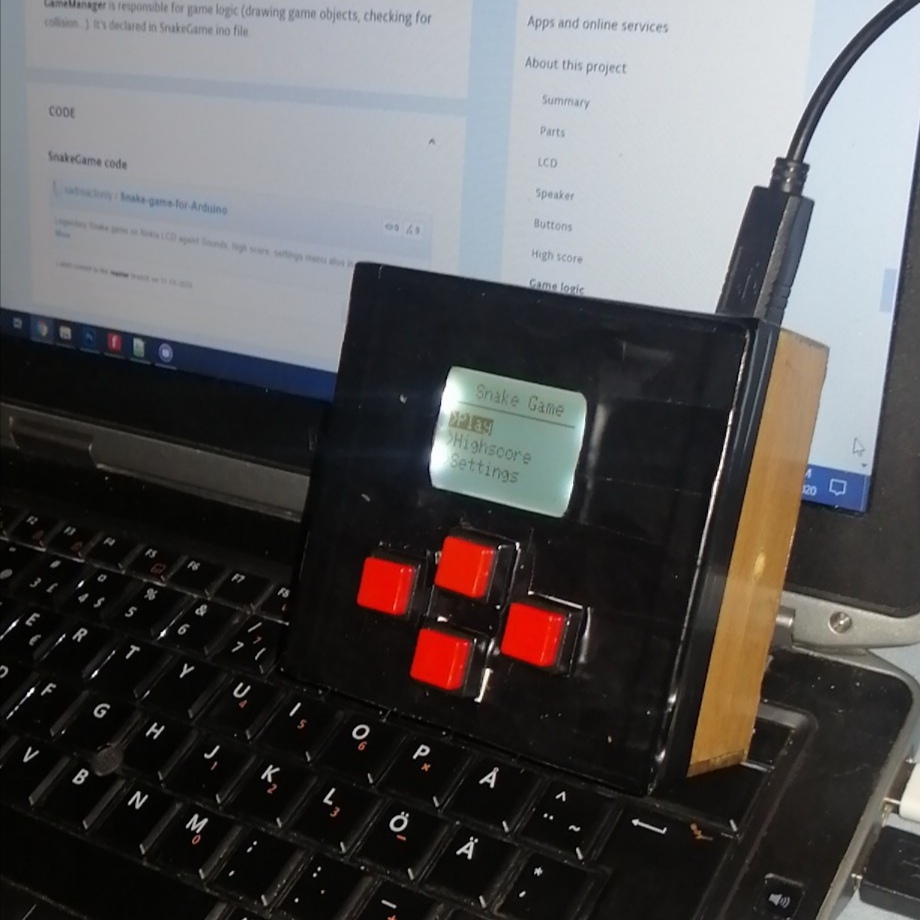
Finished project
🛠️ เจาะลึกเบื้องหลังการทำงาน (Deep Dive / Technical Analysis)
The game "Snake" defined a generation. It also happens to be a perfect test in multi-variable array management. The Snake Game on Nokia 5110 leverages the beautiful, high-contrast, indestructible LCD screen from vintage 1990s mobile phones to re-create the frantic arcade action, forcing programmers to understand expanding pointers and 4-way vector movement matrices.
The Hardware SPI Buffer (PCD8544)
The Nokia 5110 uses the PCD8544 Controller Chip, meaning it is NOT I2C.
- It is raw SPI. It requires 5 dedicated pins (
RST, CE, DC, DIN, CLK). - You cannot write a single pixel easily directly to the screen. You must use
<Adafruit_PCD8544.h>. - The library creates an invisible
84x48 pixel bufferinside the Uno's SRAM memory. The Arduino draws the snake arrays inside its own invisible memory matrix first! - The massive
display.display();command forces the SPI bus to blast the entire shadow-image across the wires into the Nokia screen in a fraction of a second, causing the game to visually update!
Managing the Snake Body Array
A snake is not one square; it is an infinitely expanding array of X/Y coordinates.
- You declare a massive matrix:
int bodyX[100]; int bodyY[100];. - As the snake moves "Right", the C++ loop does not simply draw a new square. It mathematically shifts every single element in the array down one slot!
// Shift the entire snake body forward one segment!
for(int i = snakeLength - 1; i > 0; i--) {
  bodyX[i] = bodyX[i-1];
  bodyY[i] = bodyY[i-1];
}
// Update the brand new head coordinate based on joystick direction!
bodyX[0] = bodyX[0] + speed;
- When the head coordinates violently match the randomly generated
appleX / appleYcoordinates, thesnakeLengthinteger increments from 5 to 6, and a brand new random apple spawn is calculated mathematically!
Console Hardware Base
- Arduino Uno/Nano (Standard 16MHz execution).
- Original Nokia 5110 (PCD8544) SPI Monochrome LCD Screen.
- 4x Tactile Push Buttons or a 2-Axis Joystick.
- A 10K Potentiometer (Crucial! Simply used to adjust the backlight/contrast of the old-school Nokia LCD so the black pixels pop sharply!).