Intermediate
Mini 4WD Arduino Robot Controlled by Bluetooth
Mini 4WD Arduino robot controlled by Bluetooth.

Mini 4WD Arduino robot controlled by Bluetooth.

▶ Click to play project demo
Project Supporter Team
Posted by
The idea of this project was to make a robot whose size will not occupy much more than the size of the Arduino MKR Motor Carrier board, would it succeed? Here you can see the result:
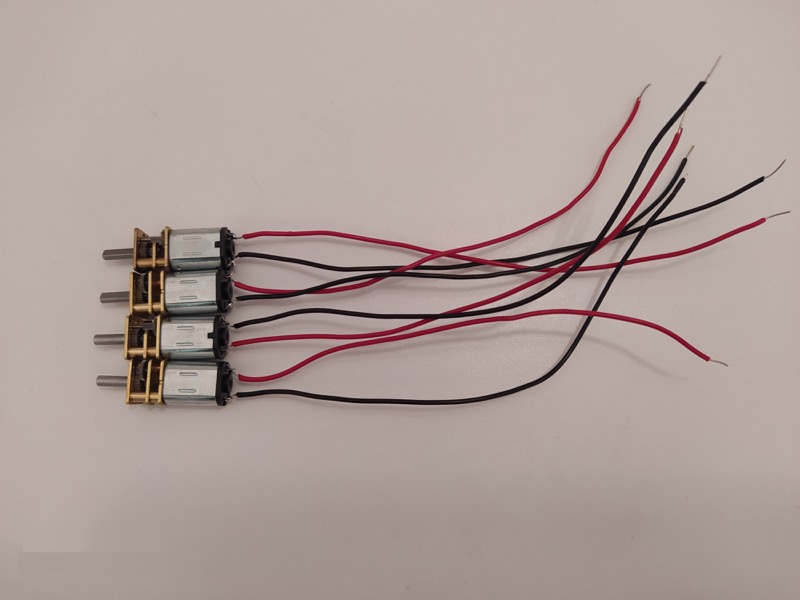
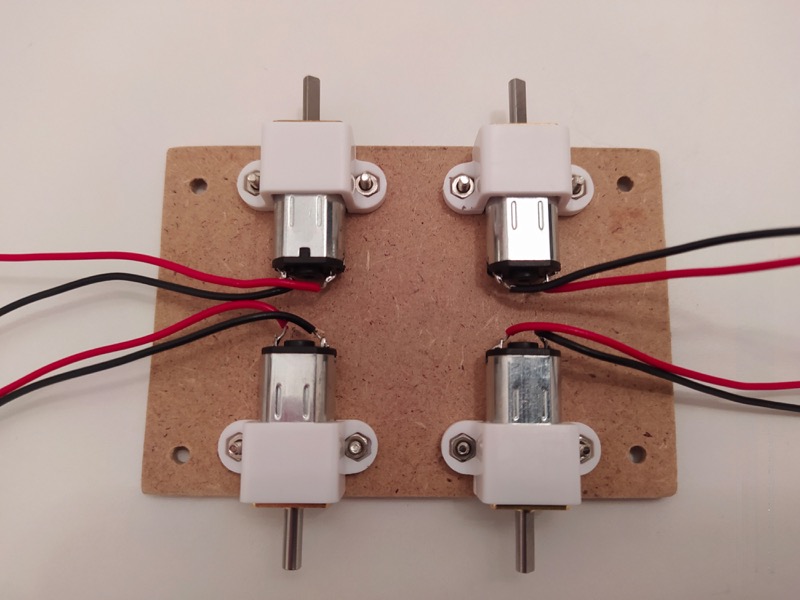
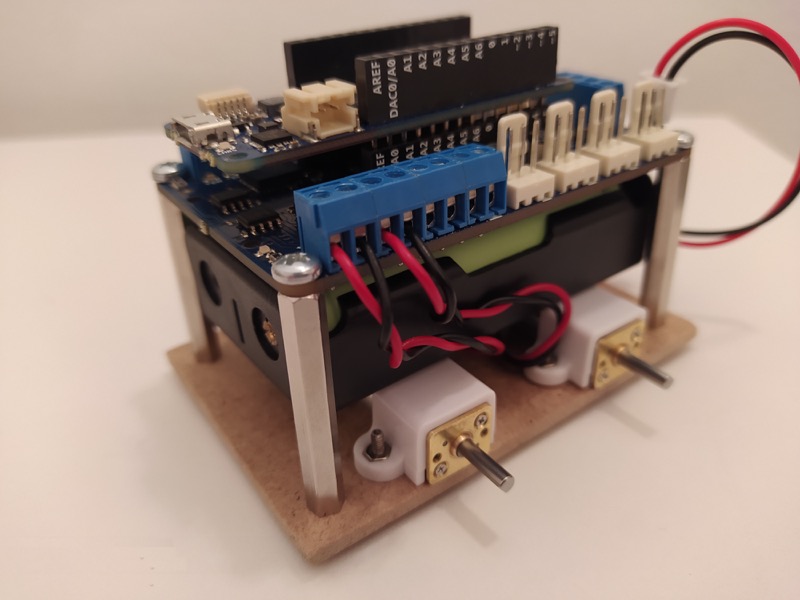
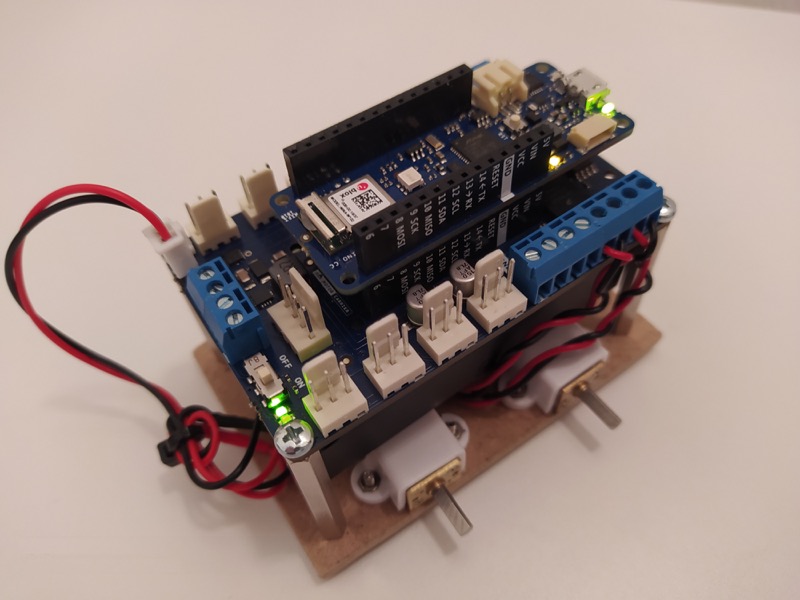
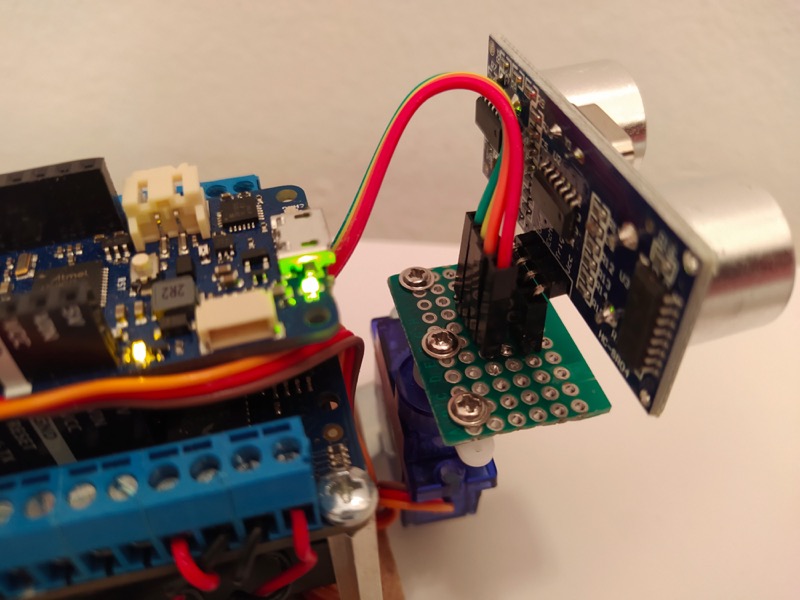
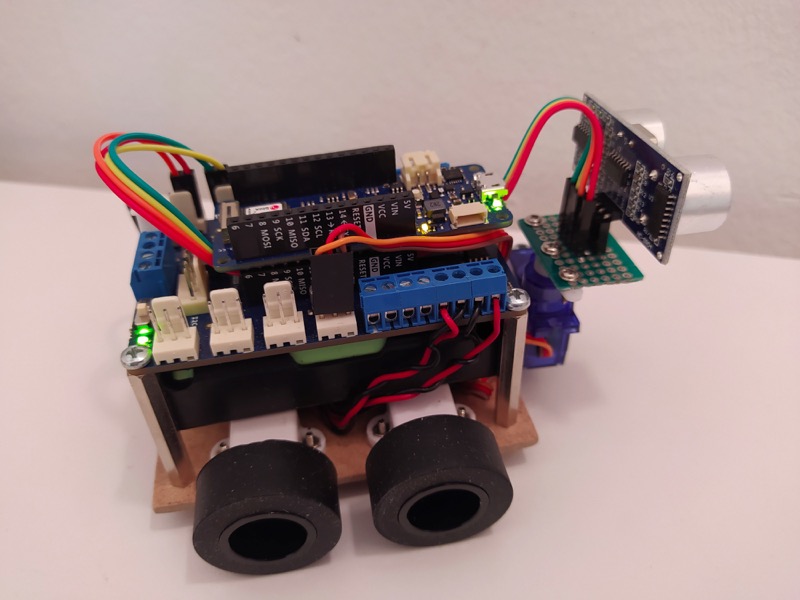
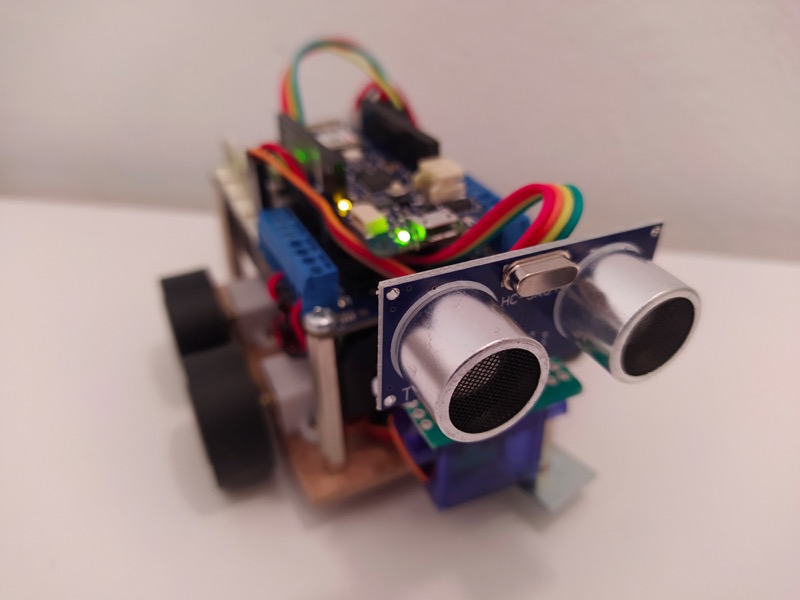
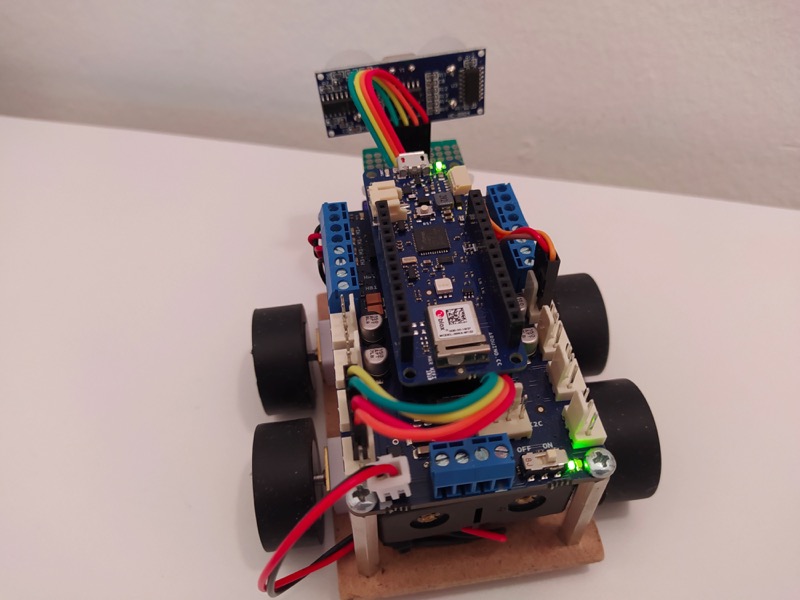
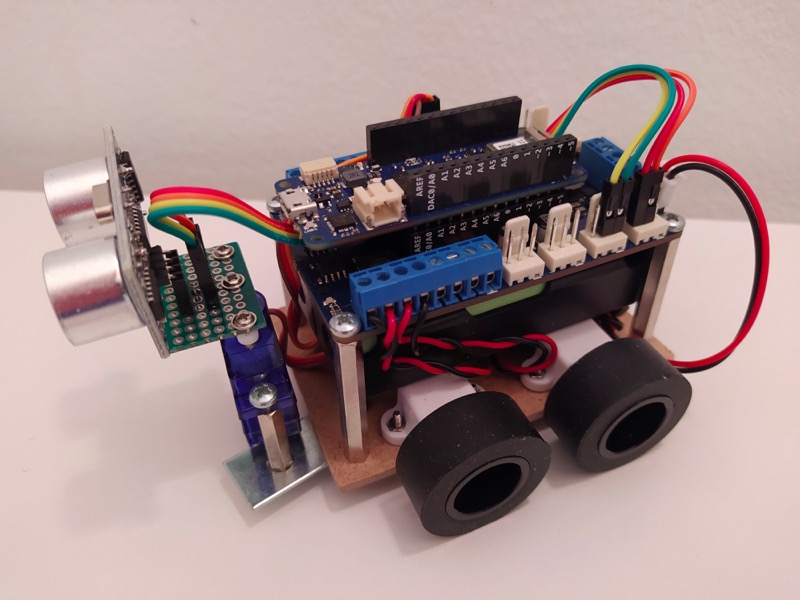
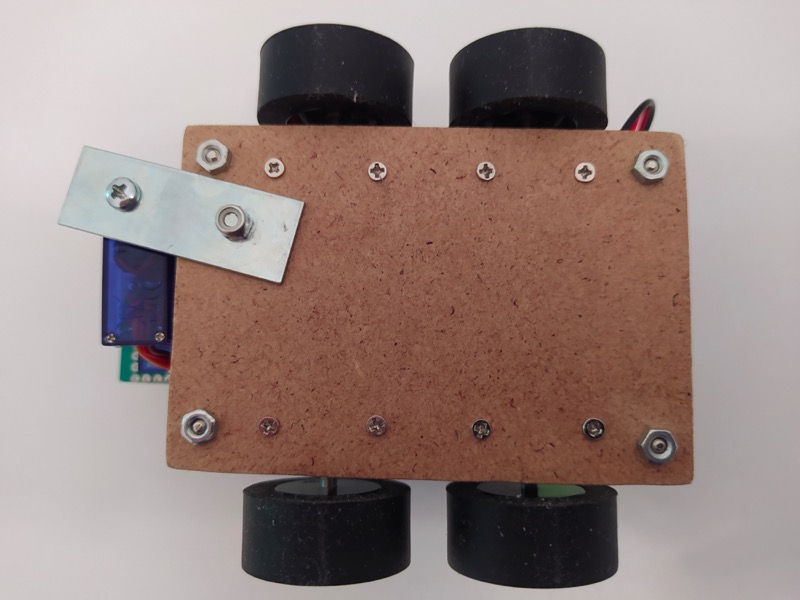
The robot is made up of an Arduino MKR WiFi 1010 board coupled to the Arduino MKR Motor Carrier board and four N20 motors of 100 rpm. A servomotor that moves an HC-SR04 ultrasound sensor to detect obstacles has also been added.
We are going to control the robot in two ways:
Communication in both modes will be via Bluetooth Low Energy.
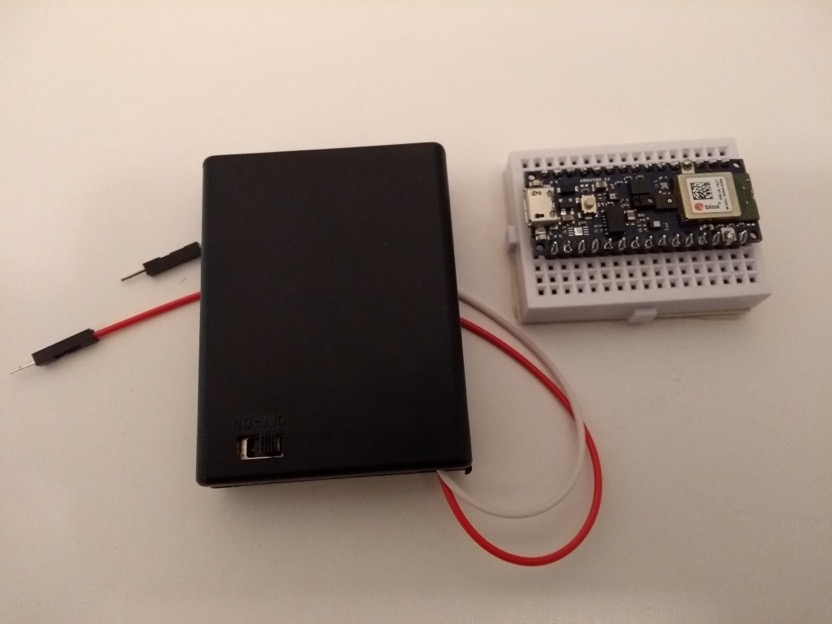
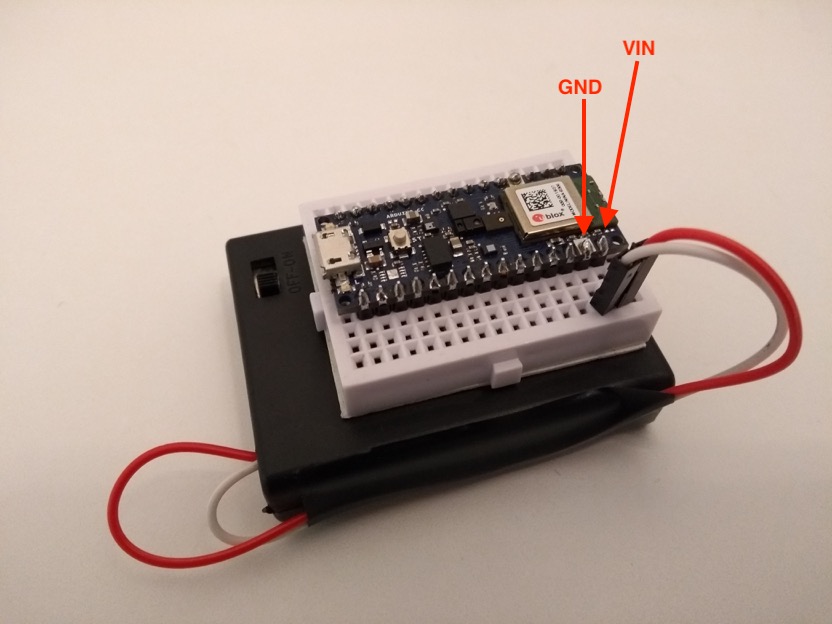
To control the robot using an accelerometer we will use the IMU (Inertial Measurement Unit) present on the Arduino Nano 33 BLE Sense board. The idea is that depending on the inclination we give to the board, we will generate the corresponding movements to control the robot.
The Arduino Nano 33 BLE Sense board will be the central or master device in BLE (Bluetooth Low Energy) communication.
On the other hand, the Arduino MKR WiFi 1010 will be the peripheral device or slave in BLE communication.
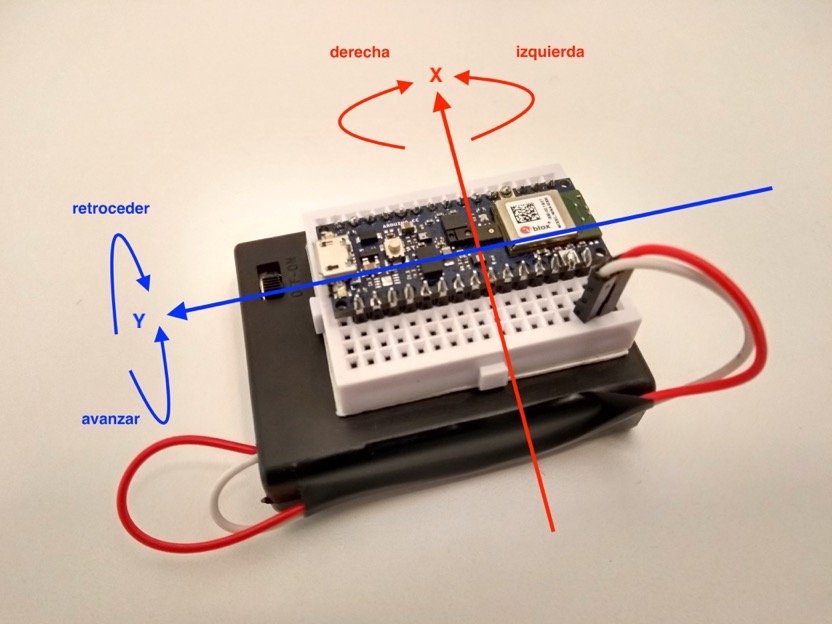
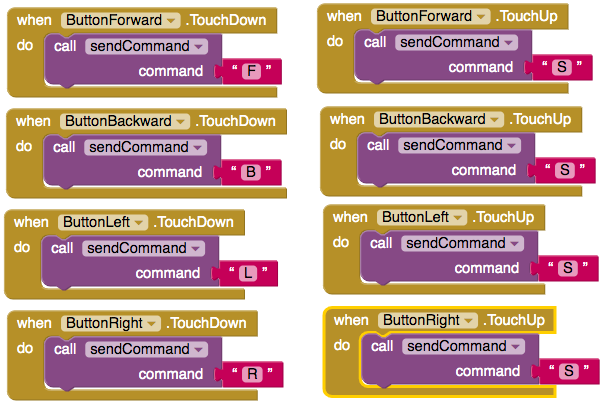
The idea is to make a simple app using the MIT App Inventor 2 development environment. The app will have four arrows to represent forward, backward, left and right movements.
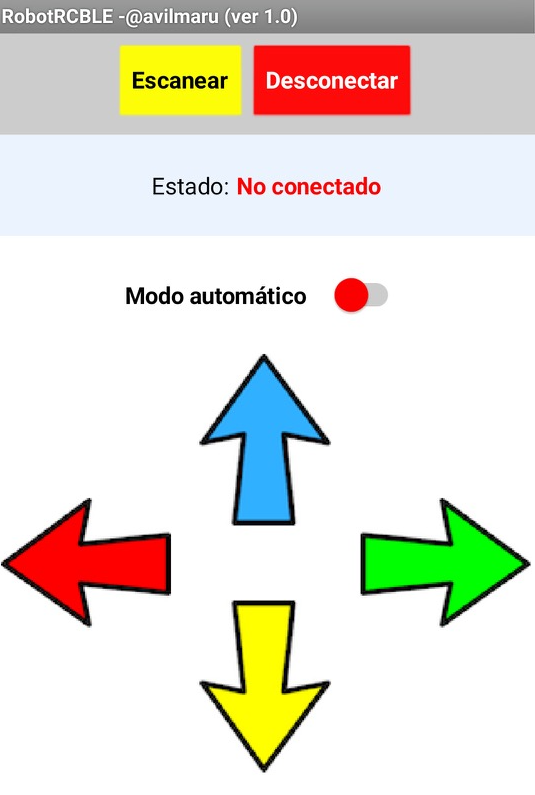
We will also need to add the buttons to be able to scan and connect Bluetooth Low Energy (BLE) devices and a switch type control to change from manual to automatic mode. Manual mode is the mode in which we control the robot using the arrows on the application. In automatic mode, the robot will operate autonomously, the ultrasonic sensor coupled to the servomotor will start operating, which will make it rotate to the right and left by about 50º and in the event that it detects an obstacle at a distance of about 25 cm, it will rotate the robot to avoid the obstacle.
In this control mode, the Bluetooth system will consist of the following devices:
Central device: Mobile phone with the application that we will create.
Peripheral device: Arduino MKR WiFi 1010.
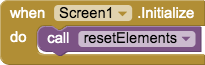
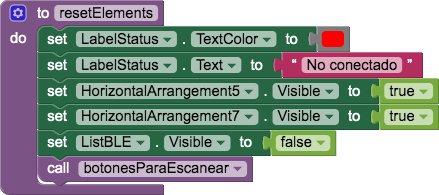
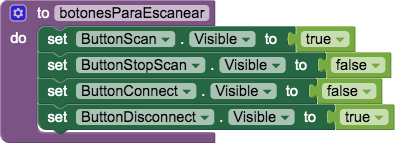
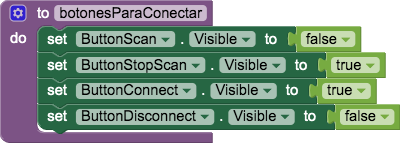
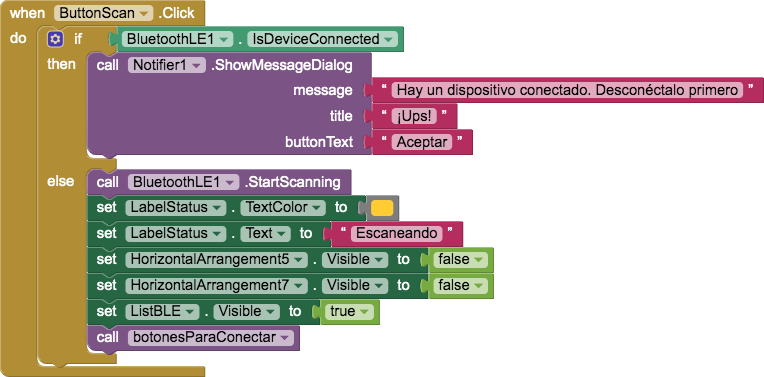
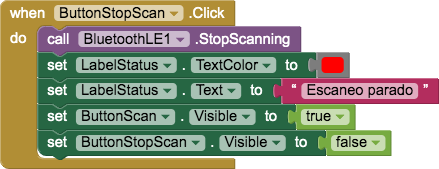
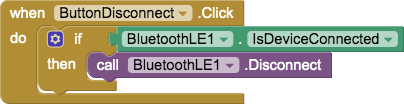
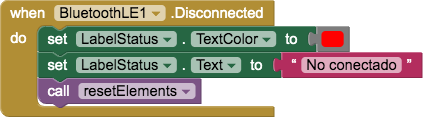
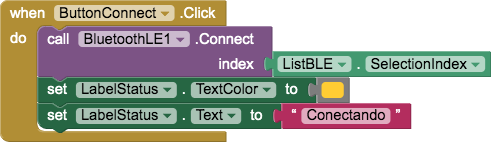
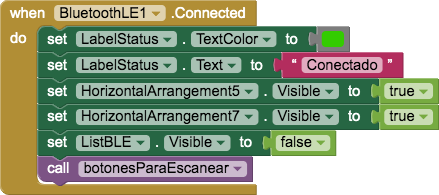
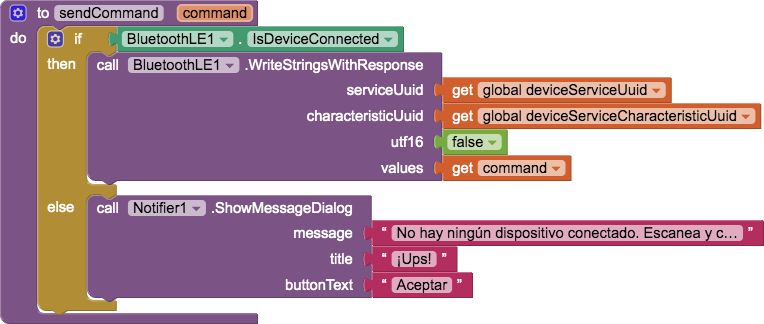
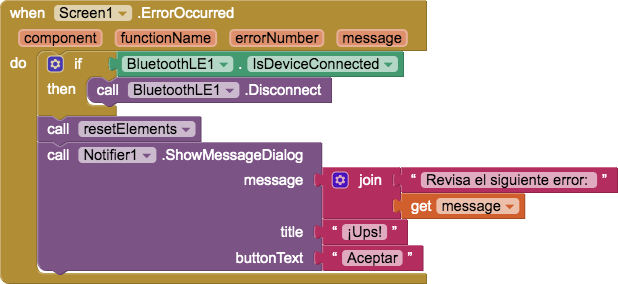
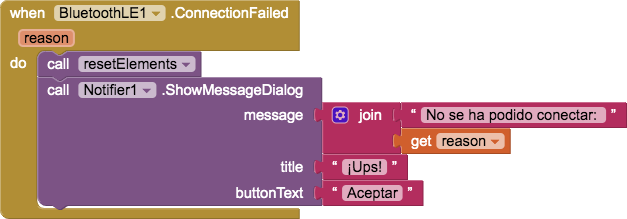
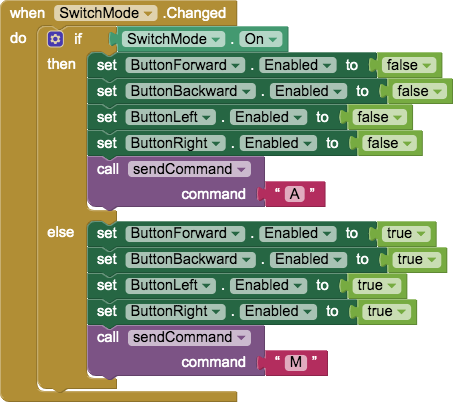
Gallery of images of the programming blocks:



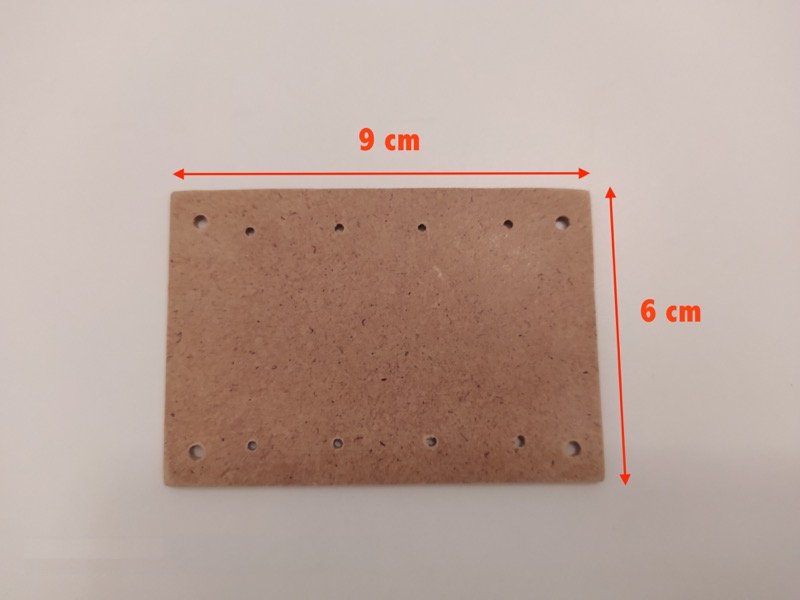
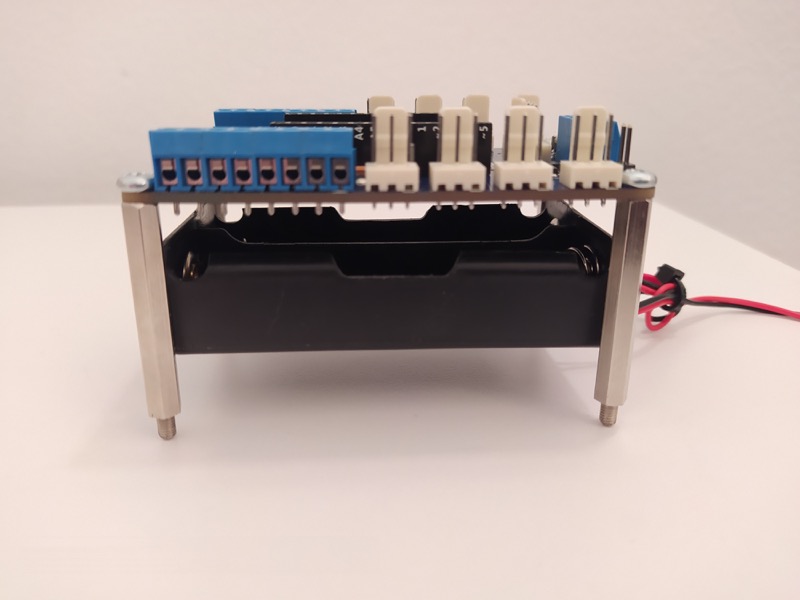
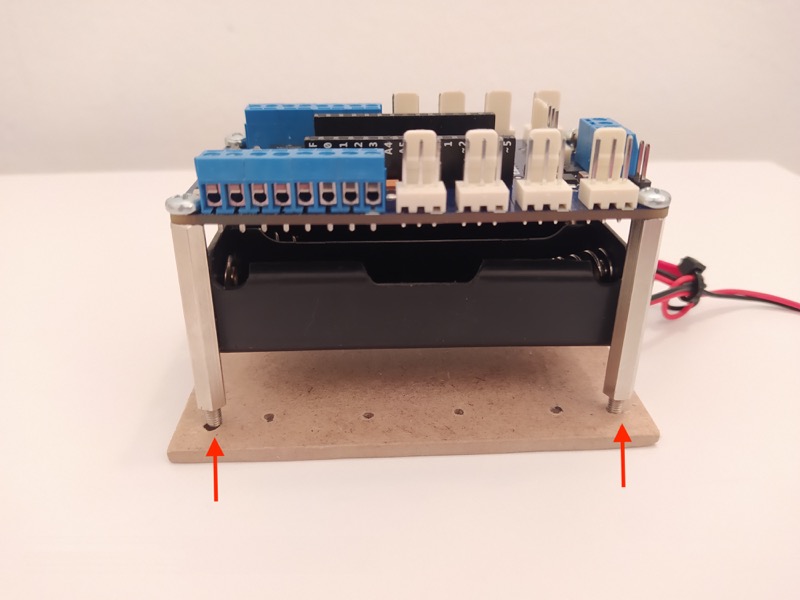
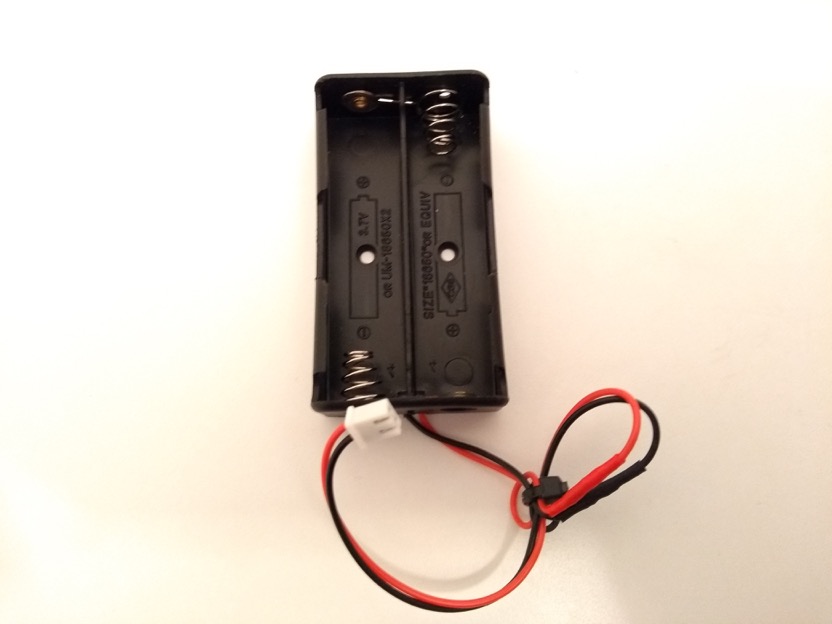
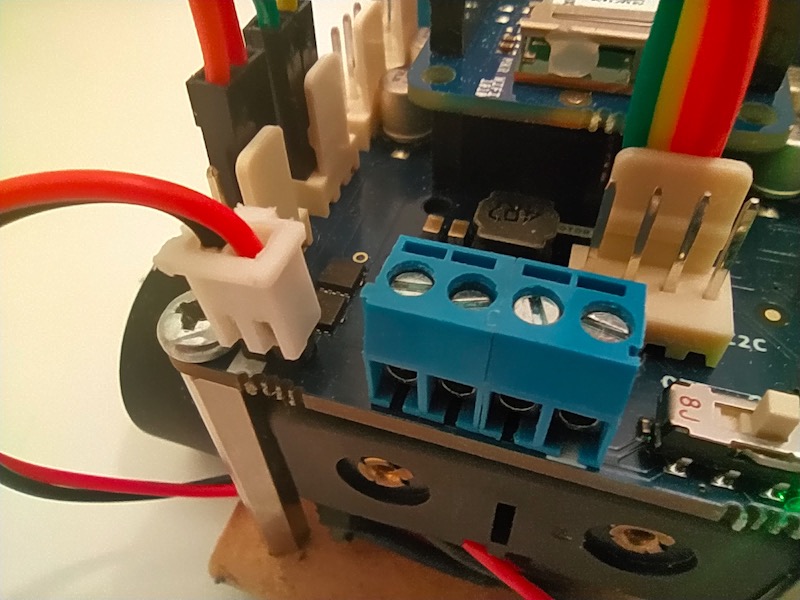
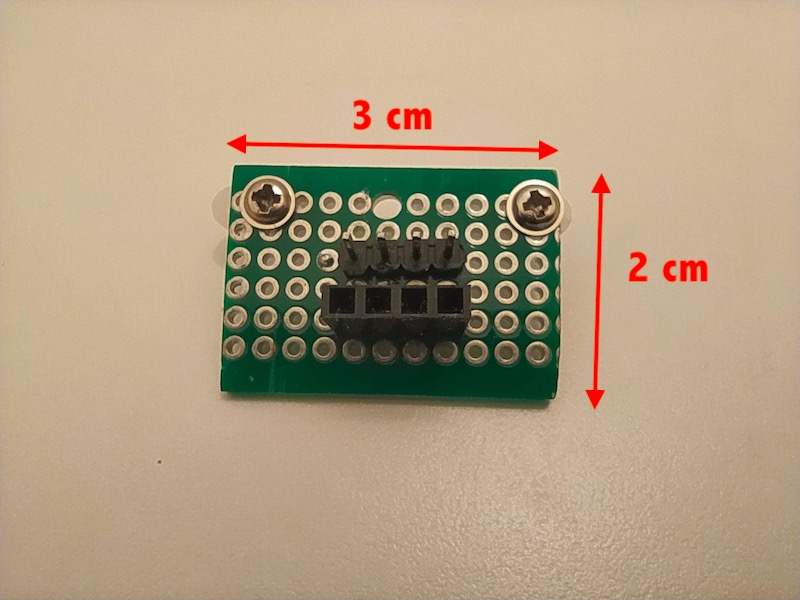
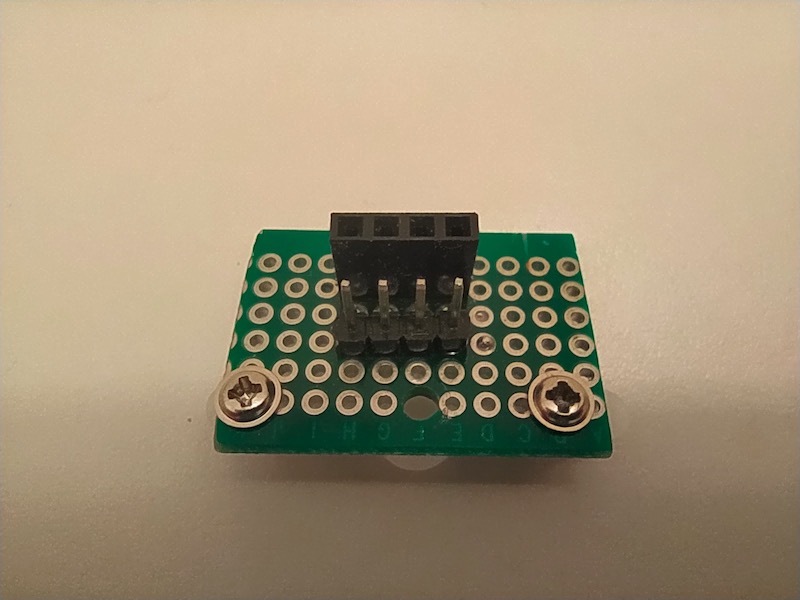
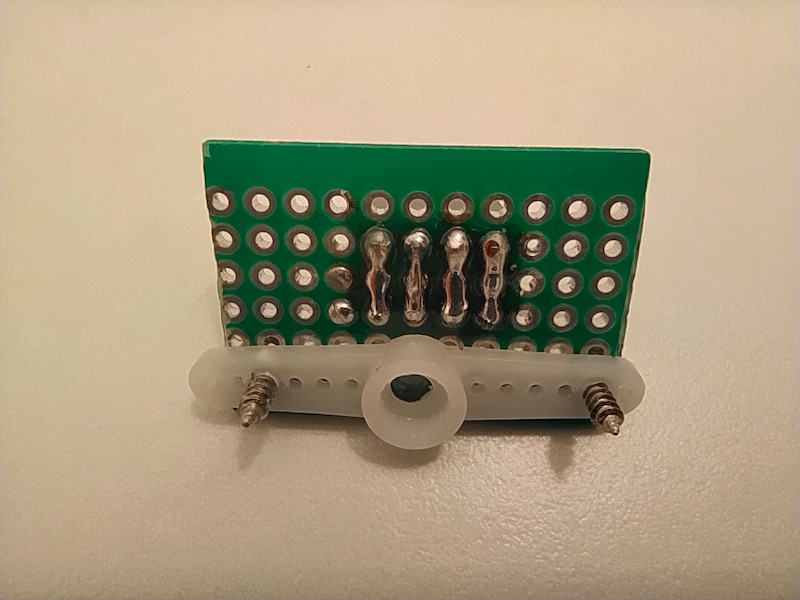
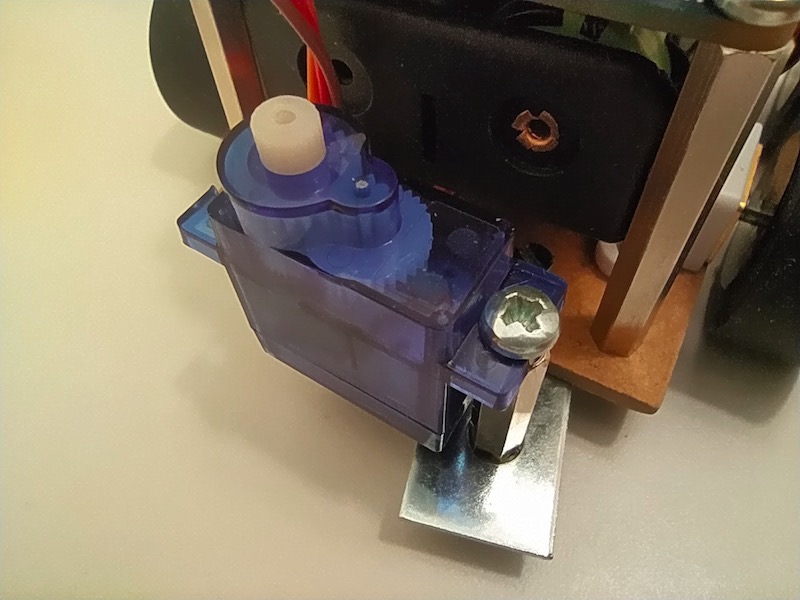
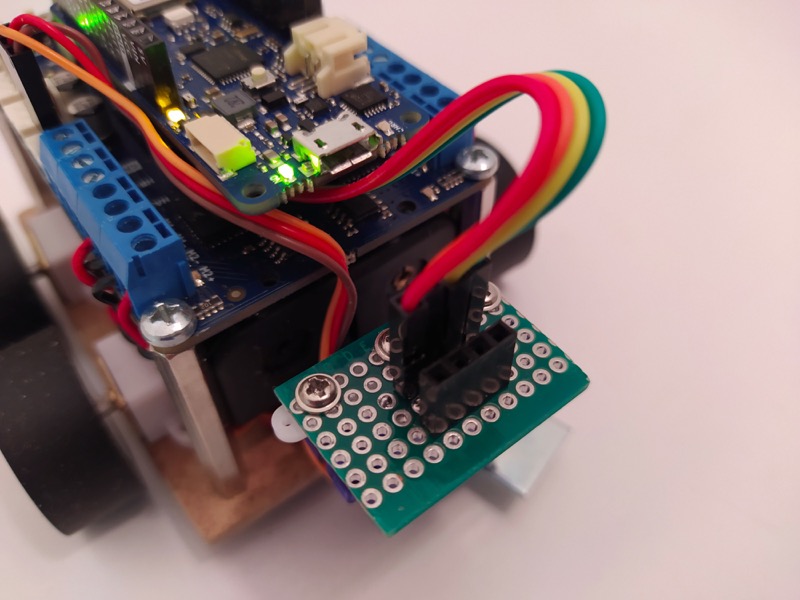
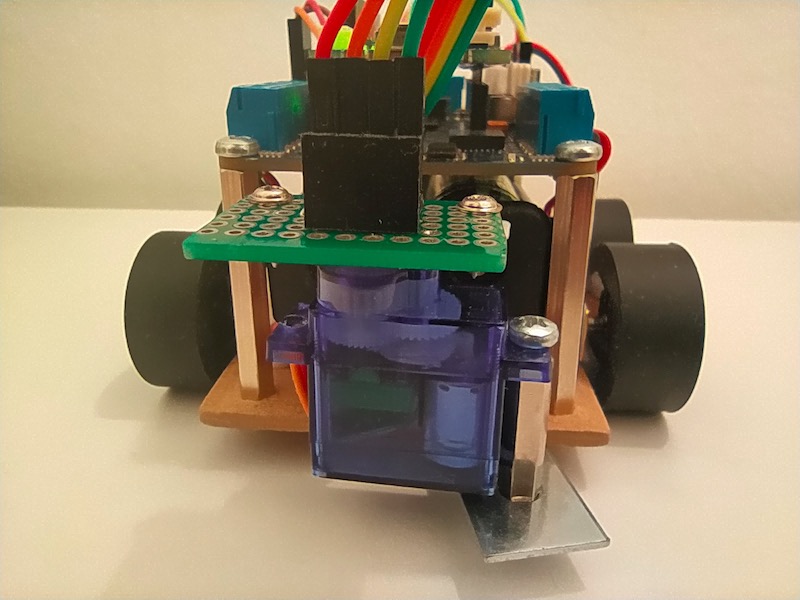
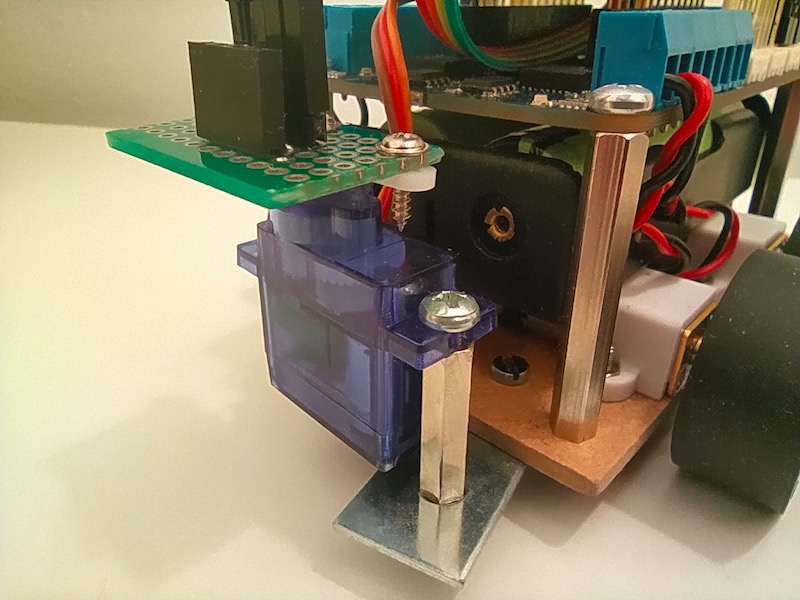
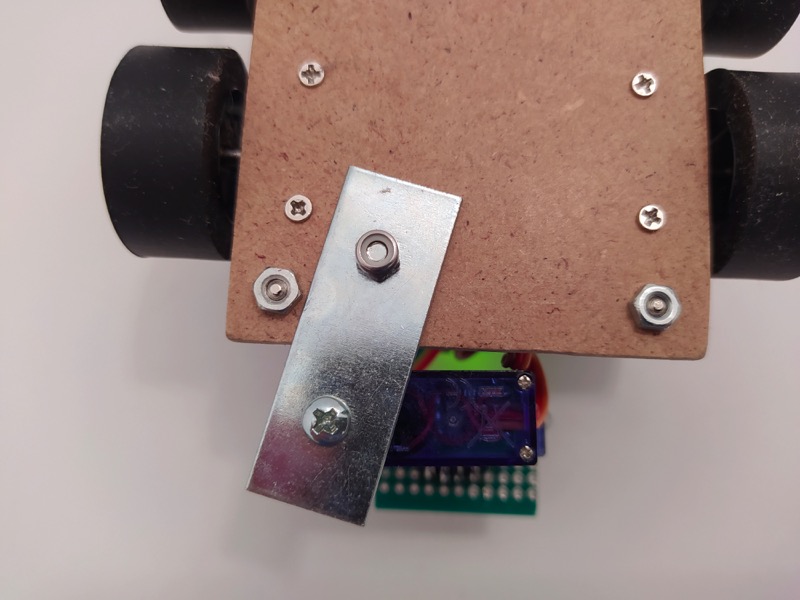
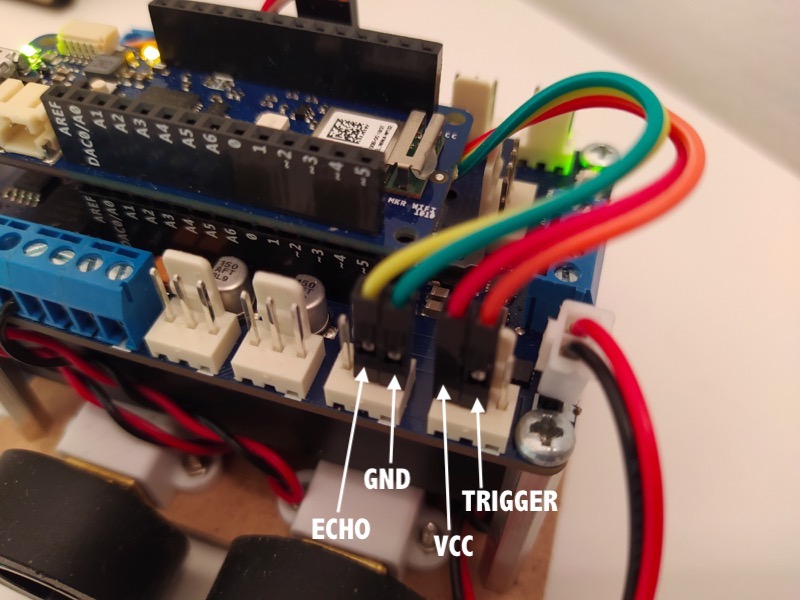
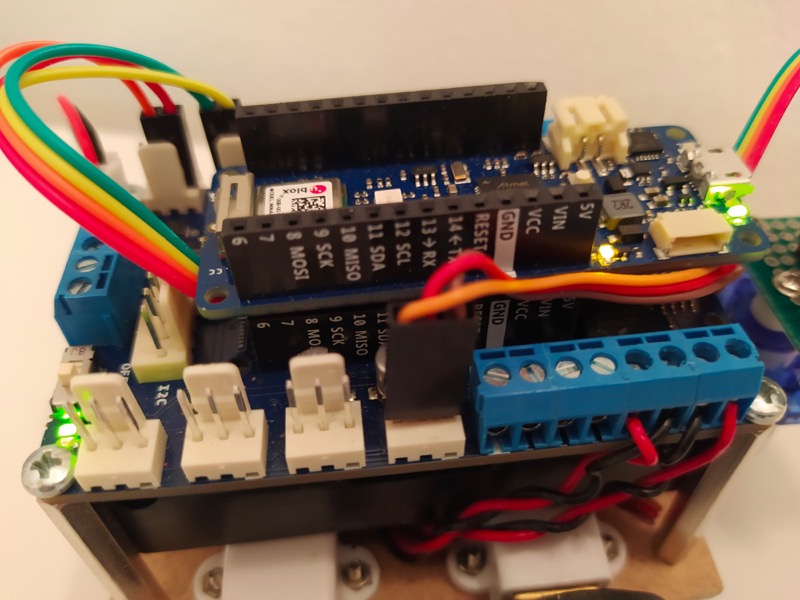
Robot assembly image gallery:
Support to get the Source Code for this project
Project estimate
The long estimate form has moved to a separate page so this project page stays clean.
รีวิวจากคนใช้งานจริง
ถ้าเคยสั่งงาน เคยอ่านหน้านี้แล้วได้ประโยชน์ หรือมีข้อเสนอแนะ ฝากรีวิวไว้ได้เลย
ยังไม่มีรีวิวบนหน้านี้ ถ้าเคยใช้งานหรือมีข้อเสนอแนะ เขียนเป็นคนแรกได้เลย